Delete asset commissioning
A housekeeping operation for fixing a mistake: an asset was put into use too early, or the wrong one was — and it has to be undone.
Where to find it: Modules → Fixed Assets → Maintenances → Delete asset commissioning
A worked example
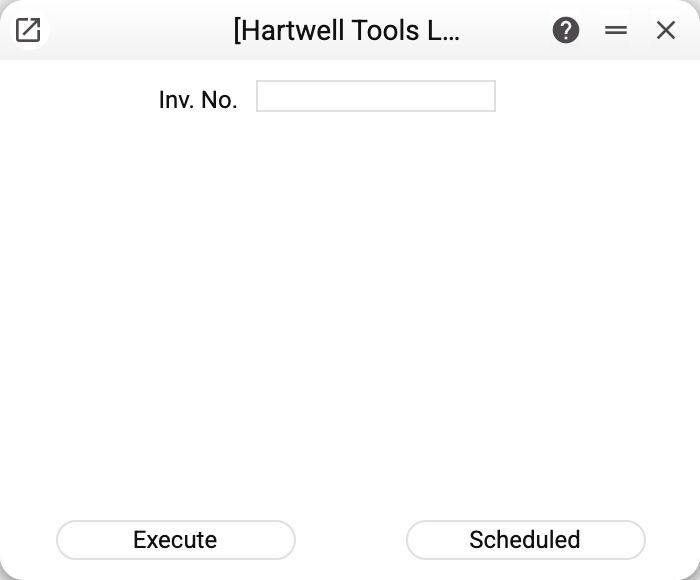
Fields: the inventory number and Model for Disposals ("Model 1" or "Model 2"). Without the number the service simply says "Select FA number!". The default model comes from the Assets Setting; if none is chosen at all — model 1.
What actually gets rolled back
Each model is commissioned on its own: the "Assets Expl" entry belongs to model 1, "Assets Expl 2" to model 2, and each has its own "Used with" date. The service finds the commissioning entry of the chosen model and removes every trace of it:
- deletes the ledger transaction itself the same way document postings are removed: account balances are restored, its general ledger rows and correction history are cleaned up, and the card's links to it go too;
- clears that model's put-in-use date on the card — "Used with" in the model's column on the Models tab;
- deletes the asset's history rows about that very commissioning.
The other model's commissioning, charges and dates stay as they were. Under this model the asset then counts as acquired but not in use — no depreciation will be charged under it.
Closed period. If the commissioning date falls into a period closed in "Closing changes" by the "Assets Expl" row (and when that row has no date — by the general "Close by date incl. for all documents" date), the service refuses with "Period closed!" and changes nothing. It does not refuse only a user whose login is in the unlock list next to the "Assets Expl" date.
The one hard limit
If depreciation has already been charged under the same model, the service refuses: "Commissioning cannot be deleted, depreciation posted!". The reasoning is simple: you cannot cancel the start while the charges that grew from it are still there. Charges under the other model do not get in the way.
So the order of the rollback is: reverse the depreciation charges one by one first, then the commissioning.
The "Scheduled" button is in the window but inactive: the operation is irreversible and is never handed to the scheduler — a scheduled run sent as a direct request is refused by the server too ("This operation is irreversible and cannot be scheduled!").
Typical situations
The asset was commissioned with the wrong date. Delete the commissioning and redo it with the right one.
The service refuses because of depreciation. Remove the charges of the same model first, one at a time from the end.
Commissioned under the wrong model. Run the service with the model that was commissioned by mistake — the other model's commissioning will not change.
"FA not commissioned!" There is no commissioning posting for this number and the chosen model. Check the inventory number on the asset card (the service matches it exactly) and the model: the object may have been commissioned with the other one. If the "Used with" date in the card was filled in by hand or by import and there is no commissioning posting, the service will not clear that date — clear it in the card itself.
Where to look next
- Fixed assets report — see what exists on the asset before rolling back.
- Delete Last Depreciation — the step usually taken first.