Time Classes
The reference that answers "WHEN was the work done": in regular hours, in the evening, on a weekend or a holiday. The class card can describe an interval of hours and weekdays, but that is a hint for people: the system neither derives nor checks anything from it. Classes do nothing on their own — they become a lever together with time sheets and the Customer Discount setting, where each "item + time class" pair gets a rate and a discount.
Where to find it: Modules → Project Management → Registers → Time Classes
The register lives in the Project Management module.
A worked example
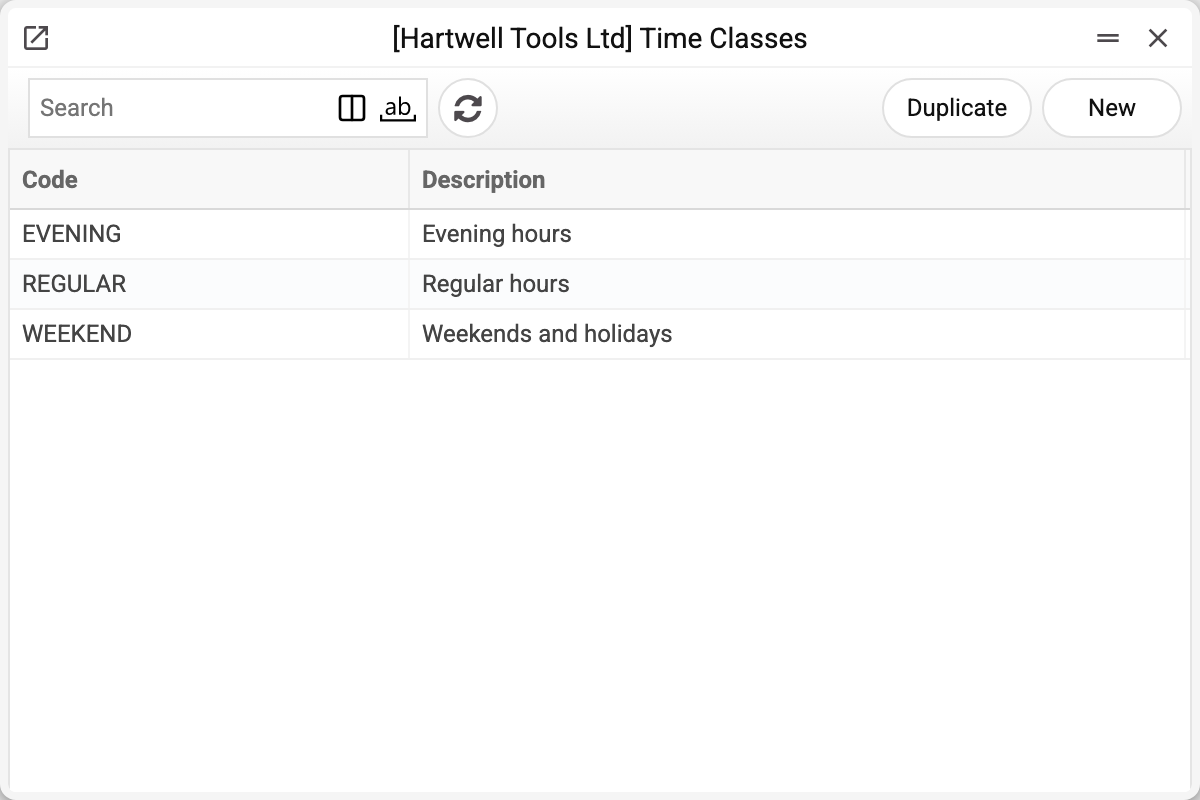
The demo has three classes: REGULAR, EVENING and WEEKEND.
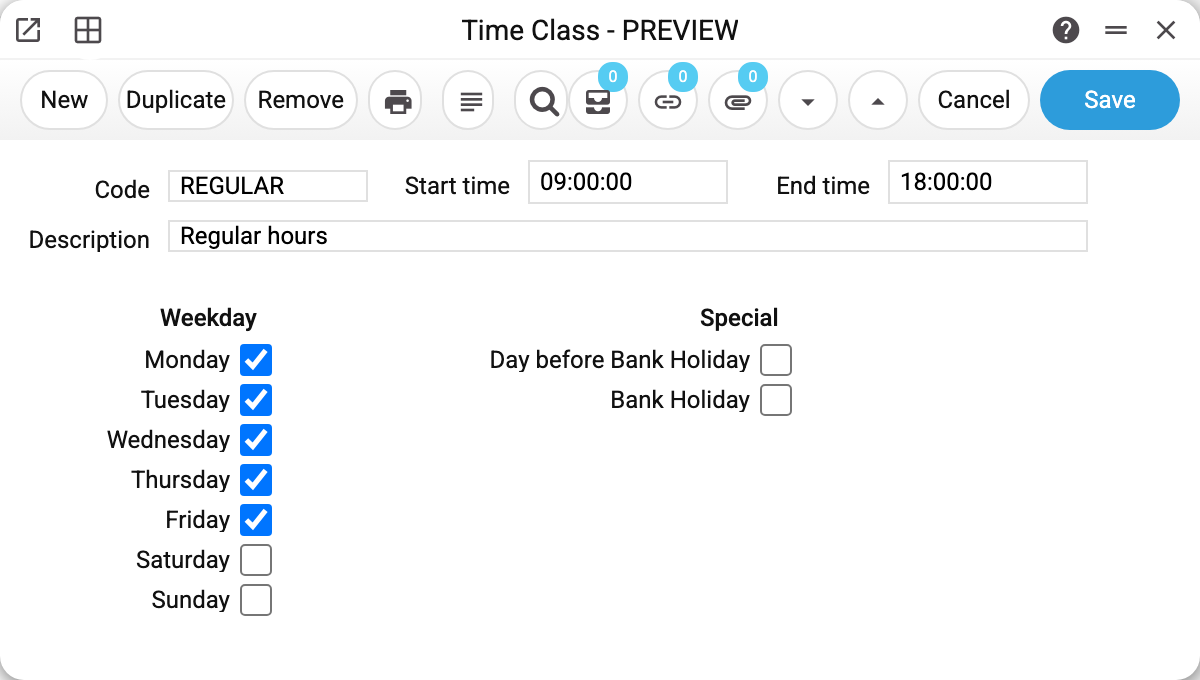
REGULAR is 09:00–18:00, Monday to Friday: start and end time plus weekday checkboxes. EVENING covers the same weekdays from 18:00 to 22:00, and WEEKEND takes Saturday and Sunday. All of it — the hours, the weekdays and the "Bank Holiday" and "Day before Bank Holiday" checkboxes — is informational: it is stored on the card and shows what the class was meant for, the system does not check that a time sheet row's date and time match its class, and it does not affect any calculation. A time class is not tied to the holiday calendar and is never derived from a date — on a timesheet you pick it by hand.
The practical meaning shows in a time sheet: the "emergency call-out on Saturday" line gets the WEEKEND class — and the system applies the weekend rate with no discount, while a weekday line with REGULAR takes the normal rate with a 10 discount.
Common situations
Classes overlap — which to pick? The class in a time sheet line is chosen by the person — the reference only describes the schedule; there is no automatic detection by the hour.
The class exists but no discount pulls in. Check that Customer Discount has a line for this item with this exact class.
The class cannot be deleted: "A record of «Time Classes» is used in: Time Sheets!" The class sits in a time sheet line — without it the time sheet would no longer save. A line of the Customer Discount setting, a quotation line and a project budget line hold it too — the refusal names the first place found. Keep a class that has made it into time sheets.
Key fields
| Field | Description |
|---|---|
| Code, Description | Class identity |
| Start time / End time | The hour interval — informational |
| Monday–Sunday | Weekdays the class is meant for — informational |
| Bank Holiday, Day before Bank Holiday | Informational marks |
Informational fields are only stored: they do not assign a class to a time sheet row and do not affect any calculation.