Vendor Invoice Status
The dossier of a single document: what happened to this vendor invoice — how much has been paid, which advances were applied, whether a credit note was issued and how much is still owed.
Where to find it: Modules → Purchase Ledger → Reports → Vendor Invoice Status
A worked example
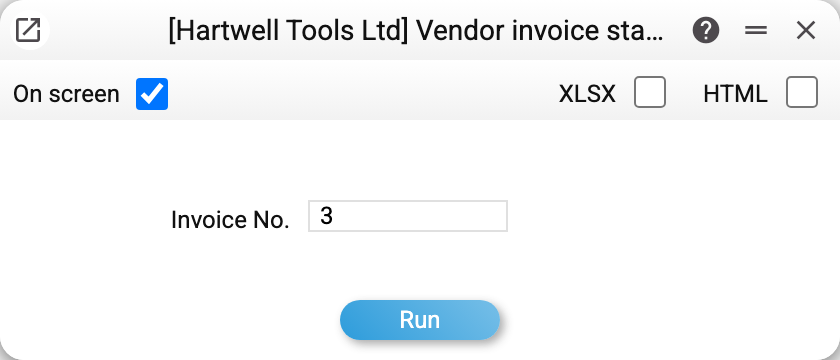
Type in the invoice number and you get its history:
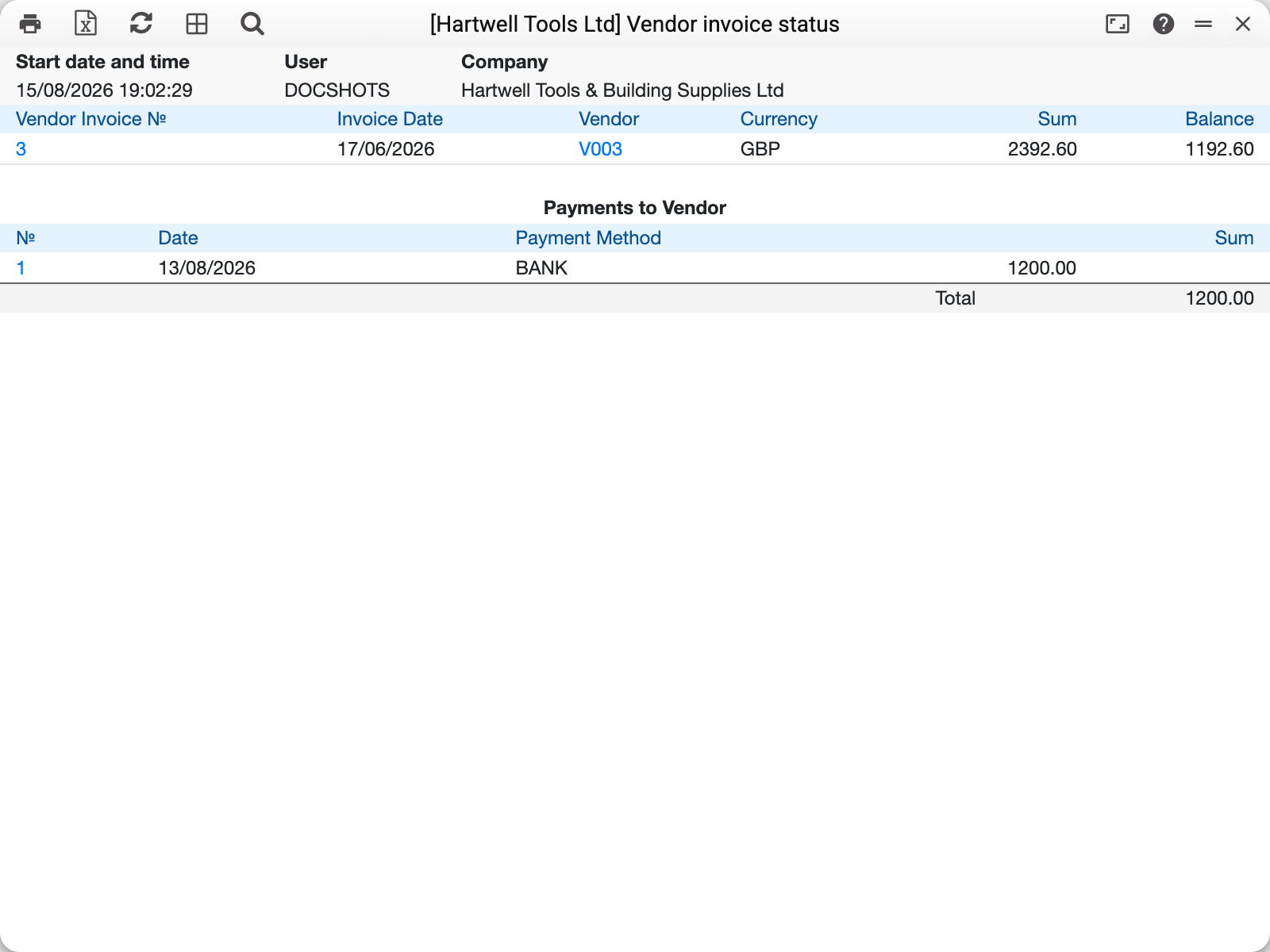
The top line is the invoice itself, with its date, supplier, currency, amount and the Balance column. Below it the "Payments to the supplier" block shows every payment made against that invoice: number, date, payment mode and amount.
The difference between the amount and the balance is exactly what those payments cover. That same balance is what the vendor cred report and the aging report show — here you can see how it came about.
The blocks that may appear
Besides payments, two more blocks appear under the invoice when there is something to show:
- applied prepayments — advances that closed part of the invoice. Each shows the prepayment number, and clicking it opens the payment it originated from;
- credit notes — return documents issued against this invoice. They reduce the debt just as a payment does.
An empty block is not drawn: with no advances, the section is simply absent.
How the balance is calculated
Balance = invoice amount − applied advances − payments − credit notes. Zero means the invoice is closed and will no longer appear among debts.
An invoice paid at purchase always has a zero balance — an invoice of type "Cash" or with "Payment Terms" of the cash type: it is paid at the moment of purchase, and a credit note against it does not change that.
Only approved documents count. A payment prepared but not approved does not change the balance — and does not appear in this report. The same goes for the invoice itself: for an unapproved invoice the report is empty.
For a credit note the balance is negative: the document itself reduces the debt, so its line carries a minus sign in the "Balance" column. This applies to a credit note with no base invoice; a credit note issued against an invoice has no file of its own — it shows in that invoice's credit-note block, and its own number gives an empty report.
Common situations
The invoice is paid but the balance is not zero. Compare the payment total in the report with the invoice amount: most often the payment was approved for a smaller sum, or its line refers to a different invoice.
The payment exists but is missing from the report. Check the OK flag on the payment: drafts do not reach this report.
All invoices of a supplier are needed at once. This report covers a single document; the wider picture comes from the vendor cred report and the vendor information report.