Depreciation Models
The rules by which fixed assets lose value: method, service life and charge step. A model is entered once and attached to cards (directly or via a category); the depreciation service reads it on every charge.
Where to find it: Modules → Fixed Assets → Registers → Depreciation Models
Walkthrough
Model 5 in the demo database — "5 years straight-line":
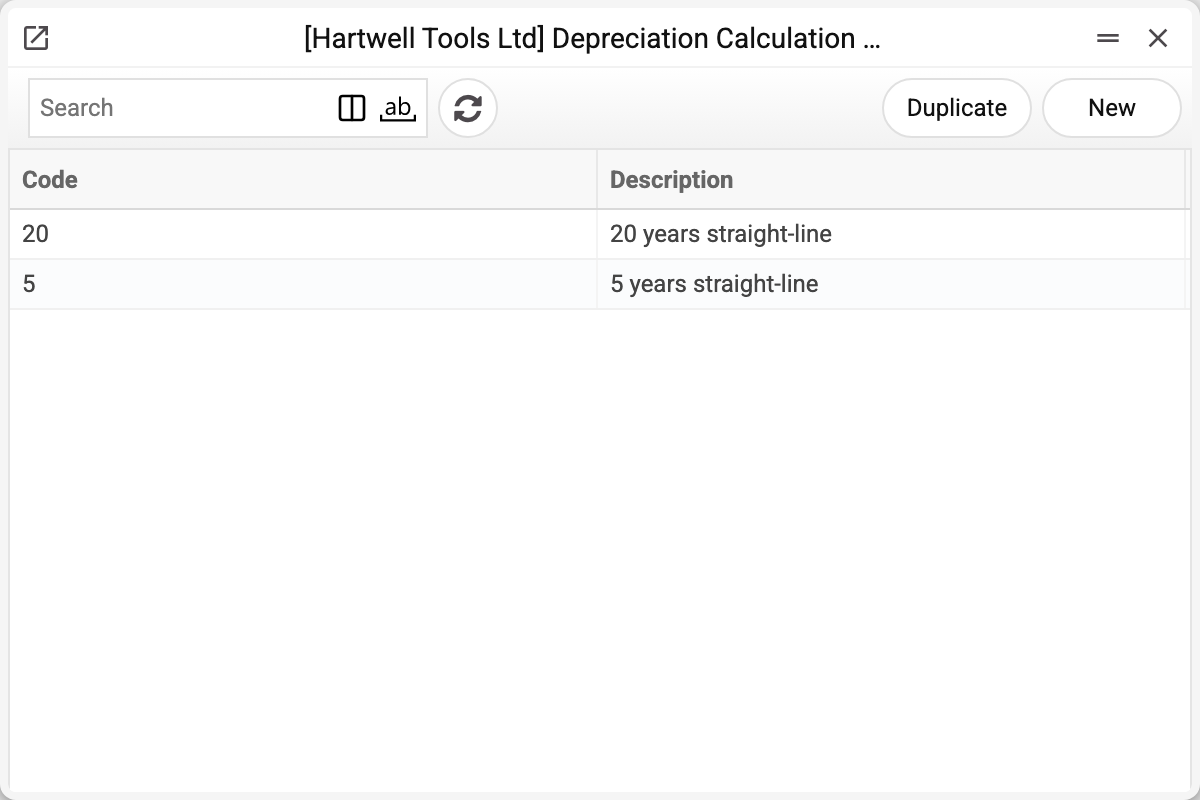
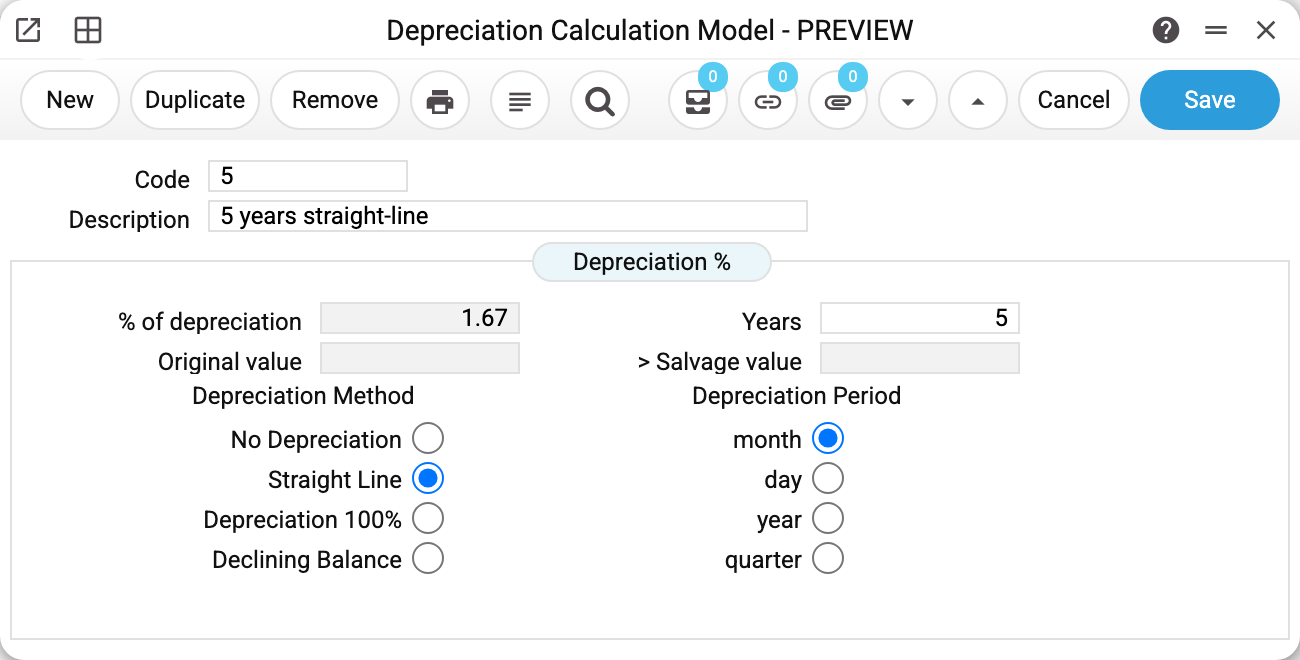
- Years 5, method Straight Line, period month → 1/60 of the original value is written off monthly. The depreciation percentage 1.67 is the same step in percent (100% ÷ 5 years ÷ 12 months); the field computes itself and only shows the step: the service computes the amount from the years and the period.
- For the 250,000 vehicle the step is 4,166.67 a month — exactly the amounts in the demo card's history.
Methods
- No Depreciation — a stub model: the object is on the books but never loses value (land, museum pieces).
- Straight Line — equal shares: (the card's «Purchase cost (unit)» × the card's «Qty» − the card's «Fiscal value» (salvage value)) ÷ life ÷ steps per year, so the card reaches its salvage value exactly at the end of the life. Do not leave the "Years" field of such a model empty or zero: the depreciation service charges nothing by such a model and refuses the card — "Failed to process the fixed asset".
- Depreciation 100% — the whole remaining value down to the card's salvage value in a single charge: low-value items expensed in their first month.
- Declining Balance — an accelerated method: double the straight-line rate applied to the remaining value; more at the start of the life, less at the end. The model's "Original value" and "Salvage value" fields may be left empty: the depreciation run takes both amounts from the fixed asset card. If the original value is given, the salvage value must be lower.
No method takes the fixed asset card below its salvage value: the last charge is trimmed so the remaining value lands exactly on it. A card with a salvage value of 1,000 and a remaining value of 10,000 gets a single 100% charge of 9,000.
Depreciation period — the charge step: month (the usual bookkeeping), day, quarter or year. A model saved without a period choice is charged monthly. It is also the step's denominator: "5 years, month" = 60 steps, "5 years, year" = 5. The service charges by a model no more than once per period, and the first time in the period after commissioning ("100%" may charge in the commissioning period too). One run is one step: the next run does not catch up a skipped month, so run the service every period.
Print variables
Values available in this document's printed form templates. How to write a variable in a template — see Print Forms.
Header fields:
| Variable | What it holds |
|---|---|
| Dep_No | Code |
| Dep_Desc | Description |
| Dep_PoD | % of depreciation |
| Dep_Years | Years |
| Dep_Depr | Depreciation method, spelled out |
| Dep_Depr_per | Depreciation period, spelled out |
Common situations
Changed the model — old charges did not recalculate. Nor should they: the model is read when the service runs. Fix it going forward; the past stays as is.
An object depreciated "to zero" but should have kept a token value. The floor is set on the object's card (the "Fiscal value" field on the "Sum" tab), not in the model — the model only computes the step.
The model cannot be deleted: "A record of «Depreciation Models» is used in: Fixed Assets!" A fixed asset card ("Model 1" or "Model 2") or a category holds the model — the refusal names the first place. Without the model the card would no longer save, and depreciation by it would be refused. Leave a model that cards use as it is.
Two models on a card. "Model 1" is the main books, "Model 2" the parallel (fiscal) ones: the depreciation service asks which model to run and posts to the matching account set of the type.