Printers
The directory of hardware printers that pull jobs from the «Print Queue» themselves. Such a printer (or an agent program beside it) knocks on the system periodically with its own key and asks: «anything to print for me?».
Where to find it: Modules → Print Receipt → Registers → Printers
The directory serves this printing route specifically. The POS till prints receipts differently — through the till computer's browser — and does not appear here.
A worked example
The demo company has a single printer — the label printer in the warehouse, and it is active.
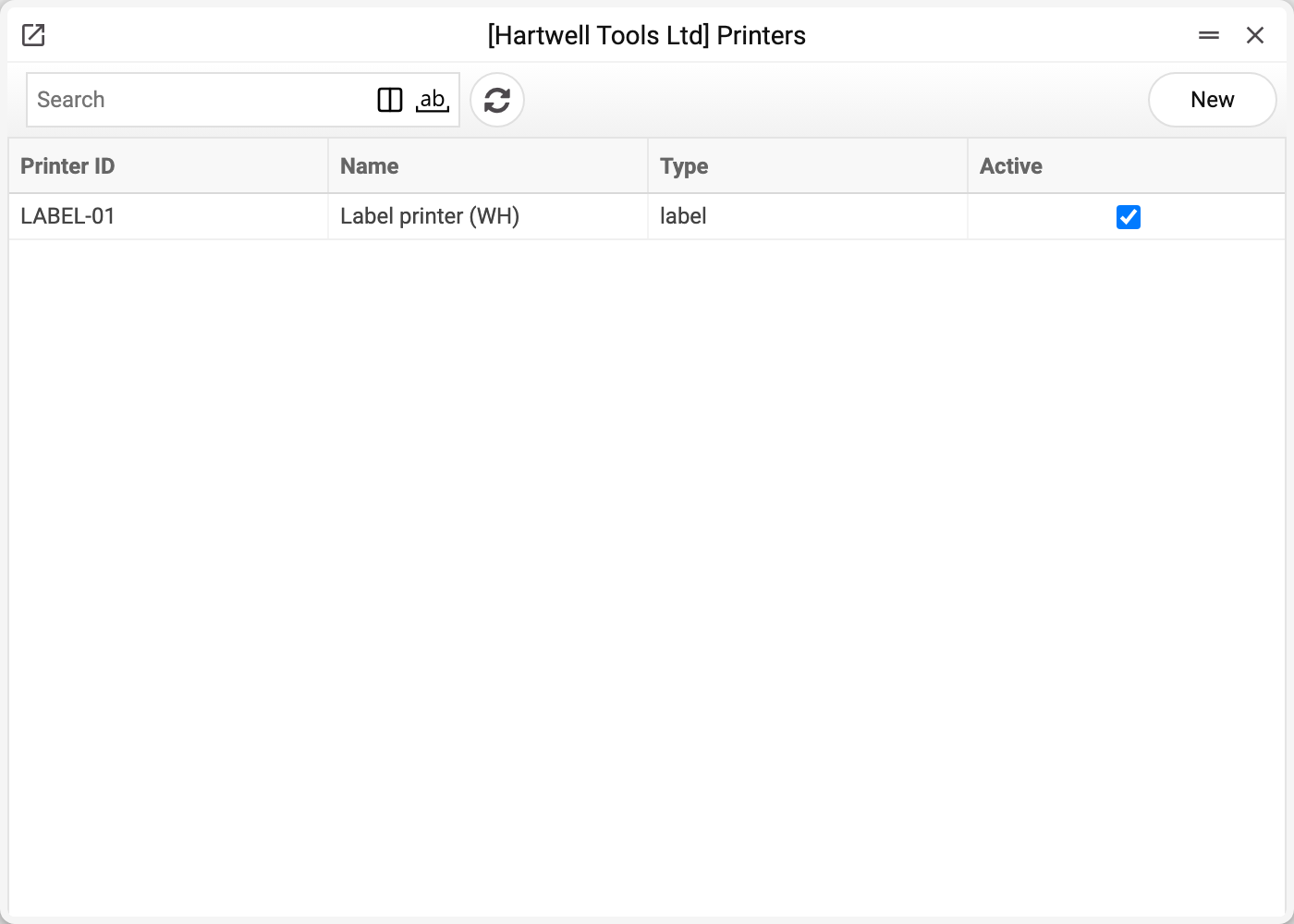
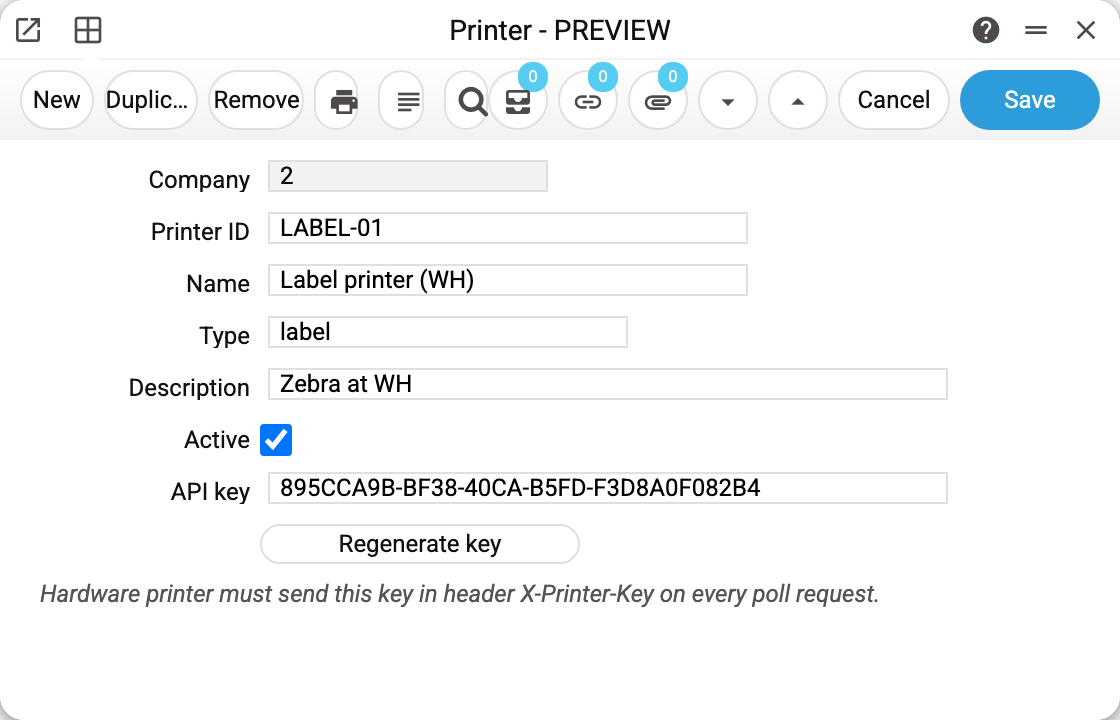
- Printer ID — the name the printer introduces itself with. A printer picks up only queue rows carrying this value; jobs created by the interface carry no printer code. The field is required: without an ID the card will not save.
- Name, Type, Description — for people: where it stands, what it prints.
- Active — clear it and the printer stops receiving jobs (its key becomes invalid at once).
- API key — the printer's password. The «Regenerate key» button puts in a new one: copy it into the printer before «Save» — after saving the window shows only a mask, and the key can no longer be viewed. The old key stops working as soon as the card is saved.
How it works
- Printing a receipt or a label puts a job into the «Print Queue» — without a printer ID: jobs cannot be addressed to a particular device at present.
- The printer knocks on the system with its key and takes ONE job carrying its ID — so no device receives jobs created by the interface.
- Having printed it, it tells the system — and the row leaves the queue.
The key travels in the X-Printer-Key header; the system finds the active printer by it, determines its company and serves jobs of that company only.
Common situations
The printer receives nothing. Three usual causes: «Active» is cleared; the key was regenerated but the printer still holds the old one; jobs from the interface land in the queue without a Printer ID, while a printer takes only jobs carrying its own ID — so no device takes them. Clearing the ID does not help: the field is required, and a printer without an ID receives nothing.
A job went to the wrong printer. Two records share a Printer ID — give them distinct identifiers.
The key leaked. Press «Regenerate key», set the new one in the printer and save the card; once it is saved, old requests are cut off immediately.