Rental locations
Hire equipment does not sit in the finished-goods warehouse; it stands on its own locations: some in the depot yard, some already on a customer's site, some on the service bay. This register lists those places.
Where to find it: Modules → Rental → Registers → Rental locations
A worked example
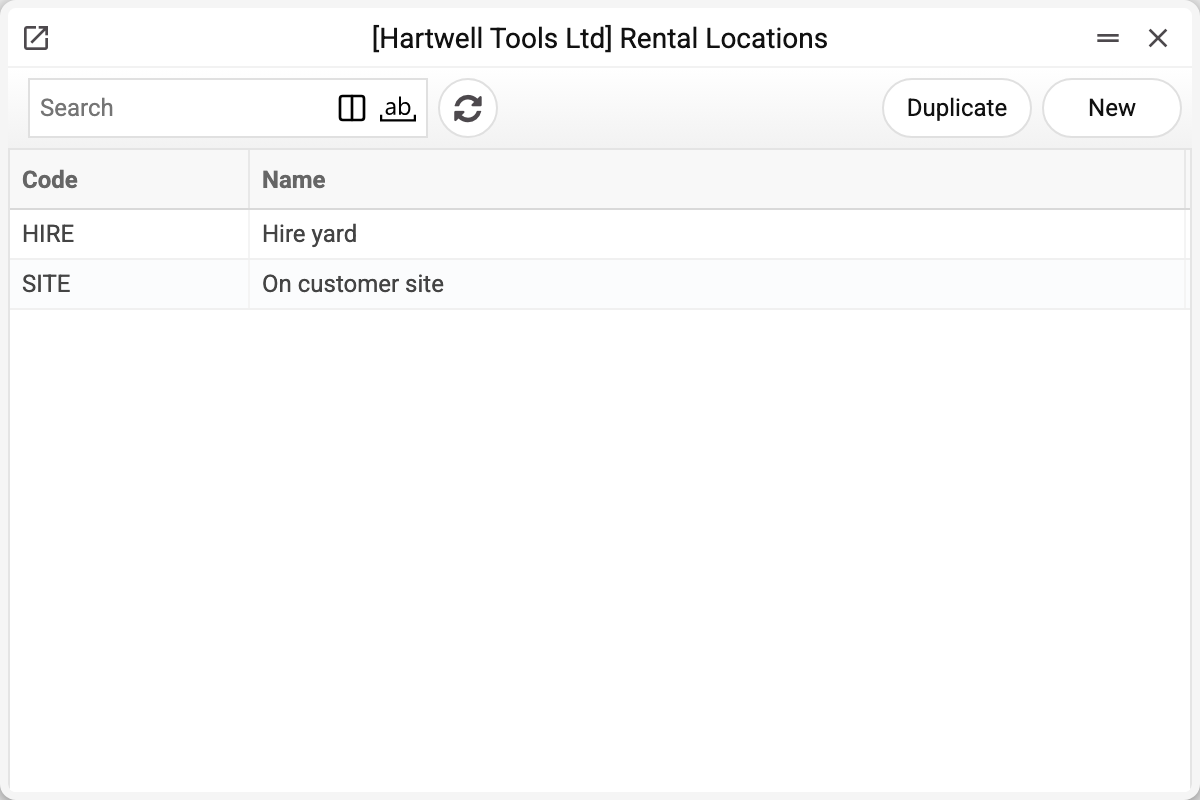
The demo company has two:
| Code | Name |
|---|---|
| HIRE | Hire yard |
| SITE | On customer site |
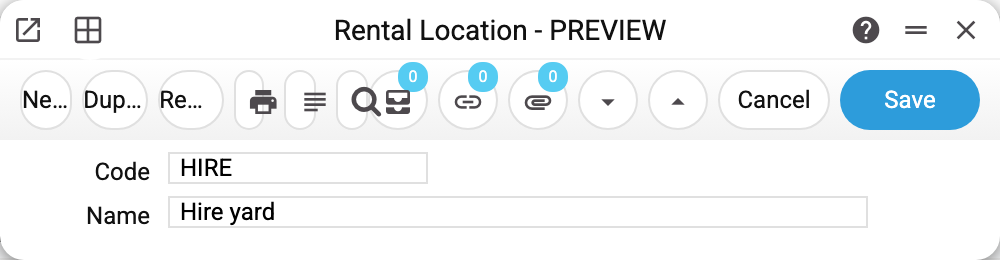
The card holds a code and a name — a plain register with no logic behind it.
Where it shows up
The location is named on the rental documents: the agreement, the order, the issue act and the return act. In their windows the field is labelled «Location», and what you pick there is a rental location from this register. It answers "where does the equipment stand under this document" — which is exactly why it is not the same thing as a stock location. It is a reference mark of the document: it is printed and shown in the agreements status report, but no calculation or status reads it, and it does not go into the rental item card; on a posted act it can still be corrected.
The distinction matters: a warehouse keeps a quantitative record of goods with a stock account behind it, while a rental location is simply the place a particular machine stands. Stock is moved by the pool transfer, and it moves on a warehouse, not on a rental location. The document's window has no warehouse field to pick: the operation uses the warehouse from the «Location» field of the rental item card.
Typical situations
Not enough locations. Create as many as you need: there are no limits and only two fields.
Confused with a warehouse. The test is simple: if stock balances are kept there, it is a warehouse; if it is just "where the machine is", it is a rental location.
The customer's site as a location. That is common practice: one code for all field sites, or a separate code per major site if reports need to tell them apart.
A location cannot be deleted: «A record of «Rental locations» is used in: Rental agreements!» A location can be deleted only while its code is on no agreement, order, issue act or return act — the refusal names the first document where it turns up. Rental documents do not check the location code, so a deleted location would leave them with a code that leads nowhere — and nobody would notice. If you no longer use a location, keep it in the list and don't pick it in new documents.
Where to look next
- Rental items — what stands on those locations.
- Pool transfers — equipment moving between the fleet and stock.
- Locations — quantitative stock accounting, not to be confused.