Rozetka item categories
The marketplace's section tree, downloaded to your side. On Rozetka a category decides which part of the storefront a product appears in and which attributes it must carry; in ERPJS, though, the register is for reference only — products are not tied to categories here, and the module does not send them to the storefront (cards and categories are edited in the Rozetka cabinet).
Where to find it: Modules → Rozetka → Registers → Rozetka item categories
A worked example
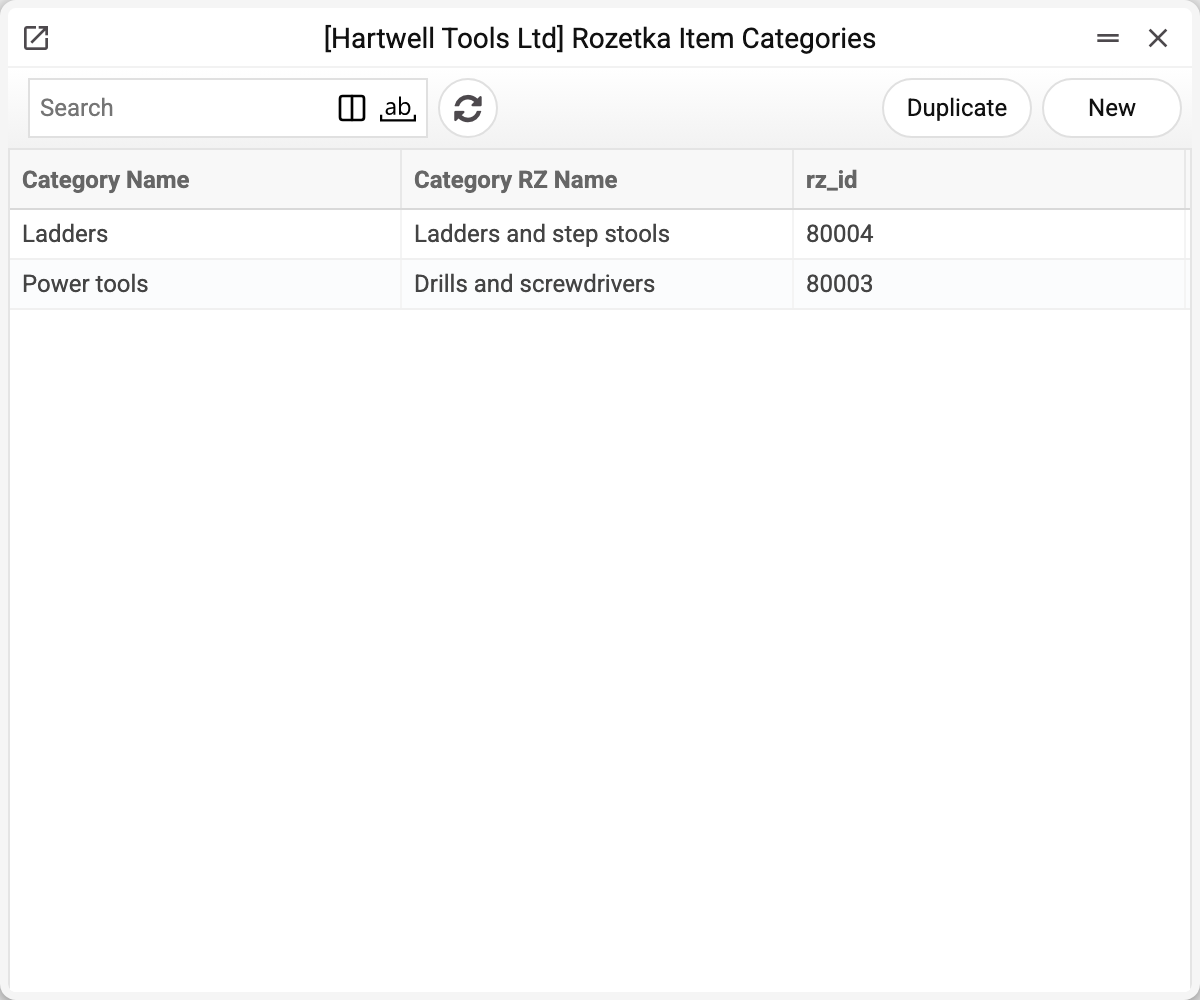
The journal shows your category name, the name on Rozetka and its rz_id. There are two categories here: «Ladders» and «Power tools».
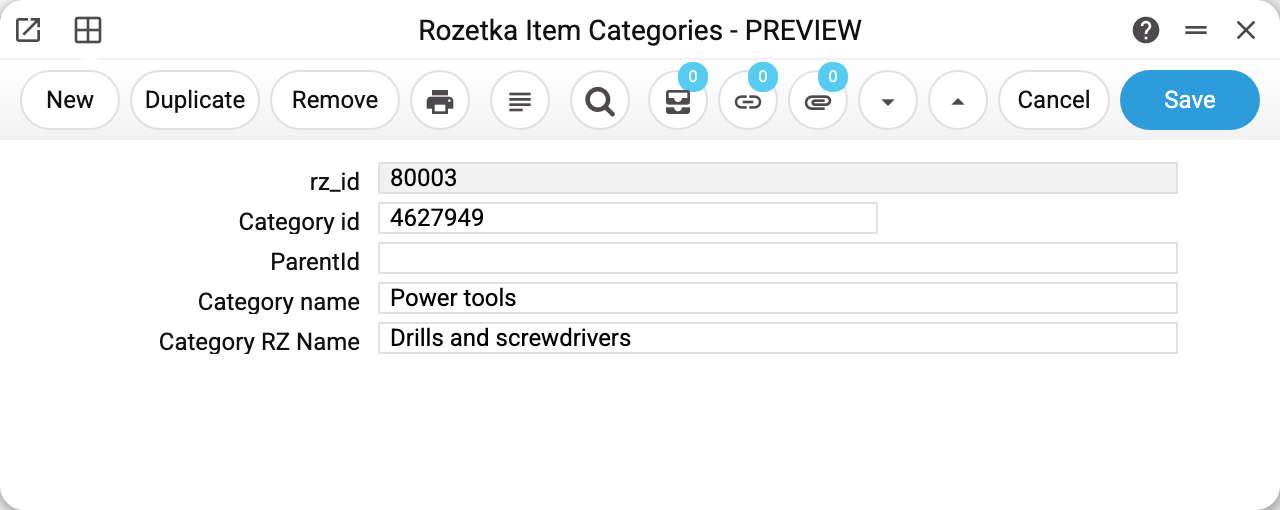
A category record: its id, the parent category (empty means it is a root), Rozetka's internal id, and two names — yours and the marketplace's.
The parent id is what turns a flat list into a tree: "Ladders" points at "Power tools", and on the storefront one sits inside the other.
Two names, not duplication
On the left, the name your staff understand; on the right, the official Rozetka section name. They rarely match word for word, yet they must be mapped: the marketplace uses the category id to check whether a product is allowed in that section.
Where the records come from
The tree is filled by the category download service. It has two modes: fetch all marketplace categories, or only the used ones — those you actually have products in. The second is usually better: Rozetka's full tree is enormous.
Typical situations
The marketplace rejects a product. Check that its category exists here and that its id is correct.
The tree is out of date. Re-run the download service: marketplace categories change without notice.
Too many categories. Next time, download only the used ones.
Where to look next
- Rozetka items — what sits in the categories.
- Category download — how to refresh the tree.