Project Information Report
One project, one page: details, budget, costs, income and margin. It answers the question "how is this project doing", assembled not from every document of the project but from four sources: the project's budgets except closed ones (status "Closed") and the quotations tied to them — the plan, posted worksheets — the costs, posted invoices — the income. Time sheets, goods receipts and vendor invoices that point at the project do not get into the report.
Where to find it: Modules → Project Management (also in modules: Service Orders) → Reports → Project Information Report
Video walkthrough: Projects in ERPJS step by step — budget, work sheet, invoice and what the job earned.
A worked example
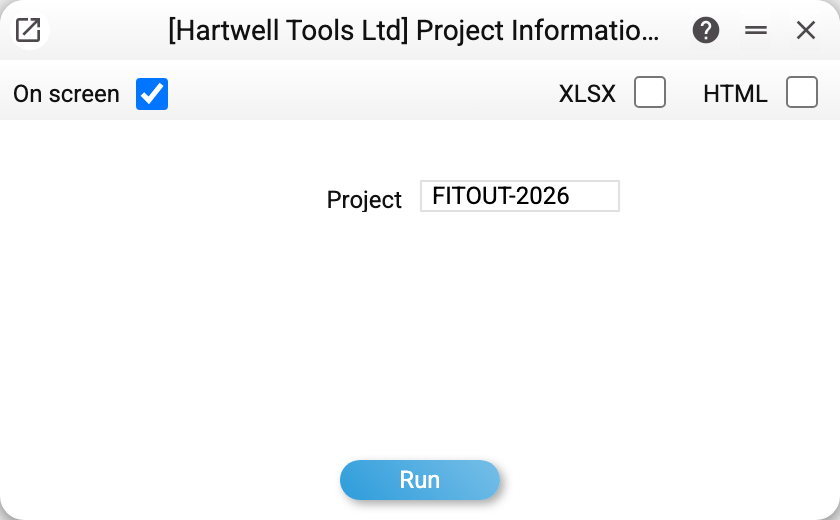
There is exactly one parameter — the project. Without it the report refuses to run: "Specify a project".
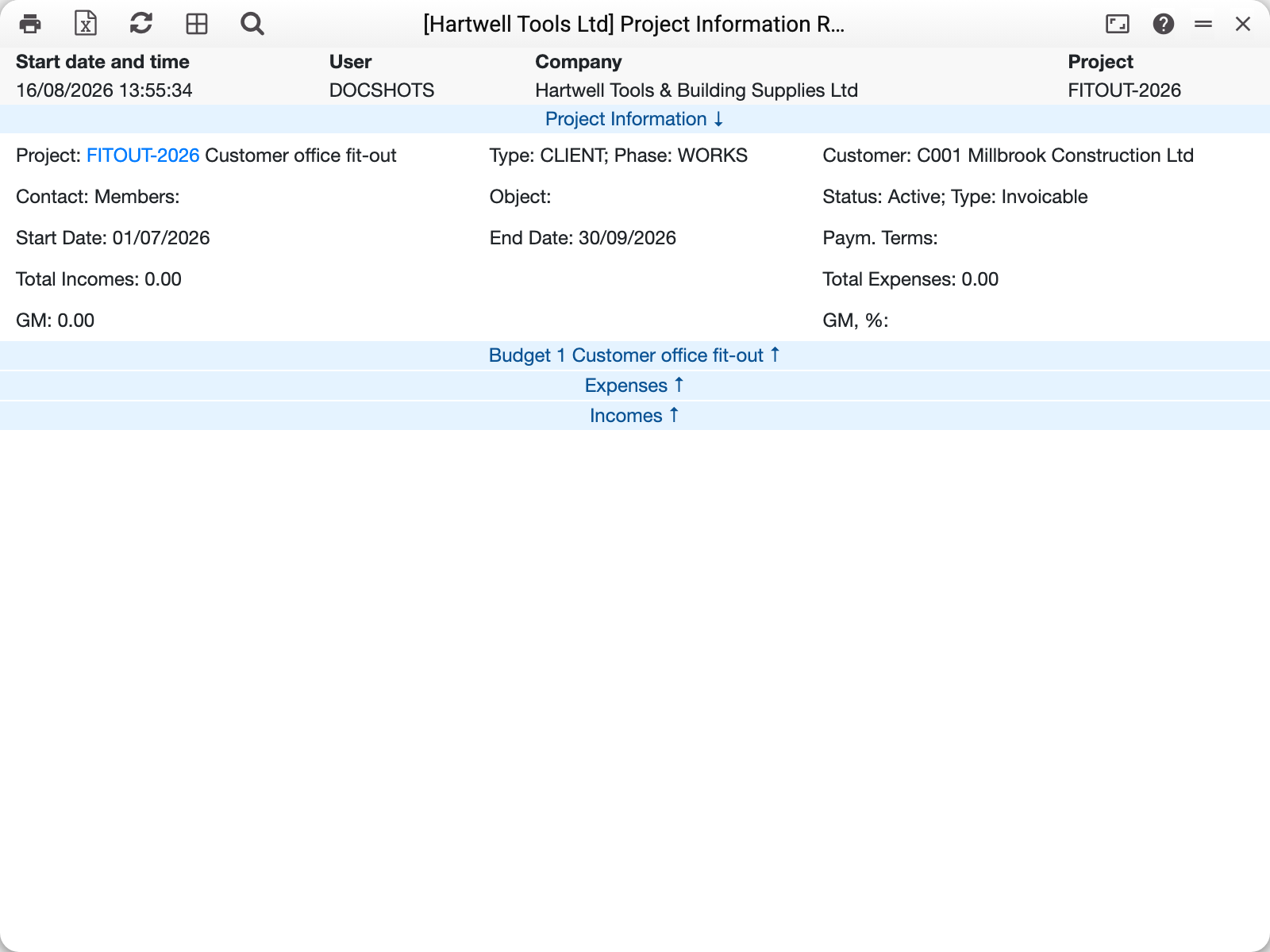
The top block is the project card in brief: FITOUT-2026 "Customer office fit-out", type CLIENT, stage WORKS, customer C001, running 01/07–30/09/2026, status active, invoiceable.
Then the financial summary: total income 0.00, total costs 0.00, margin 0.00. Those zeros are honest: nothing has been posted against the project yet — only the plan exists.
Below sit three expandable blocks: Budget 1, Costs and Income. Three views of the same money: what was planned, what was spent, what came in.
Reading the margin
Margin is income minus costs — which is why it stays at zero until the project starts invoicing. Compare it with the budget total: the budget says what the project should return, the report says what it actually returned.
Both sides exclude VAT, so tax does not inflate the margin:
- income — posted invoices at their amount excluding VAT. The total says so: "Total Incomes (excl. VAT)"; each invoice block shows the amount excluding VAT next to the sum. A credit note to the customer reduces income: its sum and line sums are shown with a minus;
- costs — posted worksheets at cost: a stocked item at its FIFO cost, work or a service at the "Cost" column of the same item in the budget the worksheet refers to, and when that is empty — at the cost price from the item card. With neither, the line goes into costs at zero, not at the selling price.
Costs, margin, and the prices and sums of worksheet lines are visible only to a role with the "Show cost price" action; for everyone else these places are empty.
Typical situations
The report won't open. The project code is empty — it is the one mandatory parameter.
Costs exist but the report shows zeros. Check that the documents really reference the project: without the project code on the document its costs never reach this page.
A view across all projects is wanted. This report covers one; to compare several, use the projects register and the sales reporting.
Where to look next
- Project — where the details come from.
- Project budget — the plan the fact is measured against.
- Time sheet report — time spent, by customer.