Asset Inventory
A form for counting fixed assets on foot: the system prints what should be there, and the committee writes in what it found.
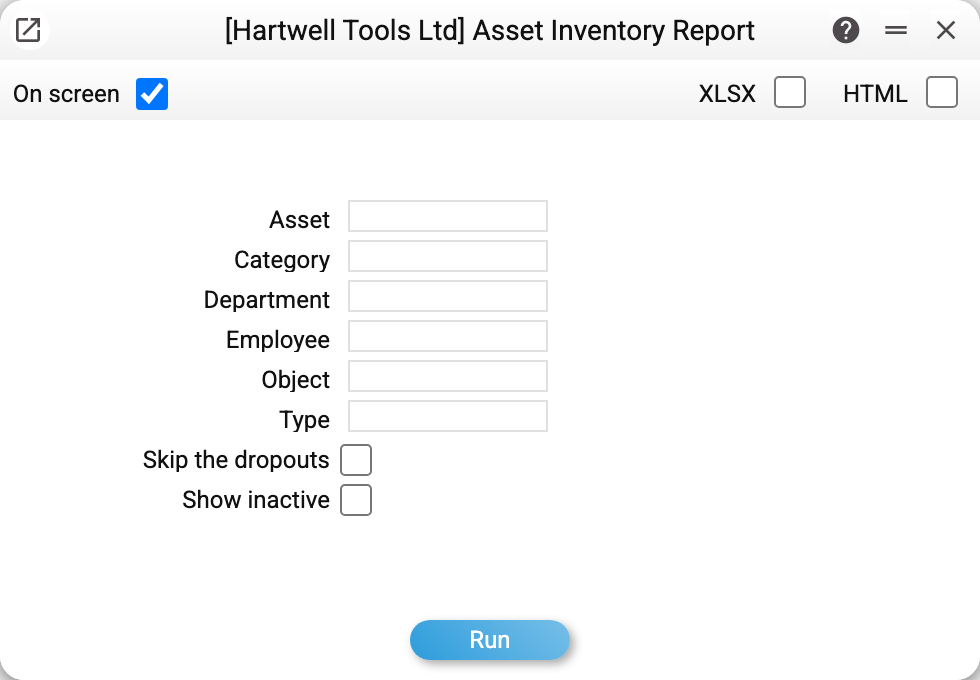
Where to find it: Modules → Fixed Assets → Reports → Asset Inventory
A worked example
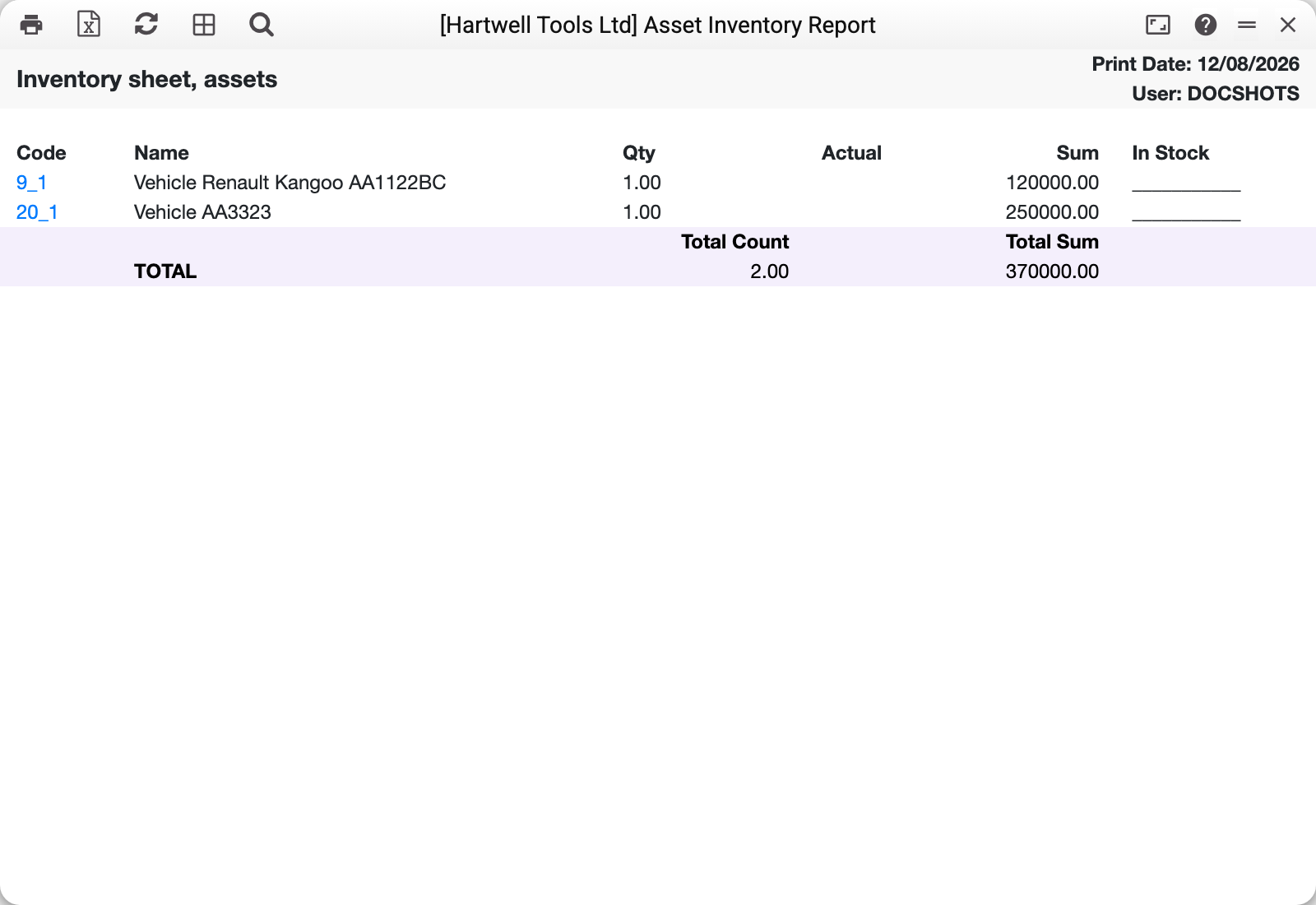
Two vehicles, 370,000 in total. The Actual and In Stock columns are deliberately blank — that is where the count is written during the walk-round.
The asset code is a link: the card opens straight from the sheet.
Why the blank columns
An inventory has two sources of truth. On the left, what the system believes is there; on the right, what the committee actually saw. The difference between them is the result of the count.
If the system filled both columns the document would be pointless: the committee signs for the fact, not for the expectation.
Typical situations
An asset is missing from the sheet. Commissioning has nothing to do with it: the sheet takes asset cards regardless of it, but leaves out closed ones (the "Closed" mark on the card, which a full disposal also sets). The "Show inactive" checkbox brings closed ones in. A card that posted disposal documents (sale and write-off together) took away in its full quantity is also left out by the "Skip the dropouts" checkbox, which is ticked by default; a partly disposed card stays on the sheet. To see a disposed card, clear that checkbox and tick "Show inactive". Otherwise check the window's filters — each looks for an exact match with the card's field.
An asset was found but is not listed. That is precisely the finding — the discrepancy is documented separately.
A file is needed for fieldwork. Export the sheet to a spreadsheet with the export button.
Where to look next
- Fixed assets — the asset cards.
- Information on depreciation of fixed assets — value and wear over a period.