Transactions
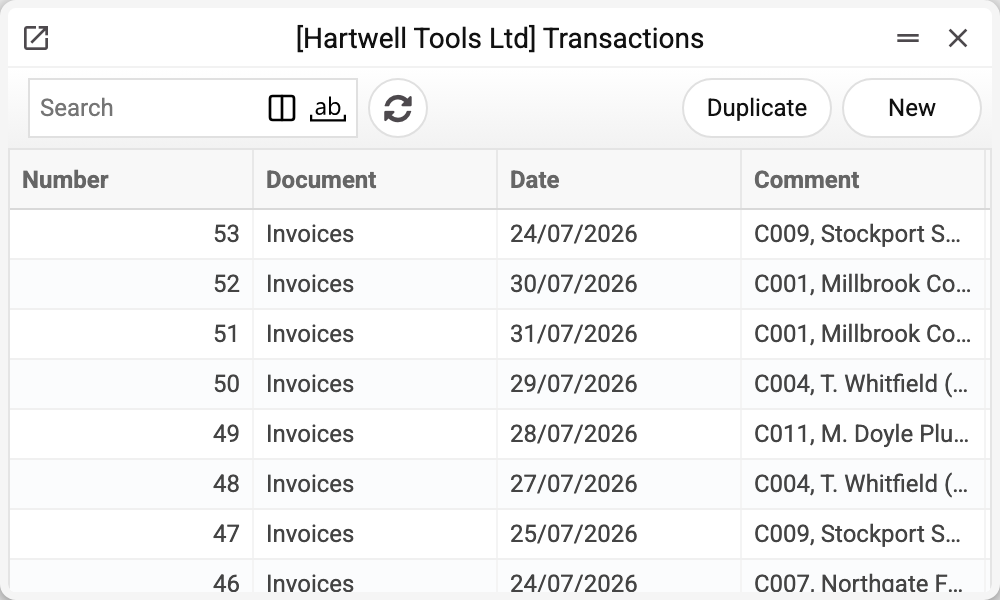
The register of every accounting posting — the raw records every financial report is built from: the trial balance, the general ledger, the P&L all read these very rows. Most records are created automatically by documents on approval; you come here manually for corrections, non-standard operations and — most often — to see WHAT exactly a document did to the books.
Where to find it: Modules → Nominal Ledger (also in modules: Database Maintenance) → Registers → Transactions
Worked example
Record #25 — the automatic posting of a sales invoice:
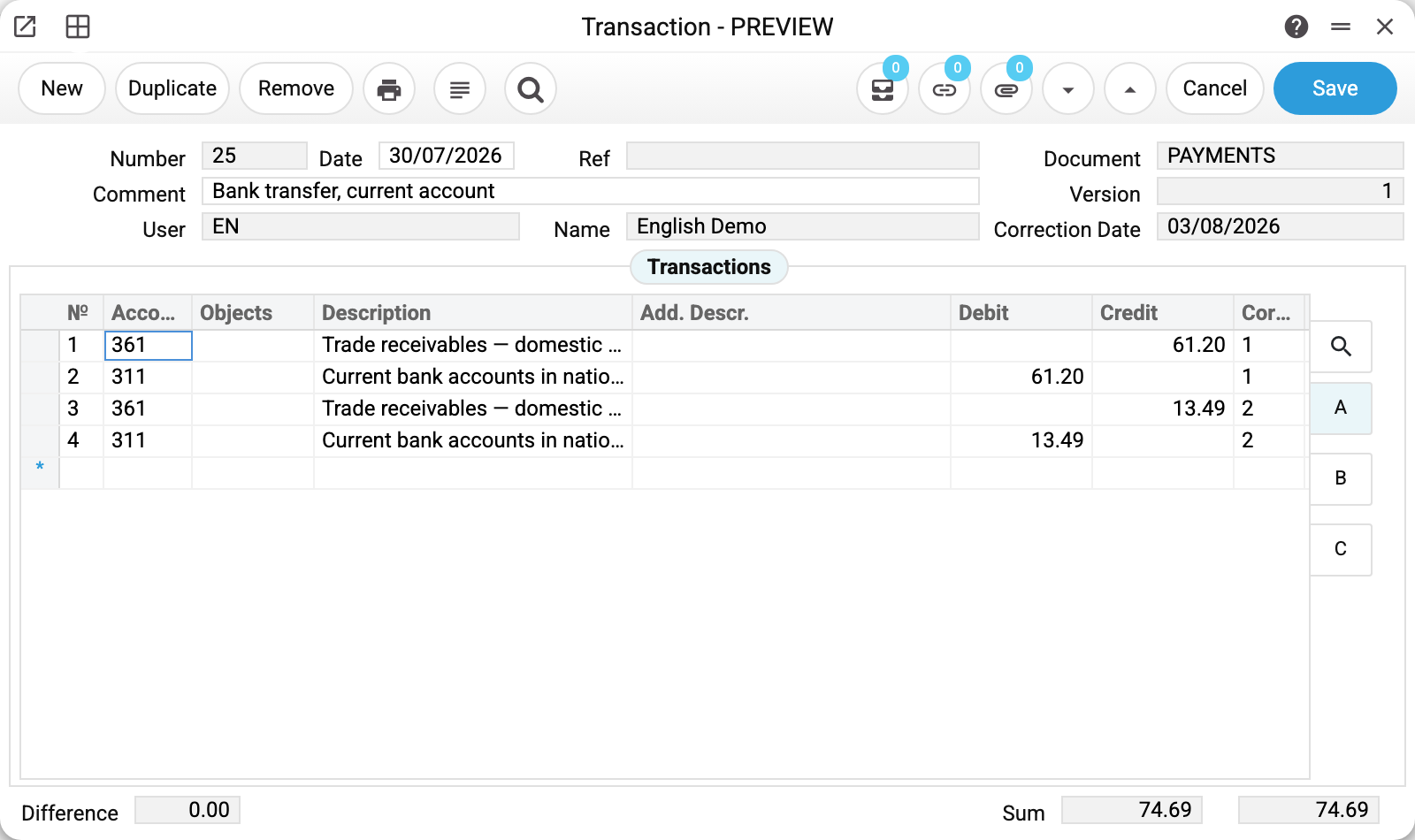
- The header: Document — the source document type (for manual records — the record's year, e.g. 2025), the date, a comment with the counterparty, the user and the version.
- The rows are double-entry in action: debit 361 / credit 702 (revenue on credit), debit 702 / credit 6432 (VAT deducted from revenue), 902/281 pairs (cost of goods per item).
- The "Cor." column is the correspondence group number: rows of one group form a balanced pair. These groups are exactly what the correspondence report uses to match correspondents.
- At the bottom, the check: Difference 0.00, debit and credit totals are equal — an unbalanced record cannot be saved.
Where records come from
- Automatically — every document creates its record on approval (OK): invoices, payments, goods receipts, work sheets, cash desk. Un-OK reverses/removes the record.
- Manually — the "New" button: corrections, payroll accruals, exchange differences, anything non-standard. Always balanced. Manual entry obeys the rules: accounts under account control cannot be typed in by hand, and where object type control is on, a row without analytics will not save.
- Every save updates the fast-balance store — reports see the record immediately.
Important: hand-editing an AUTOMATIC record is almost always a bad idea — re-approving the document overwrites your changes. Correct with a separate manual record instead.
Fields
| Field | Purpose |
|---|---|
| Number, Date | Record number and the operation date (the day the amounts hit the reports) |
| Comment, Name, Ref. | Human description; automatic records carry the counterparty and currency |
| Document, Version | Source document type and record version (grows on re-approval) |
| User, Last change date | Who touched it last and when |
| Rows: Account, Objects, Description | The posting account, analytics objects, account name |
| Rows: Debit, Credit | The amount on its side (one side per row) |
| Rows: Cor. | Correspondence group — which rows form a balanced pair |
| Pages B, C | Currency amounts and extra row attributes |
Common situations
"Difference" is not zero — it will not save. By design: double entry requires Dt = Ct. Add the second side or fix the amount.
A record exists but no source document is shown. If the Document field shows a year (e.g. 2025), the record is manual and has no document behind it. The User field shows who entered it.
How to open the document that made the record. The record card menu → "Open original transaction" (F2). Records of production, production operations, closing periods and buying/selling currency carry a stage name in the Document field (for example, "Production start" or "Currency Sold"), but the document itself opens — "Production", "Production operations", "Closing periods" or "Buying/selling currency". Fixed asset records open a row of "Asset Histories". The document opens if you are allowed to view its register.
You fixed an invoice's record and re-approval wiped it. Automatic records belong to their documents. For corrections make a separate manual record — it survives any re-approval.
Record numbers differ in length, and two records can share a number. A number is unique only within the record type (the Document field): sales invoice #110 and payment #110 are two different records. Where the number comes from:
- a document's record takes the document's own number — sales invoice #110 gives record #110;
- a manual record takes the next number within its year;
- the fixed asset task records — "Assets Expl" (the Asset Commissioning task) and "Assets Amort" (the Asset Depreciation task) — take the next number after the largest among all of the company's records, of any type.
Older "Assets Expl" records have a shorter number — the internal number of the asset card: that is how the task numbered them before. Their numbers do not change, and the record is still found by the card's inventory number.
Record date ≠ document date. Reports care about the operation date of the record — that is what places the amounts into a period.
You need to look through a period's records together, with their rows. The list shows only record headers. The Transactions Journal shows records whole — with rows and totals — and selects them by account or object.