Open vendor invoices fix
A housekeeping operation for the open vendor invoices register after an import: it fills in the debt amount in the base currency in the register records where it is missing.
Where to find it: Modules → Database Maintenance → Maintenances → Open vendor invoices fix
A worked example
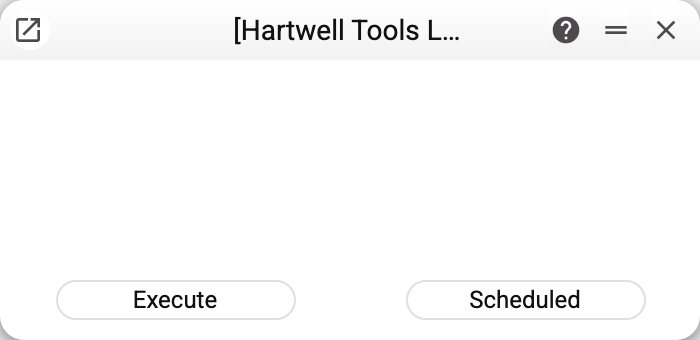
No parameters. The service walks the current company's register records that have an outstanding debt but no base-currency amount (empty or 0):
- a debt in the base currency — the same amount is written as the base amount;
- a debt in a foreign currency (USD, EUR…) — the base amount is calculated at the rate of the supplier invoice itself, the same way as when that invoice is posted; the debt keeps its currency;
- a debt with no currency is treated as a debt in the supplier invoice's currency, or in the base currency when there is no invoice;
- a foreign-currency debt with no supplier invoice, or no rate in it, is left alone, and at the end the service says how many such records there are: it does not guess the rate of a document.
Records that already have a base-currency amount are not changed.
What the service does not do
It does not reconcile the register against documents and payments: it does not recalculate debts, create records for unpaid invoices or remove records of paid ones.
If an invoice is paid but the register still shows a debt, check the supplier payment itself: does it name exactly this invoice, and is it posted? The service will not fix that discrepancy.
When it is needed
After an import, when register records arrived without a base-currency amount. In ordinary use the system fills that amount in itself when a supplier invoice is posted, and the service changes nothing.
If your company uses the open vendor invoices register or the supplier invoices themselves shared from another company, the service refuses and names the register: the debt is filled in only by the company that owns it — in its own base currency and at the rates of its own invoices.
Where to look next
- Open vendor invoices — what the service fills in.
- Refill payment history — the neighbouring operation on the customer side.