Items of Income/Expense
A printable list of the income/expense items reference — with the account of every item. The register itself does not show the account: the list has only the code, the comment and the objects, and the account has to be opened in the card. This report shows everything at once.
Where to find it: Modules → Cash Book → Reports → Items of Income/Expense
Hence its main use: check where the system posts money for every reason it comes in or goes out. One look and you can see that wages go to 661, taxes to 6411 and 651, travel advances to 372.
Parameters
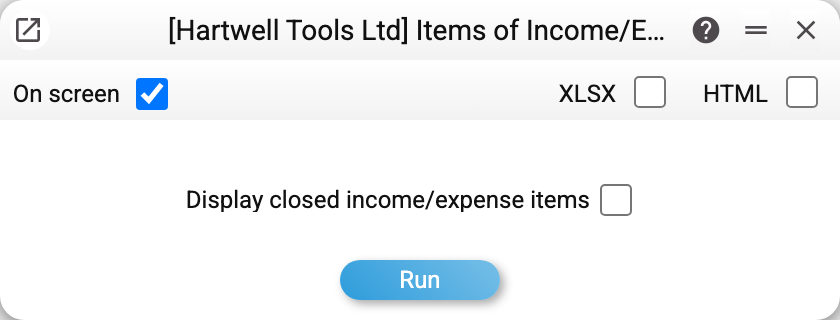
There is a single parameter — display closed income/expense items. By default the report lists only the items offered in documents. Tick it and the closed ones join the list, flagged in the "Status" column.
A worked example
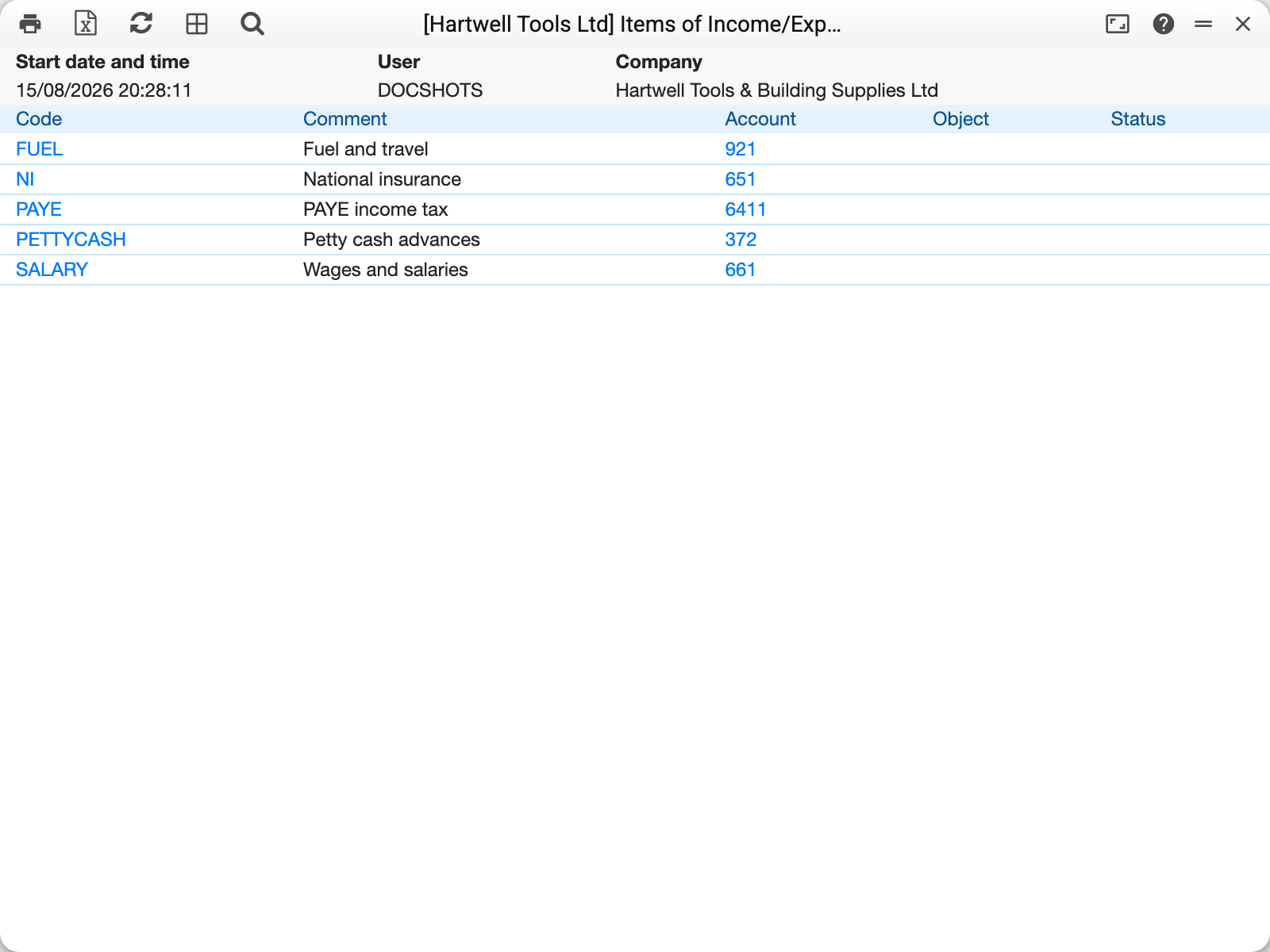
Five columns: code, comment, account, object and status ("Closed" appears only for closed items, when they are switched on). Rows are sorted by code.
The "Object" column is rarely filled in, and that is fine: analytics is normally set on the document row rather than pinned to an item forever. When an object is present here, it is filled into a cash in or cash out row as soon as this item is chosen there (it can be changed on the row), and from the row it goes into the posting.
How to use it
Before closing a period — verify that new items point at the right accounts. A wrong account on an item is invisible in the document: it will be approved happily, the amount will land in the wrong place, and only the accountant will notice it in the trial balance.
When setting up a new company — print the list and walk through it with the accountant: every line should answer the question "which account goes up or down when we pay for this reason".
When a document cannot find the item you need — switch on closed items. If the item is there, it has simply been retired; creating a duplicate under a new code is usually unnecessary, it is enough to clear the "closed" flag in its card.
Where to look next
- Income/expense items — the reference itself and its fields;
- Cash In, Cash Out — where the items are used;
- Chart of accounts — where the item accounts lead.