Binotel Call Actions
This setting answers the question "what should the system do when a call happens": whose action to raise, with what description and of which type. The call itself leaves only a line in the Binotel Log — the work for people is carried by the action born from it.
Where to find it: Modules → Telephony → Settings → Binotel Call Actions
A worked example
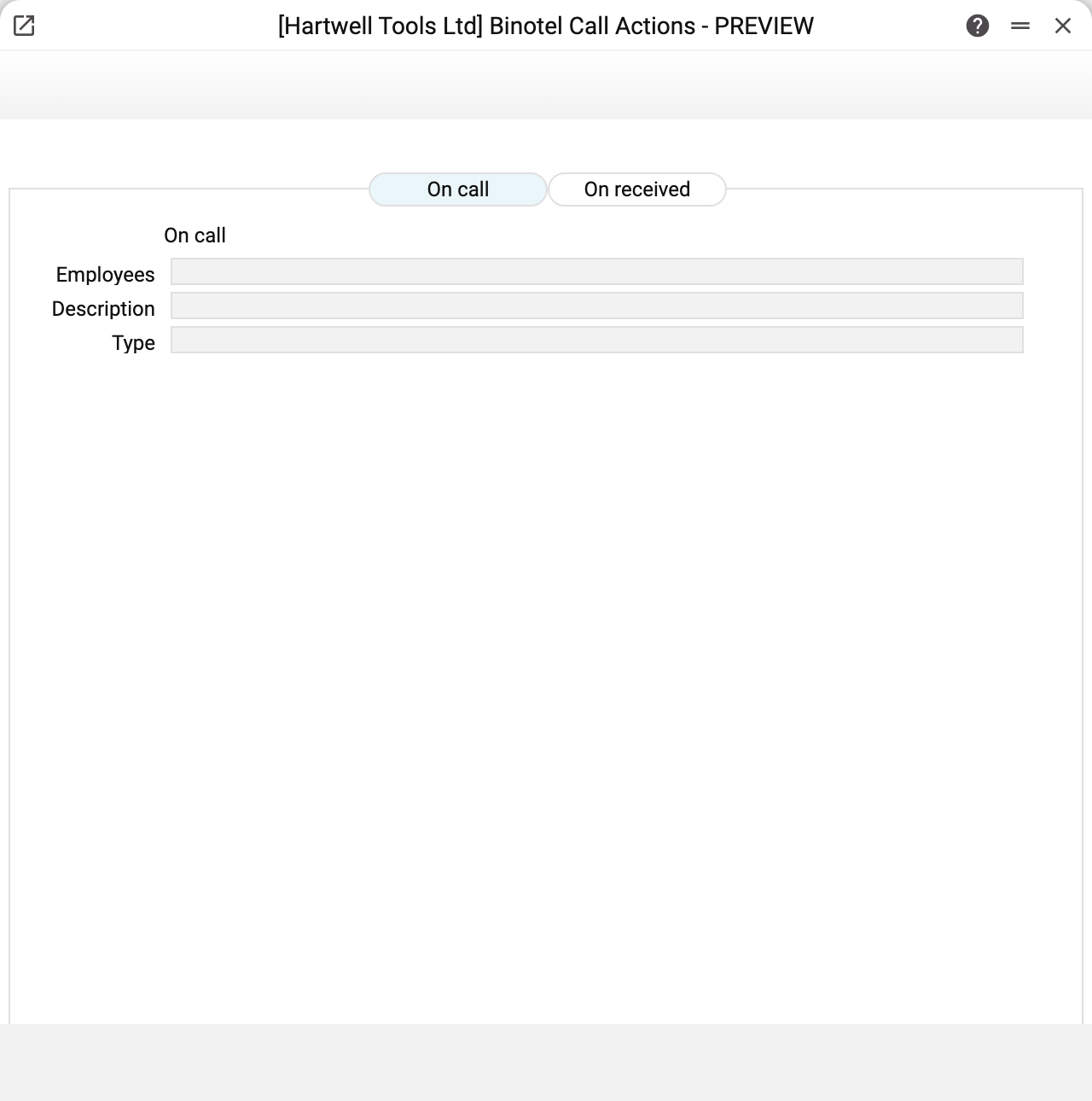
The window has one tab — On call: what to do when a call is placed from the system to the outside world. It carries three fields:
| Field | What goes in |
|---|---|
| Employees | who the action is addressed to: logins separated by commas — they become the action's assignees; an executor group code brings in all its members |
| Description | the text that becomes the action's name |
| Type | a code from the action types register |
In the demo company the fields are empty — telephony is not connected.
Which case works
An action is created by a call placed from the system outwards: a call from the phone icon on a contact card or a service order. The service button "Call to External Phone" in the connection places the call without an action. Incoming calls — answered and missed — produce no actions: the system does not receive Binotel's incoming call events, which is why the window has no settings for them.
Note that the action is created as soon as Binotel accepts the call, not after the conversation: the system does not know whether the customer answered; the action starts at the moment of the call. No call means no action, and the user sees the reason in the message: the integration is turned off, the login has no internal number in the phone binding, or Binotel refused — then the message carries its answer.
The "all three or nothing" rule
An action is created only when all three fields on the On call tab are filled in. An empty Type, an empty Description or Employees without a single login, and the system quietly creates nothing. This is the usual reason behind "calls are going out but no tasks appear".
The number for the new action comes from the action register's own numbering — nothing to type by hand.
Typical situations
No actions are created. First check which call you mean: incoming calls — answered and missed — produce no actions at all. For outgoing ones check three things: the key, secret and address are filled in and Active is ticked in the connection, all three fields on the On call tab are filled, and the code in Type really exists in the action types register.
After the call, the message "The call is in progress, but the task for it was not created". The call went through, but the action could not be created; the reason follows in the same message. Most often it is a login in Employees that no user has (and that is not an executor group code), a group with no members, or a code in Type that the action types register does not have. Fix the setting; there is no need to call again.
Who the assignee is and where the customer is. The action's assignees are all logins from the Employees field (a group — all of its members), not the person who made the call. The person who made the call becomes the action's author. The action has no link to the customer — only a number, a description, a type, the start, the author and the assignees; the customer is set in the action itself.
Different wording is needed per customer. This setting is one per company and its description is shared; the detail is added in the action itself.
Where to look next
- Binotel Connection — the connection to the service.
- Actions — what this setting actually creates.
- Binotel Log — the call journal.