Executors Groups
An executors group is a list of people under one name: «technicians», «accounting», «warehouse duty». Instead of listing five employees in every task, a row holds the group code.
Where to find it: Modules → CRM → Registers → Executors Groups
A worked example
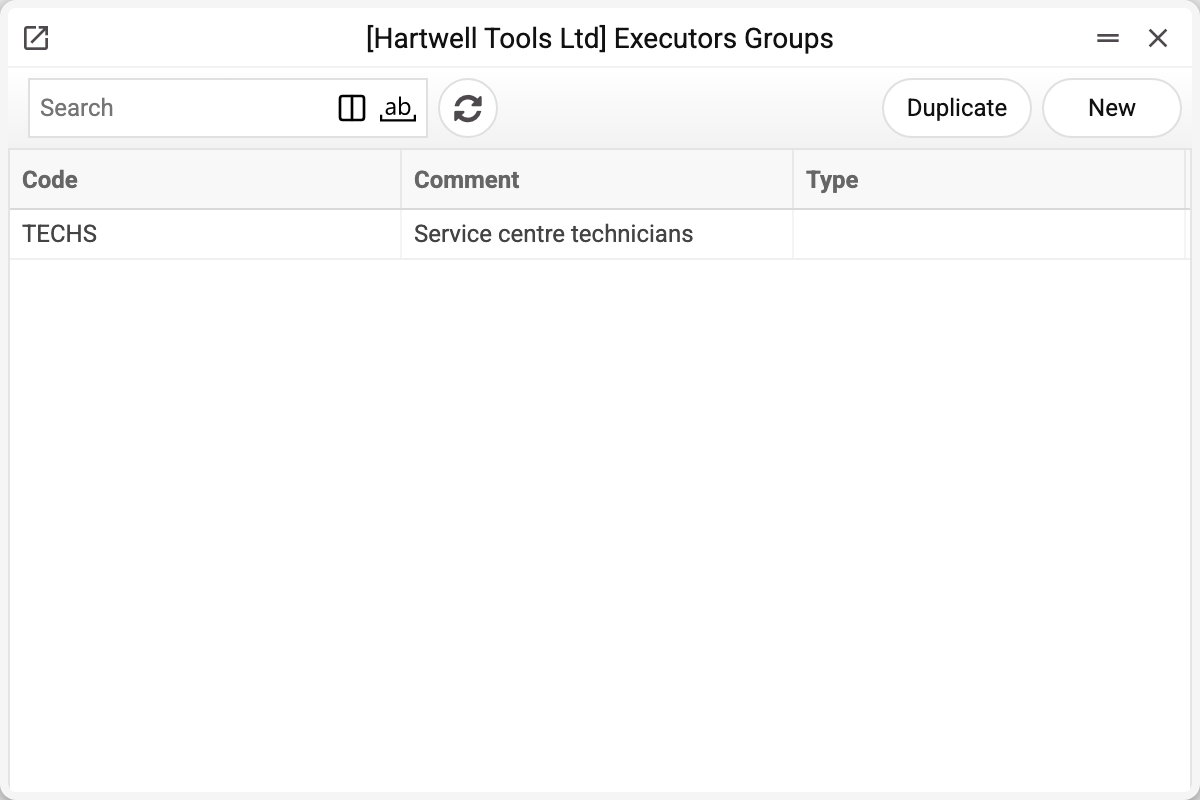
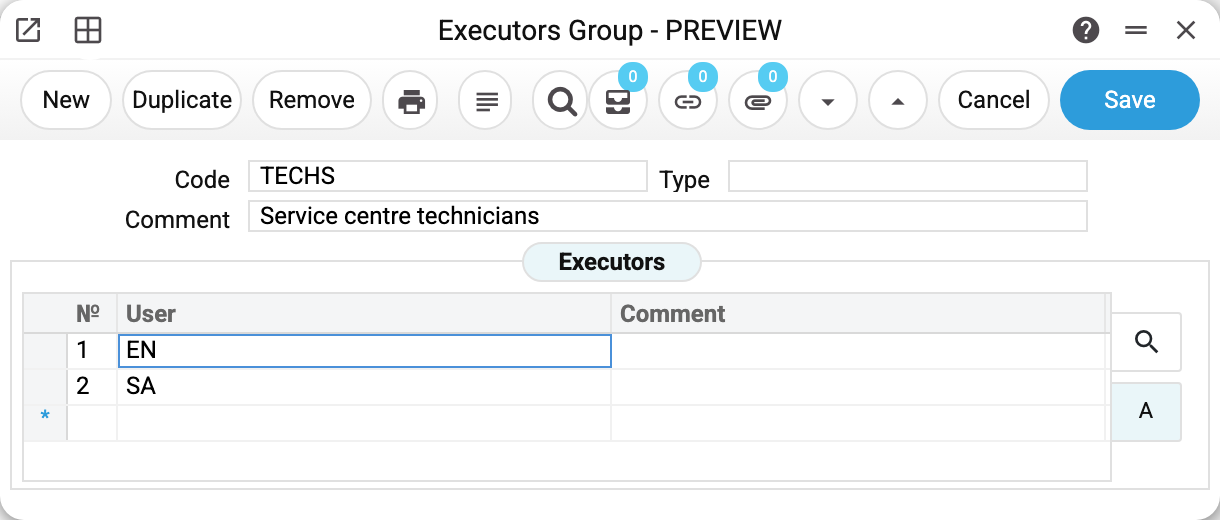
The header holds the code (this is what goes into documents), the comment and an optional type for your own classification.
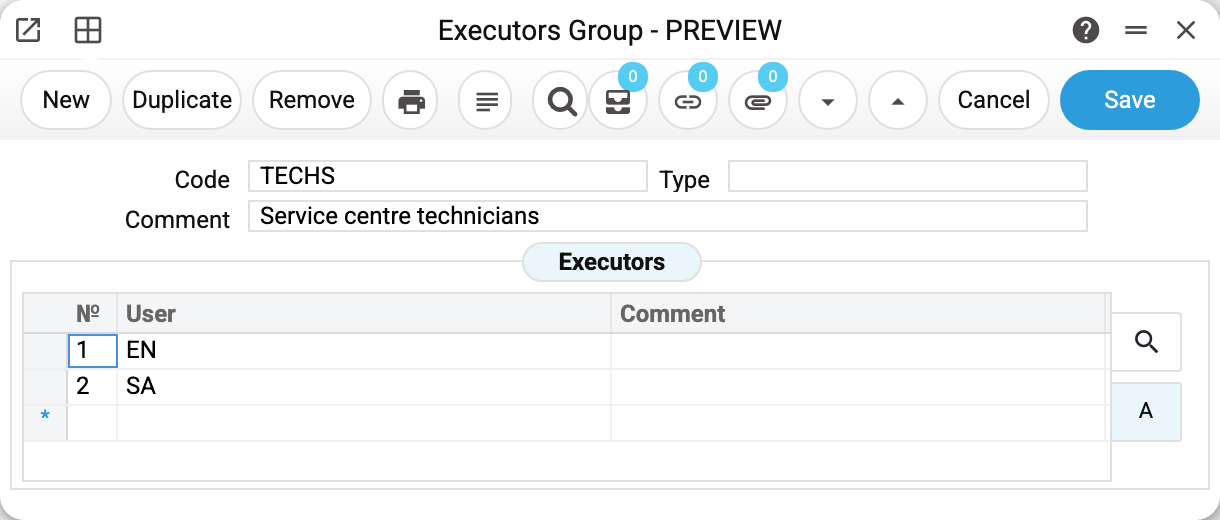
The «Executors» tab holds the people themselves: user logins and a comment for each. The comment fills itself with the first and last name from the user card (an empty part is left out; with neither — the login). The order of the rows does not matter.
A group with no executor is not saved — "Task executor not selected!"; a login that is not among the users — "This executor does not exist!"; the same login twice — "This executor is already used!"; a closed user — "User '…' is closed!" (the choice offers no closed users, just like "Actions Setting"). A user who stands in a group cannot be deleted until they are removed from the group.
Where the group is used
| Place | What happens |
|---|---|
| Actions, «Executors» tab | A row may hold a group code instead of a login — the tab is filled with all its members, and the rows that were there before are replaced |
| Booking, «Employee» field | The group code expands into the list of logins, and each of them is notified about a booking |
| Resources, «Executors» field | The same: the group code expands into the list of logins — when the field holds nothing but the group code |
| «Binotel Call Actions», «Employees» field | The group code itself is stored: on every call it expands into the group's members, and all of them become executors of the task |
The «Employees» field of Actions Setting does not take a group: it holds logins separated by commas, and the setting will not save a group code — "User '…' is not set!".
In actions, bookings and resources a group is substituted at the moment it is entered, not stored as a link. Add a person to the register and they will get the tasks the group is entered into after that. Tasks already created are not rewritten, and a booking or a resource keeps the list of logins the group expanded into when it was entered: to bring a new person in, enter the group code again.
«Binotel Call Actions» is the exception: the code itself lives there, so a new person in the group gets call tasks straight away. But before deleting such a group, remove it from the setting: the system does not stop the deletion, and afterwards the call goes through while no task appears — "The call is in progress, but the task for it was not created: …".
Print variables
Values available in this document's printed form templates. How to write a variable in a template — see Print Forms.
Header fields:
| Variable | What it holds |
|---|---|
| ExecutorGr_Code | Code |
| ExecutorGr_Comment | Comment |
| ExecutorGr_Type | Type |
Row fields:
| Variable | What it holds |
|---|---|
| ExecutorGr_MNo | Row position number |
| ExecutorGr_Executor | User |
| ExecutorGr_FullName | Comment — at print time the first and last name from the user card |