Vendor Payments Information
The answer to "who owes whom" for every supplier: what we owed at the beginning of the period, what happened during it and what is left at the end. This is not a list of unpaid invoices but the movement of settlements — with both directions of debt at once.
Where to find it: Modules → Purchase Ledger → Reports → Vendor Payments Information
A worked example
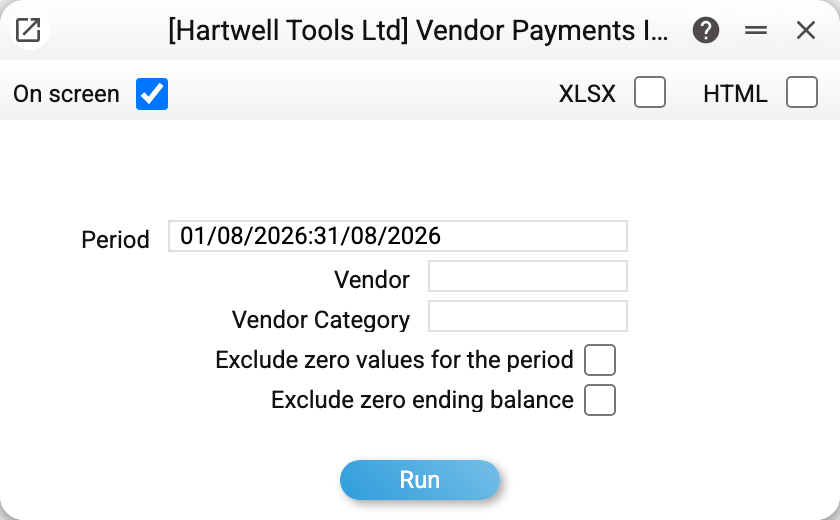
Let us take August 2026. First the report shows the overall picture — one line per supplier:
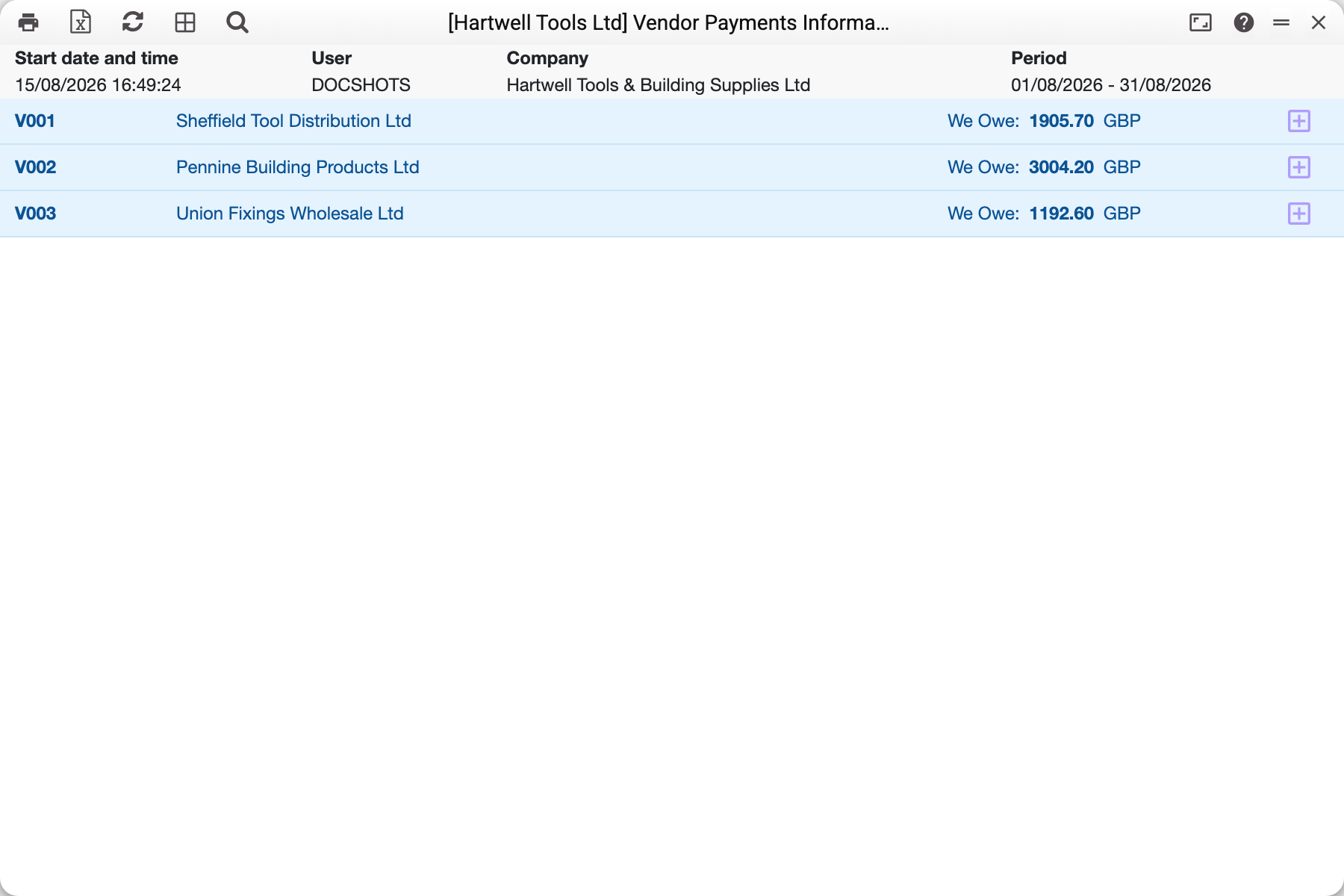
It reads simply: "We Owe" is our debt to the supplier, "Owe Us" is their debt to us (an overpayment or an unused advance). A line with no amounts means there was movement during the period but the settlements closed at zero.
Now let us expand a supplier line with the button on the right:
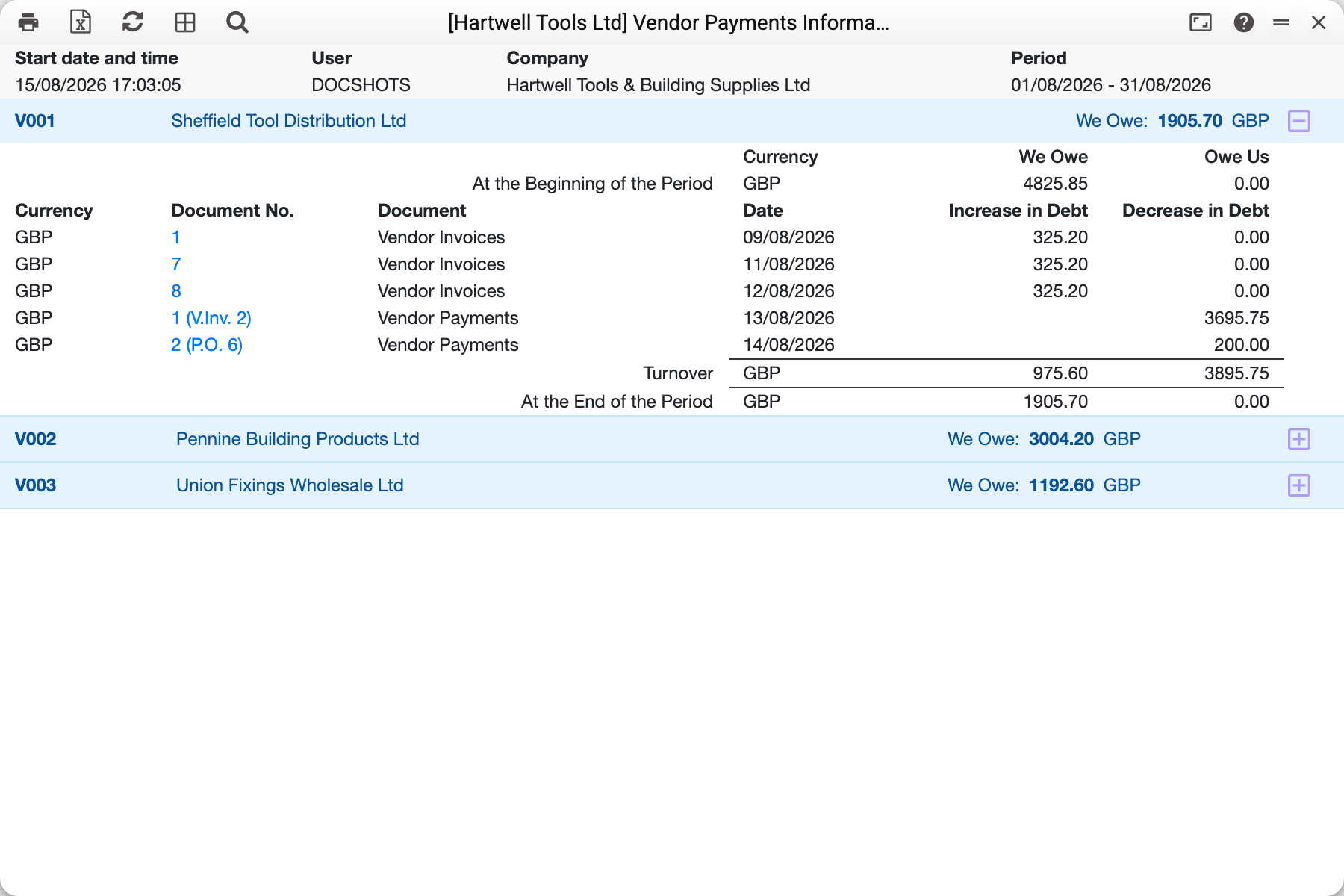
Inside is the full story of Sheffield Tool Distribution Ltd for the period:
| Item | Amount |
|---|---|
| At the beginning of the period, we owe | 4825.85 |
| Vendor invoices No. 1, No. 7, No. 8 (09–12/08) | +325.20 each |
| Payment No. 1 against invoice 2 (13/08) | −3695.75 |
| Payment No. 2 against order 6 (14/08) | −200.00 |
| Turnover | 975.60 / 3895.75 |
| At the end of the period, we owe | 1905.70 |
The "Increase in Debt" column holds everything that raises what we owe (vendor invoices), "Decrease in Debt" everything that lowers it (payments). Next to a payment number the reason is given in brackets: "V.Inv. 2" — settlement of an invoice, "P.O. 6" — an advance against a purchase order.
Where the figures come from
The opening balance is calculated from every approved document before the first date of the period, not carried over from anywhere. That is why the report can be built for any range, and the opening always matches the previous closing.
Turnover for the period consists of approved vendor invoices (debt grows) and approved payments (debt falls). Unapproved documents are ignored altogether.
An advance lowers the debt on the day it is paid: a payment without an invoice (a prepayment, e.g. against a purchase order) goes straight into "Decrease in Debt". When an invoice later consumes that prepayment, the report shows no separate movement — the invoice goes into "Increase in Debt" at its full amount, and the balance still adds up. An invoice whose payment term is of the "Cash" type is treated as paid at once: its amount sits in both "Increase in Debt" and "Decrease in Debt". If a prepayment has been applied to such an invoice, "Decrease in Debt" shows only the part paid at once — the invoice amount minus the applied prepayment: the prepayment covered the rest, and "Owe Us" drops by the same sum.
Every currency is a separate line. Settlements in pounds, euros and dollars are neither mixed nor converted into the base currency: the report shows the debt exactly as it has to be paid.
Parameters
| Parameter | What it does |
|---|---|
| Period | The range over which turnover is calculated; the opening balance comes from everything before it |
| Vendor | A single supplier |
| Vendor category | All suppliers of one category — domestic ones only, for instance |
| Exclude zero values for the period | Hide those with no movement during the period (a balance may still exist) |
| Exclude zero ending balance | Hide those who are fully settled |
The two checkboxes together produce a short working list: only those with something to sort out.
Common situations
A supplier is listed but all amounts are zero. There were movements during the period that netted to zero. Hide them with "Exclude zero ending balance".
"Owe Us", although we never overpaid. That is what an unused advance looks like: the money is gone but no invoice has arrived. Check the prepayments history — it shows exactly which advance is still open.
The figure differs from the aged debt report. These are two different views: ageing counts unpaid invoices by due date, this report counts settlement balances including advances. A supplier holding a large advance looks different in the two reports.
A signed reconciliation is needed. For a reconciliation act there is a separate report — vendor settlements reconciliation; this one is meant for internal control.