Service Payments
A housekeeping register where every repair payment settles: how much, when, by what method and against which order.
Where to find it: Modules → Database Maintenance → Registers → Service Payments
A worked example
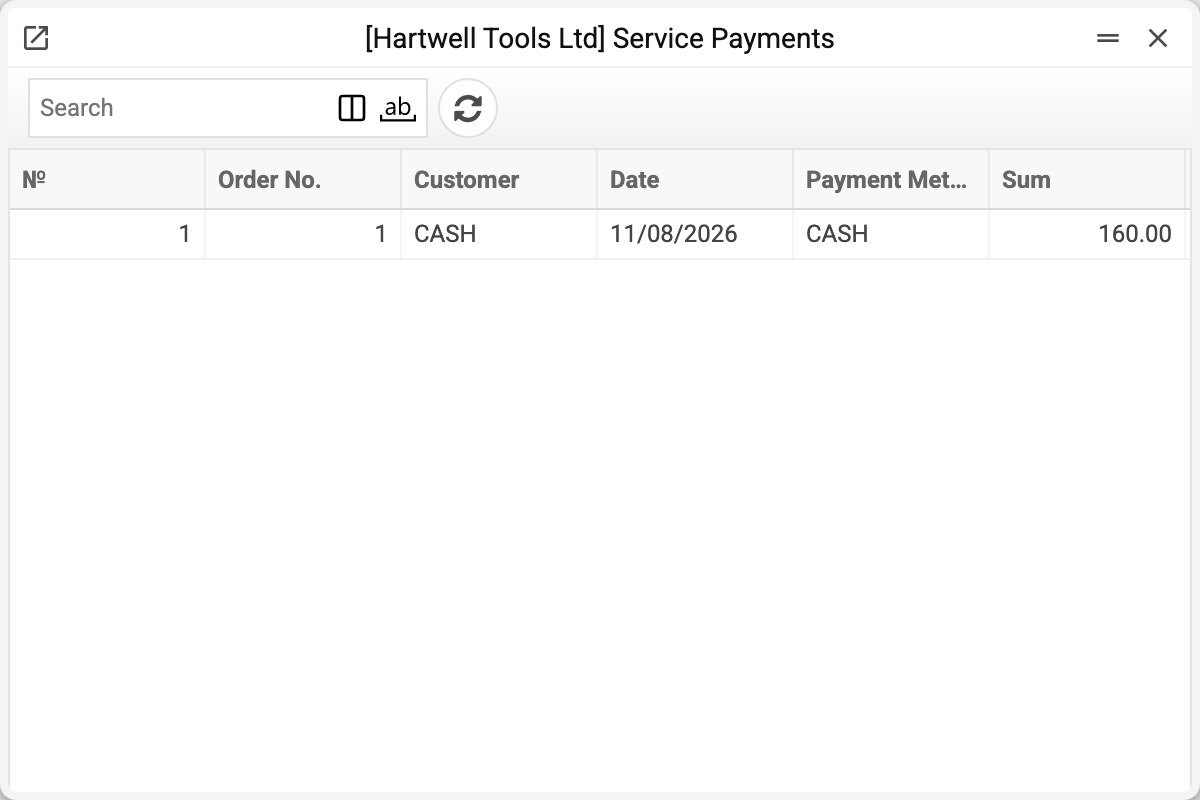
The list shows the entry number, the service order number, customer, date, payment method and amount; currency, rates and objects are on the entry's card.
It is not a document anyone fills in — the rows are written by the «Pay» button in the service order: one row per payment method an amount was entered for. Hence "housekeeping": it exists not for daily work but so other mechanisms can find payment facts quickly. If «Prohibit overpayment» is ticked in the «Service Order Required Fields» setting and more than the «Total repair cost» is entered, the system answers «Overpayment is prohibited!» and writes no rows at all.
Posting
Every row is posted at once:
| Dr | Cr | When |
|---|---|---|
| The payment method's account («Acc. Number» in the «Payment Methods» setting) | «Account Receivable» from «Account Usage» | a regular payment |
| The payment method's account | «Prepayment Account» from «Account Usage» | a prepayment — while the order's «Total repair cost» is zero |
A negative amount swaps Dr and Cr. A row with a posting cannot be deleted — the system refuses.
Who uses it
- Open service orders — the same payment lowers the balance there too; that is a separate record, not a sum computed from this register;
- the payments report — presents these rows in a readable form.
Handover does not look at this register: it is allowed by the order's own «Rest to pay». So people rarely open it directly: they look at the report or the order's balance instead.
Typical situations
A payment went through but the order still shows unpaid. The money was entered with a regular receipt document rather than the «Pay» button in the order: such a payment never lands here and does not lower the order's balance.
Duplicated amounts. A sign of a payment posted twice; look for two rows with the same order, amount and date.
Where to look next
- Open service orders — balances due.
- Payments report — the same data for humans.