Stock Reserves
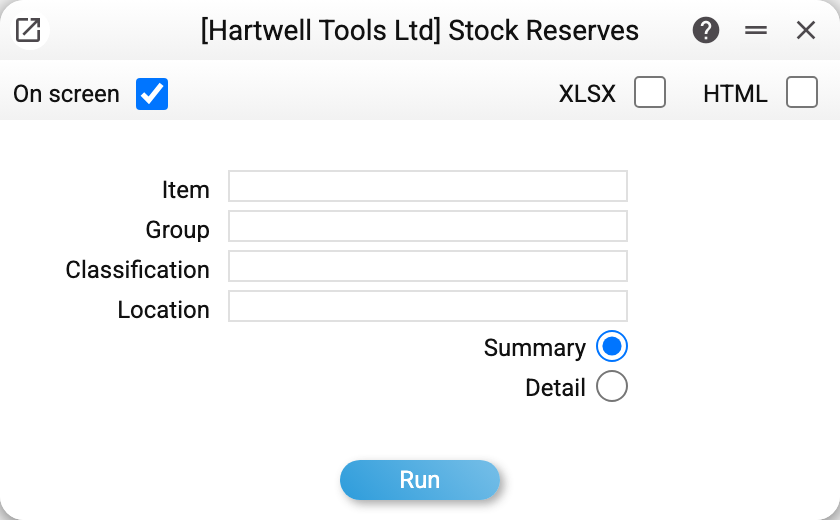
How much stock is "taken" by customer orders — and how much is actually free to sell. For every reserved item the report shows three numbers: In stock, Reserved and Available (stock minus reserve). "Available" is the figure to check before promising goods to a new customer: the physical quantity may be large while the free one is zero.
Where to find it: Modules → Sales Orders → Reports → Stock Reserves
A worked example
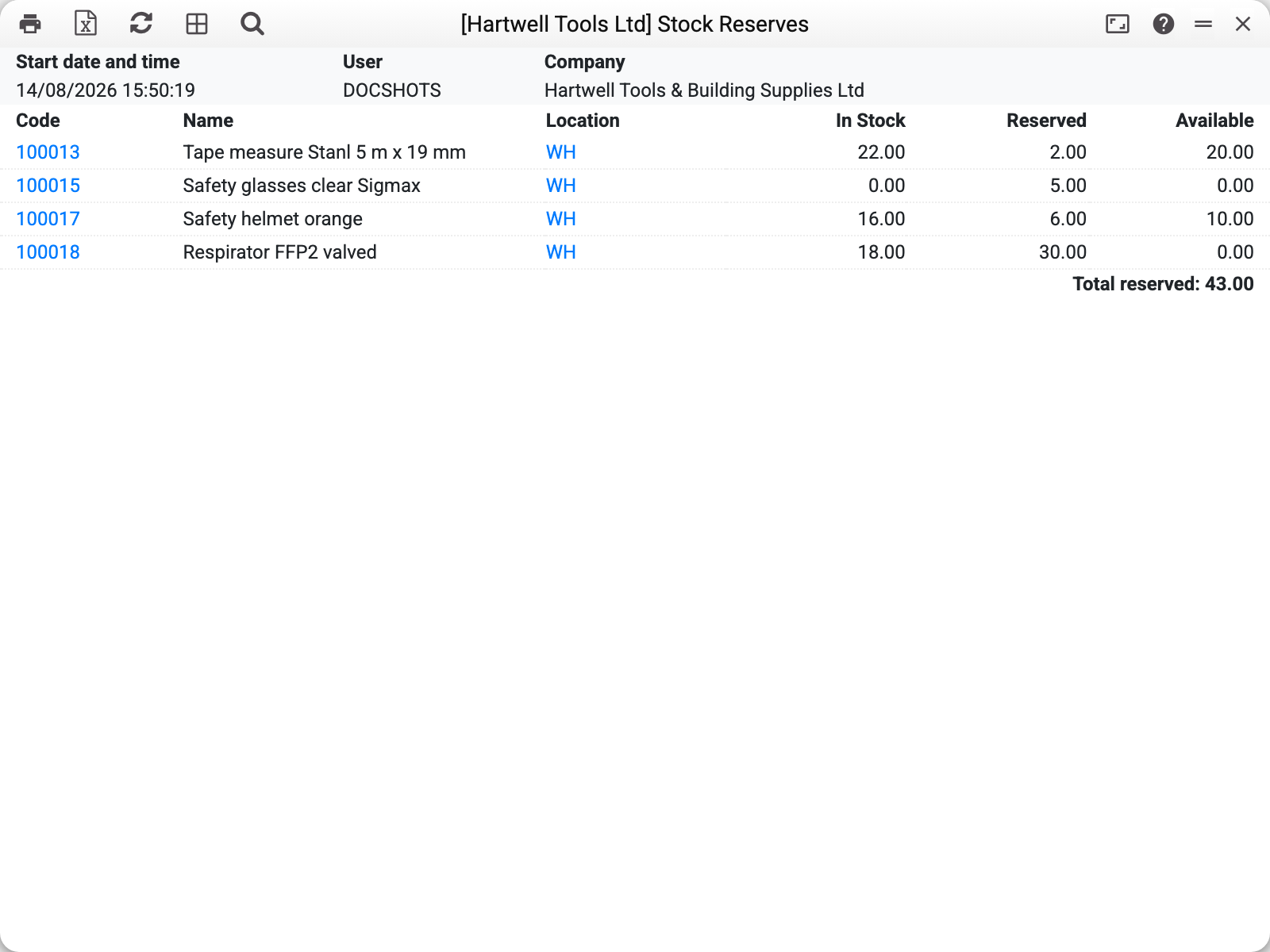
Several items are reserved; take the tape measure: 22 in stock, 2 reserved, 20 available. A reserve belongs to somebody's unshipped order — and the "Detail" mode names it:
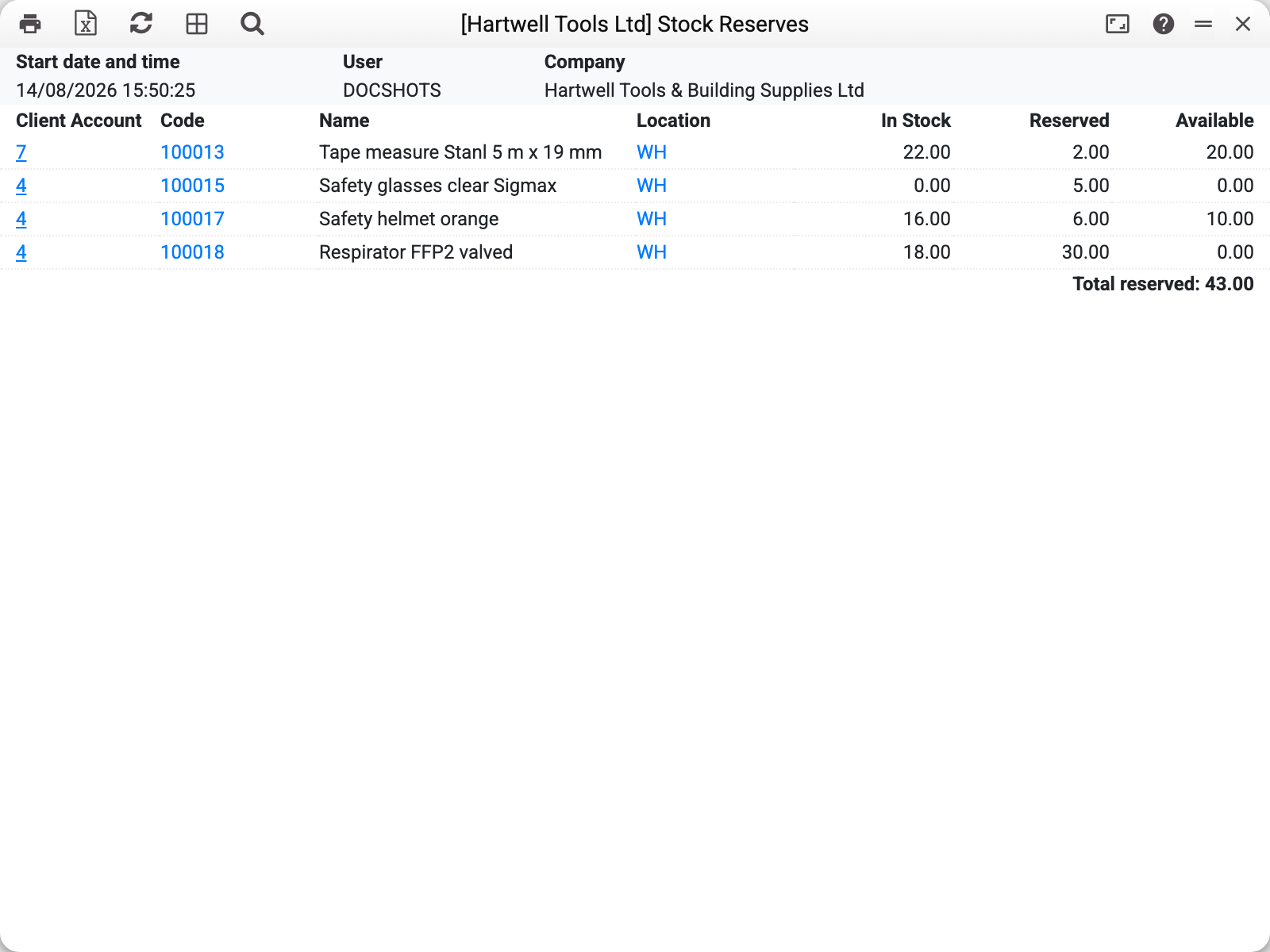
Under each item — the list of orders holding the reserve, with the quantity each one keeps. The order number links to the document.
Where a reserve comes from
A reserve is created by a sales order with the "Reserved" flag on: every line of it holds its unshipped remainder (ordered minus shipped). As soon as a shipment is confirmed, the reserve melts by the shipped quantity; a fully closed line holds nothing.
A reserve is not held by:
- orders without the "Reserved" flag — they wait for goods on general terms;
- closed orders — even with an unshipped remainder in the lines, closing releases it;
- lines marked "No Reserve" — a per-line exception inside a reserving order.
The same rules drive the item status report — its "Reserved" column shows the same figure for a single item, while this report sums the picture across the stock. The list of orders holding a reserve is both in that report's reservations block and here, in "Detail" mode; a partly shipped order appears in both with its remaining reserve. Here an order line with a location of its own, different from the header's, is lost at the moment: the reserve sits on the header location, while the report looks the line up by its own location.
Parameters
| Parameter | What it does |
|---|---|
| Item | One item |
| Group | An item group |
| Classification | One or several, comma-separated; each code must exist in the classifications register, otherwise "Classification not found". An item with two classifications from the list is one line, its reserve is not doubled |
| Location | One stock |
| Summary / Detail | Summary — one line per item and location; Detail — the holding orders under each item |
Common situations
Goods are in stock but cannot be sold. Check "Available": zero means the whole quantity is claimed by reserves. The "Detail" mode shows whose orders they are — then it is a managers' call: ship or release.
A reserve hangs although the order is long dead. The order was never closed. Set it to "Closed" — the reserve is released immediately.
An item is missing from the report. The report lists reserved items only. No line means nobody holds a reserve for this item.