Reserve expiration
A housekeeping maintenance: it walks through the sales orders whose reservation date has passed and releases their reserve. Stock that a forgotten order has been holding for months returns to the free balance and can be sold again.
Where to find it: Modules → Sales Orders → Maintenances → Reserve expiration
A reserve never expires on its own. An order with the "Reserved" checkbox holds the unshipped balance until it is shipped, closed, or the checkbox is cleared by hand. The "Reserve Until" field is a promise to the customer ("we will hold it until the end of the month"), but the date alone does nothing: until this maintenance runs, an overdue reserve keeps occupying the goods.
A worked example
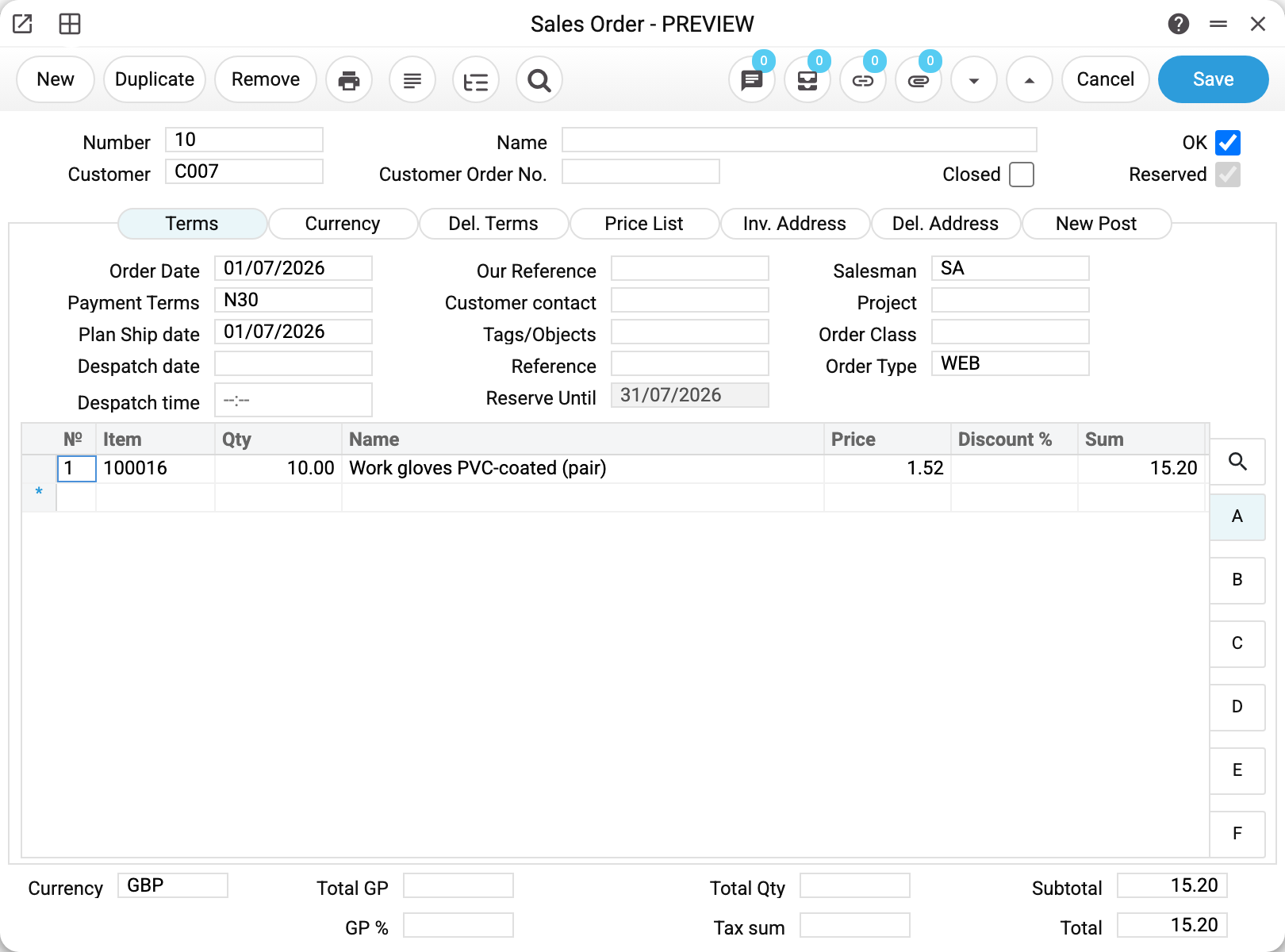
In the demo company order No. 10 (Northgate Facilities Group Ltd) holds 10 pairs of work gloves in warehouse WH. The "Terms" tab shows the promised date — 31/07/2026, already in the past:
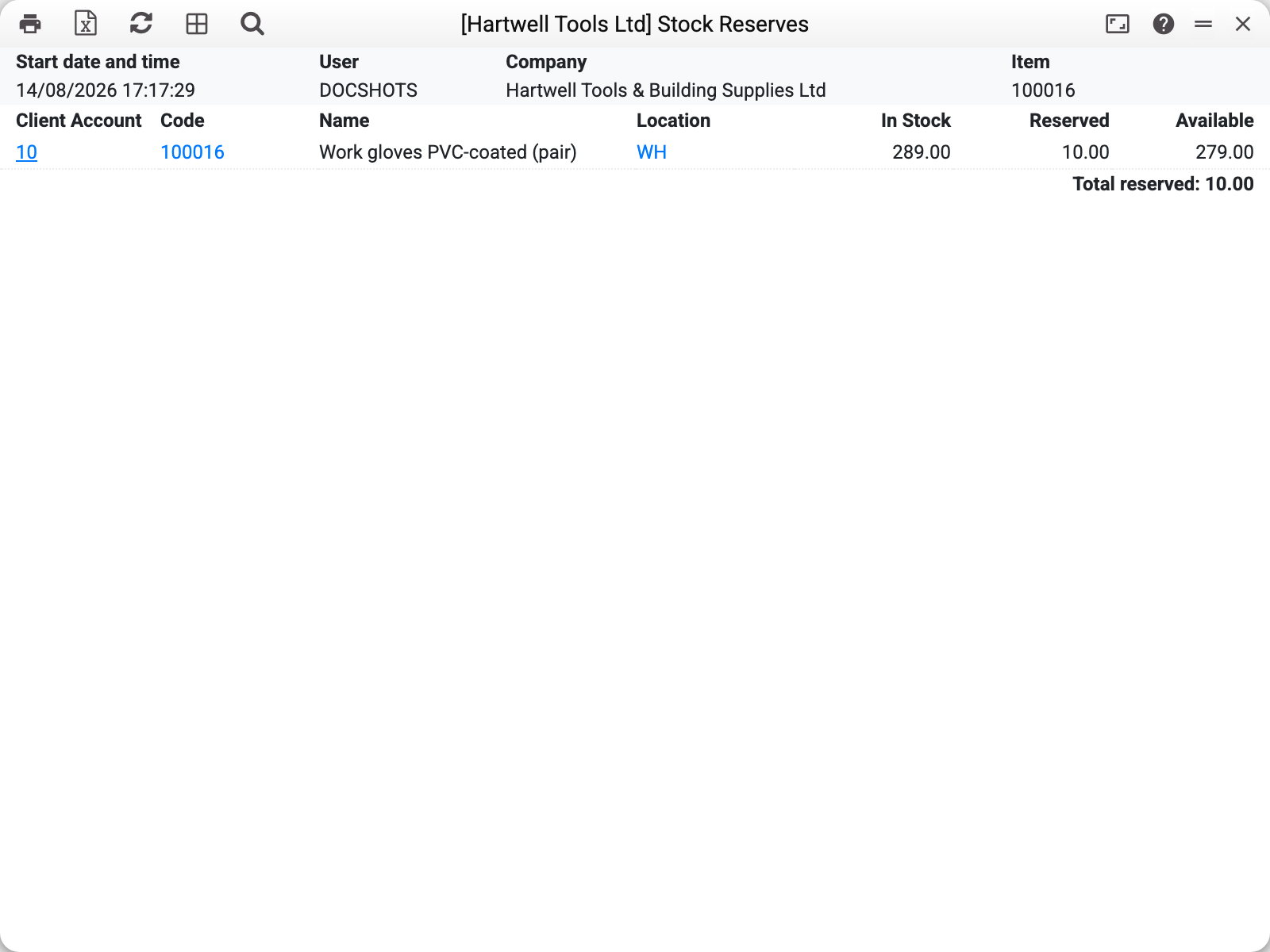
The stock reserves report shows the consequence: 289 pairs in stock, 10 of them reserved, 279 free to sell.
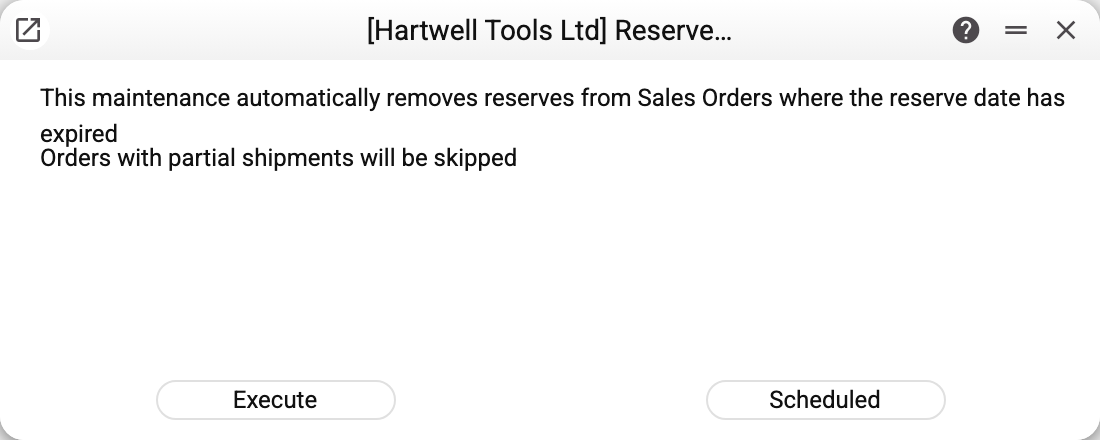
The maintenance window itself holds two lines of explanation and two buttons — there are no parameters:
Press "Execute" and the system confirms that the operation finished:
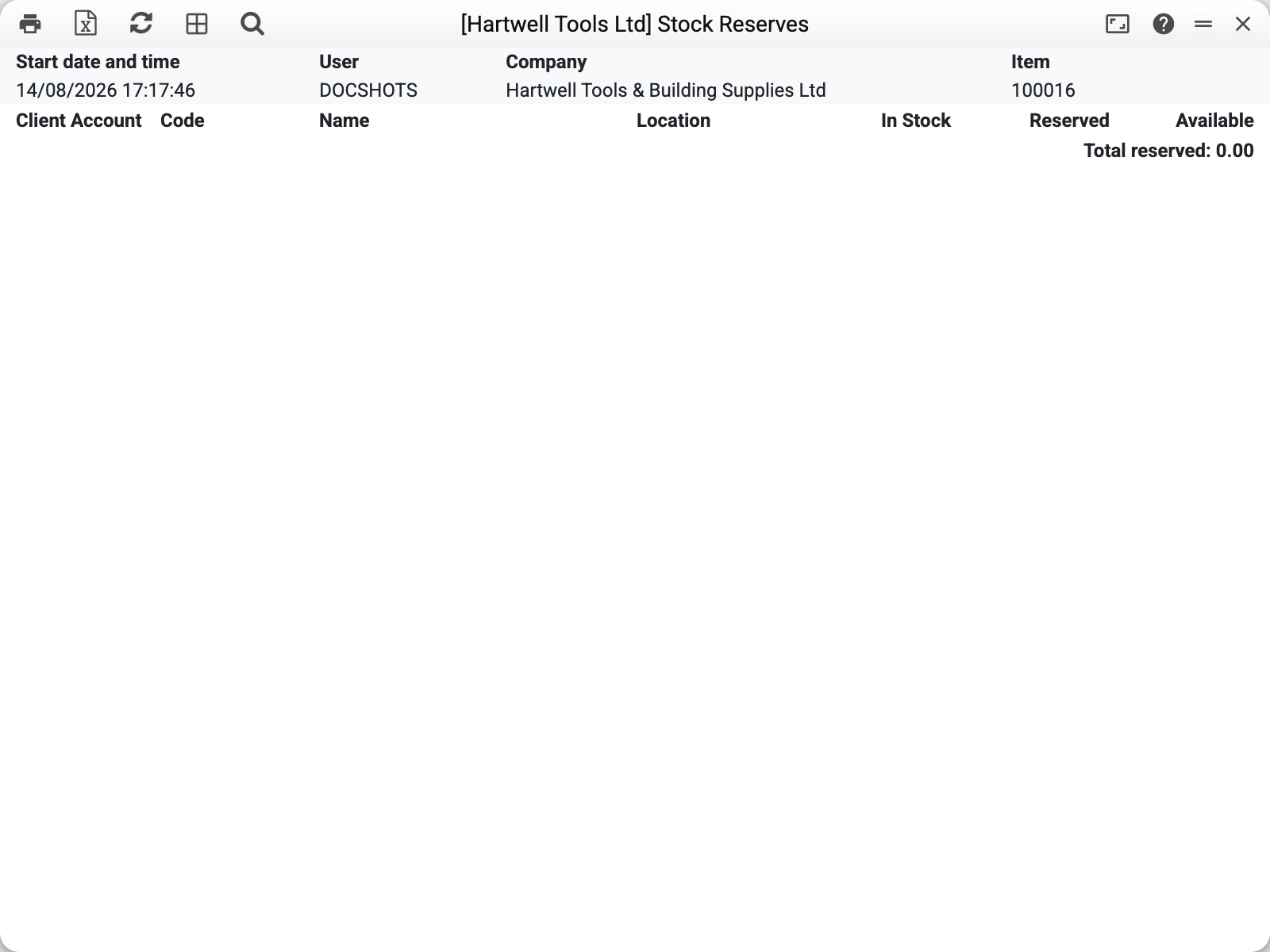
The same report after the run is empty: the reserve is gone and all 289 pairs are free.
Inside the order the "Reserved" checkbox is cleared and the "Reserve Until" field is emptied — the document stays alive, only the reserve disappears.
Which orders it touches
The reserve is released when all three conditions hold:
- the "Reserved" checkbox is on;
- "Reserve Until" is filled in and the date has passed;
- the order is not closed.
Partially shipped orders are skipped. If any row carries a shipped quantity, the maintenance leaves the document alone: goods are already on their way to the customer, and releasing the reserve on the remainder is a decision for the manager, not for an automated job. In the demo this is order No. 4: its date is 31/07/2026 as well, but two rows out of three are already shipped, so its reserve survived the run.
A reserve without a date is never released. An empty "Reserve Until" means "indefinitely" — the maintenance does not see such orders at all (No. 7 in the demo). If you want automatic control, fill the date in; if you do not, the reserve has to be released by hand.
Each order is processed in its own transaction: if one of them fails, its neighbours are unaffected, the failing one rolls back to its previous state and is listed among the errors in the summary.
Parameters
There are no parameters — the maintenance always compares the reserve date with today. Two buttons:
| Button | What it does |
|---|---|
| Execute | A single run right now |
| Scheduled | Puts the run on a schedule (daily, weekly — the mask is set in the dialog) |
The schedule is exactly the mode this maintenance is meant for: the point of a deadline check is that it runs by itself. The scheduled task remembers the company it was created from and works with that company's documents only.
Common situations
The run finished but the reserves are still there. Three reasons, by frequency: the orders have an empty "Reserve Until"; the date has not passed yet; the order is partially shipped. The stock reserves report in "Detail" mode shows exactly which documents hold the goods and how many; it has neither the "Reserve Until" date nor the shipped quantity — look at those in the orders themselves.
A reserve was released by mistake. Tick "Reserved" in the order again — the reserve is recreated from the unshipped balance of the rows. Set a new date at the same time, otherwise the next run will change nothing (without a date the maintenance does not see the order).
One single order needs its reserve released. The maintenance works across the whole company and has no selective mode. For a single document simply clear its "Reserved" checkbox or close it.
The run reported errors. The summary shows how many orders were processed and how many failed. Failed orders are rolled back completely (there is no half-state) — fix the cause and run the maintenance again.
A refusal about a register shared from another company. If your company uses sales orders or item statuses shared from another company, the service refuses and names the register: the reserve on shared orders is released only by the company that owns them.