Leave Scheme
A leave scheme answers the question "how many days of absence a year does someone get, and do weekends and bank holidays count against them". One record describes a whole category of staff: office, workshop, management.
Where to find it: Modules → Human Resource Management → Registers → Leave Scheme
A worked example
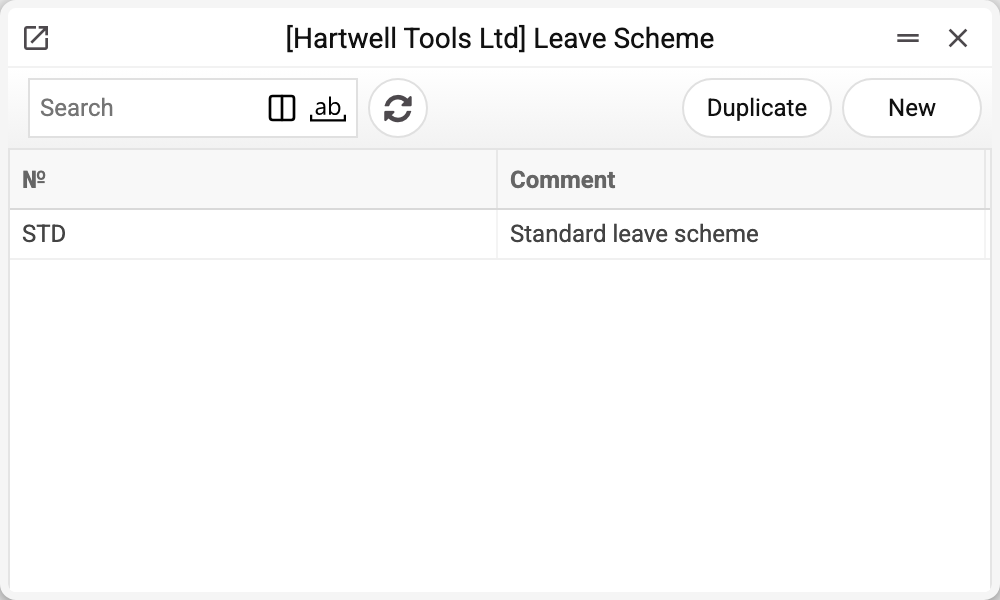
The journal shows the scheme code and comment. There is one scheme here — STD, and that is the one we take.
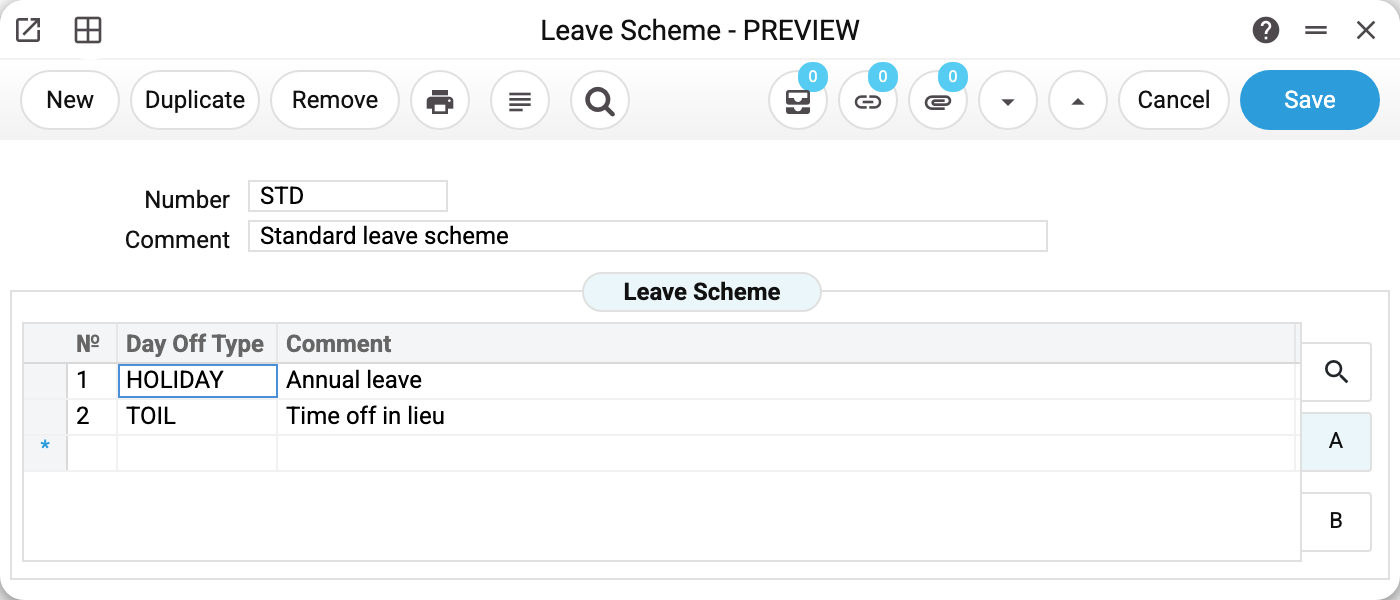
Scheme STD "Standard leave scheme". The matrix holds two rows — two absence types: HOLIDAY (annual leave) and TOIL (time off in lieu).
Beyond the columns visible here, each row carries three more settings:
- "Quant" — days per year: the application derives "Days total" from it: entitlement × days of service under the contract / 365, less the days of applications of this type already approved (a year of service, 24 a year, 5 used — 19);
- "Weekend Bank" — the code of the working-days pattern, used to strip weekends out of the leave period;
- "Include Holidays" — "No" or "Yes": whether dates from the holiday calendar are deducted as well.
The pattern and the holidays are what turn a two-week booking into ten days.
The absence type comes from a register
The "Day Off Type" column points at the CRM Action Types register; an invented code is rejected ("Day off type with this code is not found!"). So the order is: the type first, then the scheme row, then the application.
Typical situations
The workshop and the office get different entitlements. Create two schemes and assign each in the contracts of the relevant staff.
A bank holiday inside the leave should not use up a day. Set "Include Holidays" on the row to "No" (an empty field works the same): a date from the holiday calendar is skipped and does not reduce the balance. "Yes" does the opposite: the holiday counts as a leave day. Monday–Friday leave with a holiday on Wednesday comes to 4 days with "No" and 5 with "Yes".
The scheme won't save. The number and the comment are required ("Field "Number" is required!"), and the number must not repeat. Then come the two references on the row: the absence type must exist in the types register, and the pattern code in working days ("Weekend bank with this code is not found!").
The entitlement changed mid-year. Editing the scheme affects new applications; those already booked need no recalculation. The new entitlement is multiplied by the whole service since the contract start, not only by the days after the edit.
The scheme cannot be deleted: "A record of «Leave Scheme» is used in: Employees Contracts!" A contract or a contract change holds the scheme: without it the contract would no longer save, and a leave application would be left without an entitlement. The refusal names the first place found. Keep a scheme that has ever been put into a contract; set a new entitlement by editing the scheme or with a new scheme in new contracts.
Where to look next
- Leave application — where the scheme turns into days.
- Working days and holidays — the calendars the scheme points at.
- Employee contract — where the scheme is assigned.
Print variables
Values available in this document's printed form templates. How to write a variable in a template — see Print Forms.
Header fields:
| Variable | What it holds |
|---|---|
| LeaveSchema_Number | Number |
| LeaveSchema_Comment | Comment |
Row fields:
| Variable | What it holds |
|---|---|
| MNo | Row position number |
| MType | Day Off Type |
| MComment | Comment |
| MAllowance | Leave days by the scheme |
| MBankHolidays | Working-day type (schedule code) |
| MUseHolidays | Include holidays (yes/no) |