Machine Groups
A machine group answers the question "where does this kind of work happen" without naming a particular machine. Cutting is a group; it may hold one machine or three identical ones, and the job can go to whichever is free.
Where to find it: Modules → Production → Registers → Machine Groups
A worked example
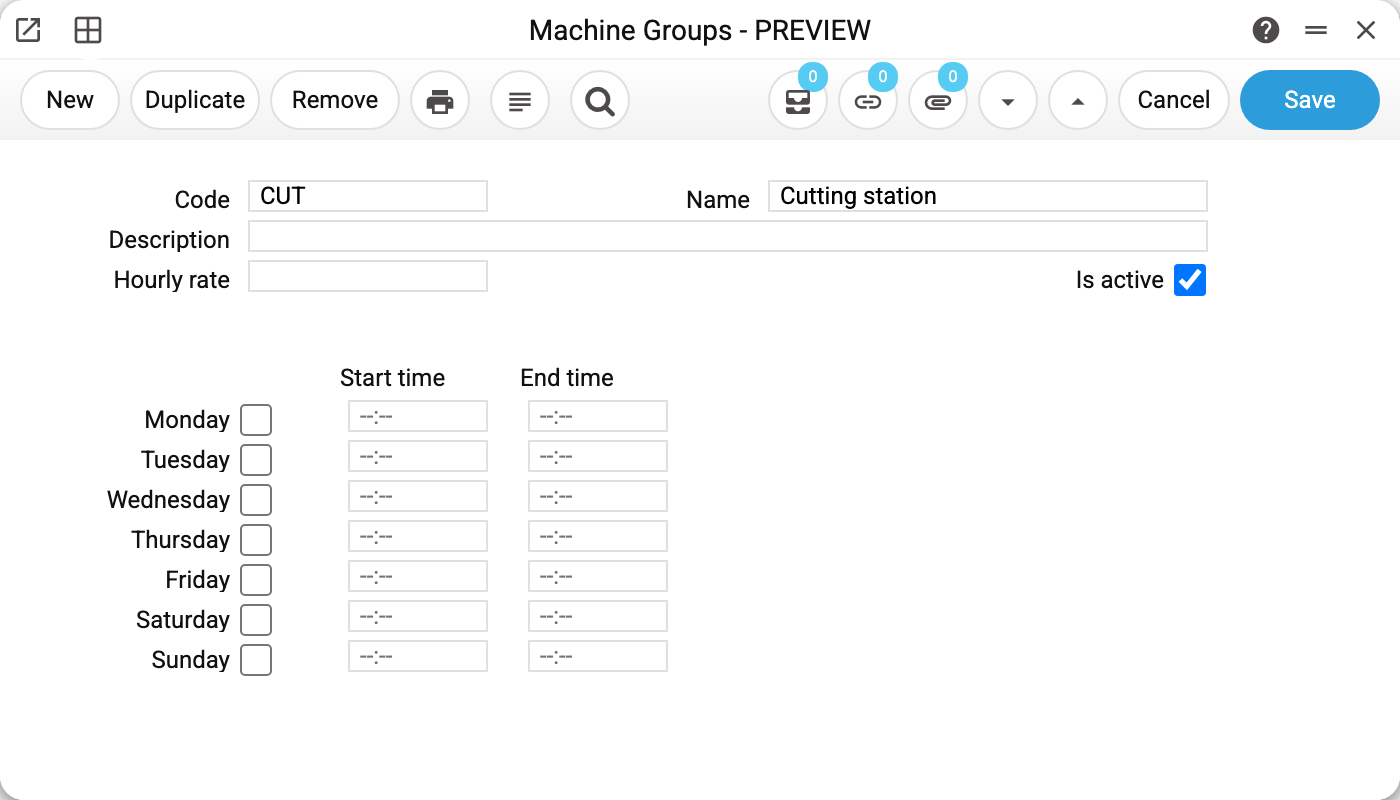
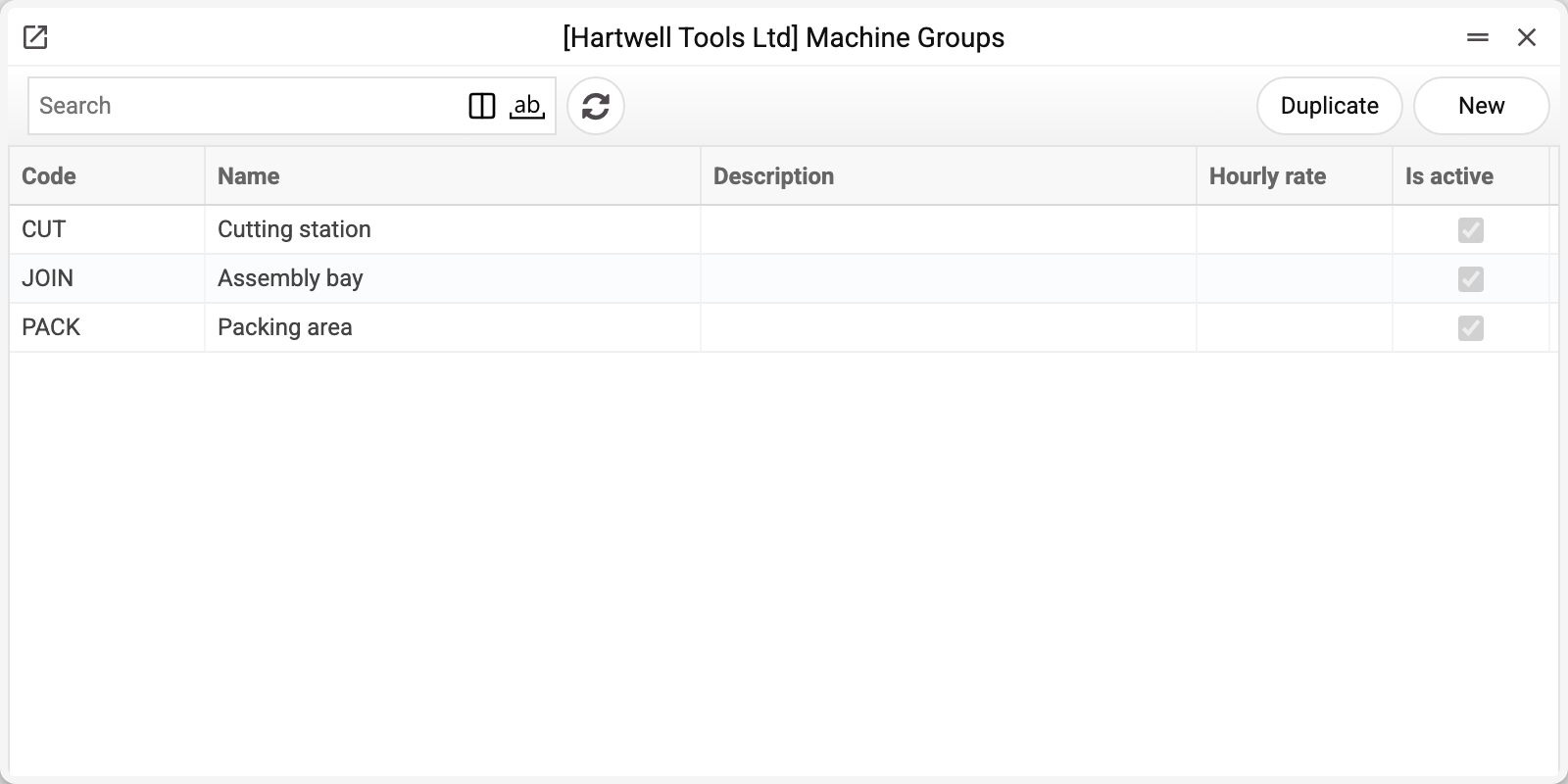
Group CUT "Cutting station", "Is active" ticked. The demo company has three such groups — cutting, assembly and packing — with one work centre in each.
A group card mirrors a machine card: description, hourly rate, weekly schedule. The group's rate and schedule are only stored: a machine does not take them over from its group, and neither the costing nor the creation of operations reads them. Here the schedule is left blank — the hours are set on each machine instead.
Why the group level exists
A technological map can point at a machine or at a group. The difference is how tightly the plan is fixed:
- machine — "cut on this one";
- group — "cut somewhere in cutting", and the shop decides where.
The second is easier to live with when equipment is duplicated: no reworking the map every time a machine is busy or under repair.
If a machine or group is set on even one line of the map, every line needs a machine or a group — otherwise the map is not saved: "Enter machine or machine group".
Typical situations
Several machines in a group, load to be spread evenly. There is no automatic distribution — operations are cut by stage and take the machine or group from the stage's rows; when a row names only a group, the supervisor picks the actual work centre.
A group has to be switched off for a while. Untick "Is active". The group pickers on machines, technological maps and production orders stop offering it; where it is already set it stays, and operations already created are unaffected.
A group in use cannot be deleted. While it is set on at least one machine, map row, production order row, production or operation row, or in the production plan, the system refuses and names where, for example «A record of «Machine Groups» is used in: Machines!». Otherwise those would keep the code of a group that no longer exists. Reassign them to another group first, then delete.
Where to look next
- Machines — the work centres inside a group.
- Technological map — where a group or machine is chosen.
- Production capabilities — how many products the components in stock allow under the technological maps; the report does not look at machines or their load.