Binotel Log
A log of calls made from the system through Binotel: who called, from which extension, to which external number and when. Incoming and missed calls are not here — the system does not process them. The entries are written by the system — nothing is typed in here by hand, and an entry cannot be opened or changed in the window.
Where to find it: Modules → Telephony → Registers → Binotel Log
A worked example
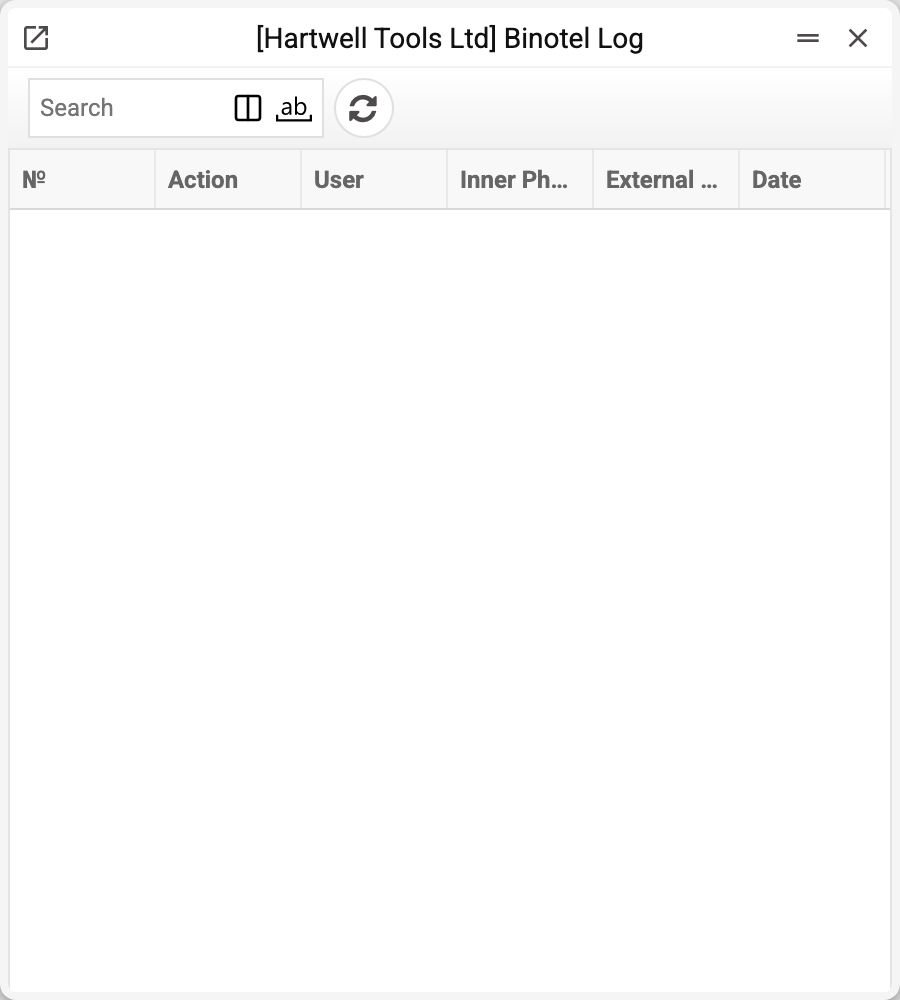
| Column | What it shows |
|---|---|
| № | entry number |
| Operation | the operation code — for a call from the system it is ext-to-phone |
| User | the login of whoever placed the call |
| Inner Phone | the handset dialled from |
| External Phone | who was dialled |
| Date | when |
The list is empty in the demo company: telephony is not connected, and with no calls there is nothing to log.
In entries made before the 1 October 2026 update the Inner Phone and External Phone columns are empty: the numbers never got there and survive only in the detailed data.
What the list does not show
Besides the visible columns, each entry keeps the detailed data — the numbers of the request and Binotel's reply. The API key and the request signature are not written to the log. That is what answers "why didn't the call go through" when the numbers alone are not enough. It can be pulled out by export (the "Xlsx Export" service) or through support.
When the log earns its keep
- A call never landed. If there is an entry, Binotel answered the request — what it answered is in the detailed data (a refusal from Binotel is also shown to the user at once, as "Binotel did not make the call: …") — and the cause lies with telephony. If there is none, the system got no answer from Binotel. Usually the user then saw a message: the external number not filled in, no extension (including an empty phone in the top row of their login), the connection not filled in, the Binotel integration turned off, the Binotel server unavailable (also when Binotel is silent for a minute or the request takes longer than 5 minutes) — check the phone mapping and the connection. If there was no message and still no entry, the log itself was not written (the reason is in the server log); the call may still have gone through, so do not repeat it blindly.
- A "we did call / you didn't" dispute. The log carries the login and the time.
- A check after setup. Place a test call and see whether a row appears.
Where to look next
- Binotel Connection — the connection to the service.
- Phone mapping — which handset a user calls from.
- Binotel Call Actions — which actions a call should raise.