Project Classes
A class answers the question "what kind of project is this at heart": client work, an internal initiative, warranty service. It is not the stage (that moves as work goes on) and not a label (that configures nothing) — a project has exactly one class, and it sets its nature.
Where to find it: Modules → Project Management → Registers → Project Classes
A worked example
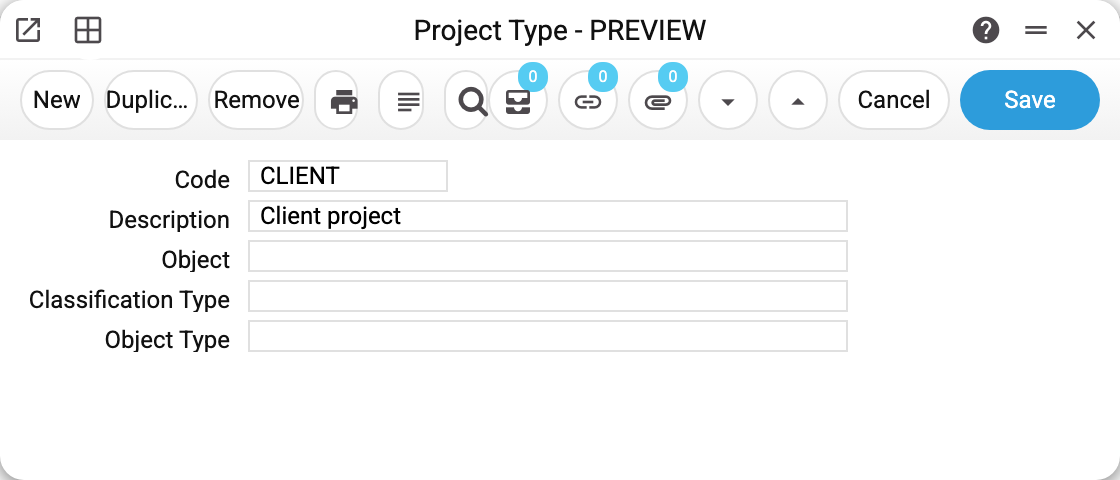
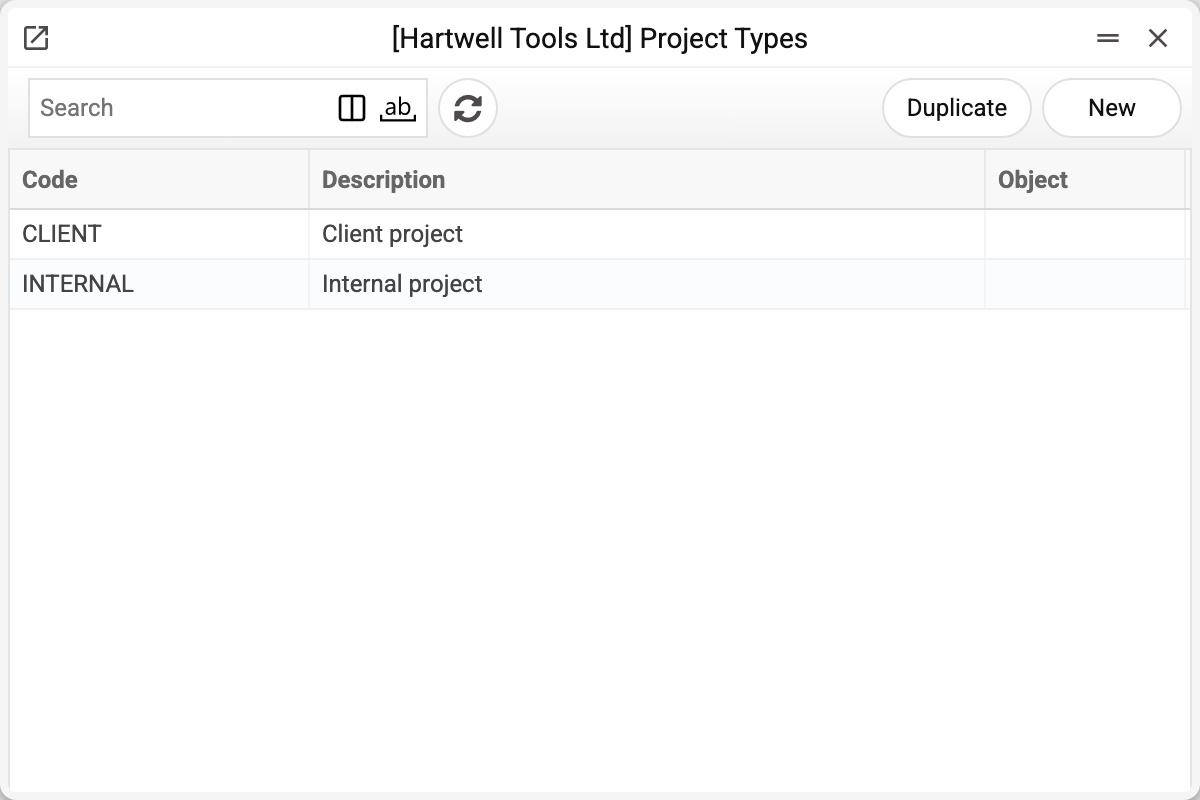
Class CLIENT "Client project". The demo company keeps two: client and internal.
Besides the code and description, the card carries a default object (the "Object" field), a classification type and an object type. They are not put into documents by themselves, and choosing the class on a project does not change the project's objects: documents raised from the project budget take their objects from the project card itself. For client work to land on the class's object, enter that object in the project's "Object" field.
Why split at all
The class is the coarsest attribute of a project: it shows in the projects journal (the "Type" column) and in the Project Information Report, and it is handy for grouping projects. It imposes no restrictions: a client invoice for a project of an internal class goes out exactly as for a client one, and, as said above, the class puts no analytics into documents.
Typical situations
A client project becomes internal. Change the class on the card — the document history stays.
A split by business line is needed. A classification suits that better — a separate label next to the class that is easy to change. But the label is seen only on the project card: the projects journal has no column for it (the class shows there as the «Type» column), and no report filters by it.
The class cannot be deleted: "A record of «Project Classes» is used in: Projects!" A project holds the class — old ones too: with a class that is no longer in the register the project card would not save («Type '' is not found!»). Leave a class that projects use as it is; for a new split create another one.
Where to look next
- Project — where the class is assigned.
- Project classifications — labels instead of a hard split.