Service Items Report
Customer devices handed in for repair do not sit on ordinary warehouses but on service locations. This report answers the workshop's simplest question: what is in our hands right now, and where exactly.
Where to find it: Modules → Stock → Reports → Service Items Report
A worked example
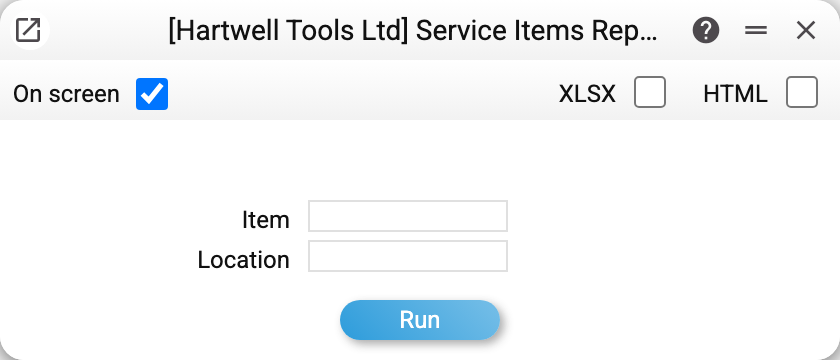
Two parameters, both optional: Item (the service item code) and Location. Without them the report shows everything currently held on service locations.
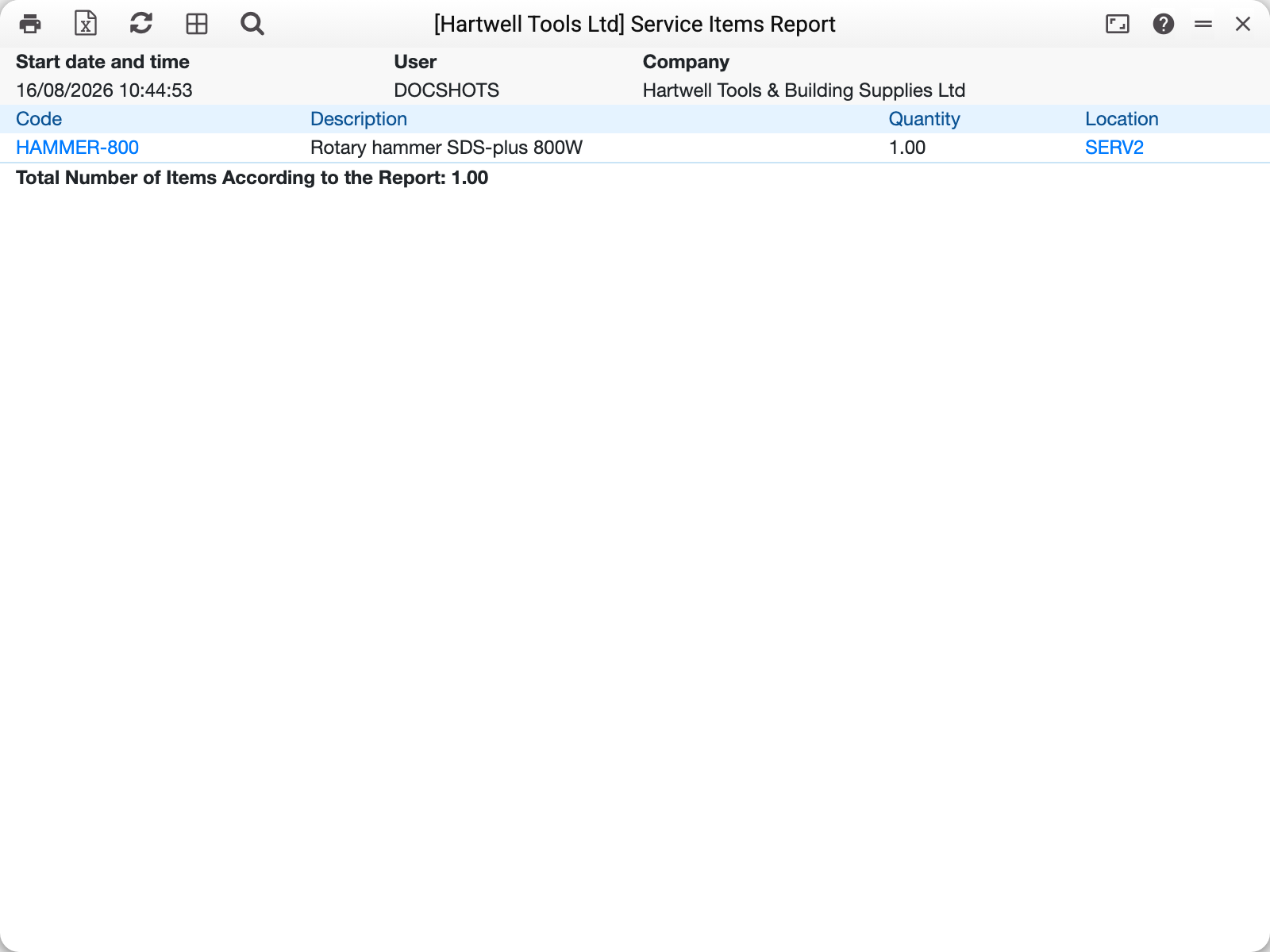
The demo company holds one device:
| Code | Description | Quantity | Location |
|---|---|---|---|
| HAMMER-800 | Rotary hammer SDS-plus 800W | 1.00 | SERV2 |
The hammer sits on SERV2 rather than SERV1 because a service stock movement sent it to the second workshop — the very example covered in the article about movements.
Where the quantity comes from
The report does not count a stock balance; it reads the history of service items: every operation with a device leaves a record there with a quantity of +1 or −1 and a location.
Two documents write those records:
- a service order — intake of the device (+1 on the receiving location) and handover back to the customer (−1);
- a service stock movement — a transfer from one service location to another (−1 and +1).
So "quantity" here counts physical devices rather than stock of an article: the warehouse report knows nothing about these devices.
The window currently has no «To Date» field, so from the window the report always shows today's state. Through the API or MCP there is a date parameter: it cuts off operations entered into the system later (what counts is the moment of entry, not the document date).
Typical situations
The device was handed back but still shows up. The handover was not marked: in an order the minus only appears with the «Gave out» or «Gave w/o paym.» box, in a movement only with the «Sent» box.
A quantity above one for a single code. That is normal: the item code is a model, not an individual unit. Seven drills of the same model from different customers give 7.00.
An empty report. Either the service locations really are empty, or the item or location in the parameters found nothing — check those fields.
Where to look next
- Service items — the register of models accepted for repair.
- Service stock movements — how a device travels between locations.
- Service orders — the intake and handover document.