Shipments Mode
Next to the delivery terms a document carries a second field: how the goods will actually travel — by lorry, by post, by courier, or collected by the customer. This register holds the list of those modes.
Where to find it: Modules → Stock → Registers → Shipments Mode
A worked example
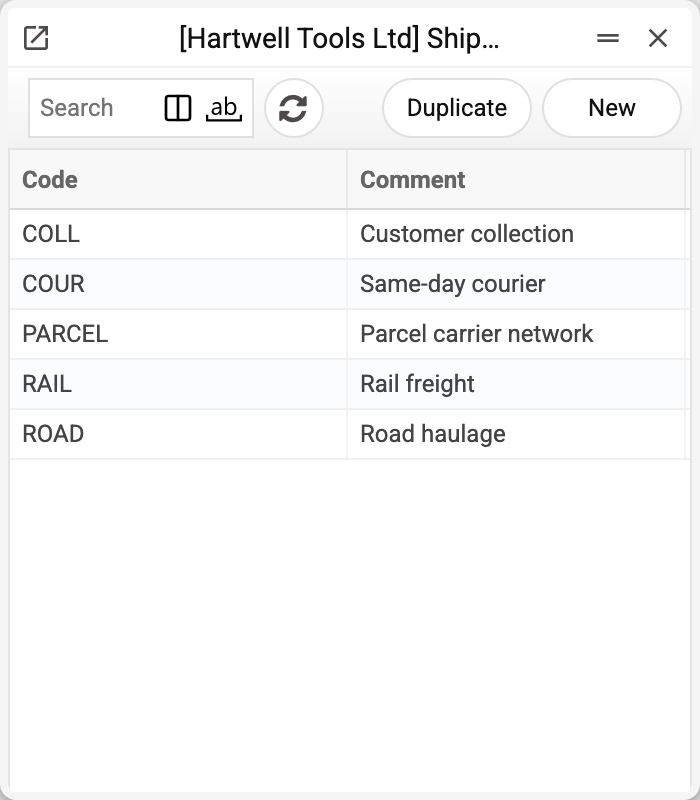
The demo company has five modes:
| Code | Description |
|---|---|
| ROAD | Road haulage |
| PARCEL | Parcel carrier network |
| COUR | Same-day courier |
| COLL | Customer collection |
| RAIL | Rail freight |
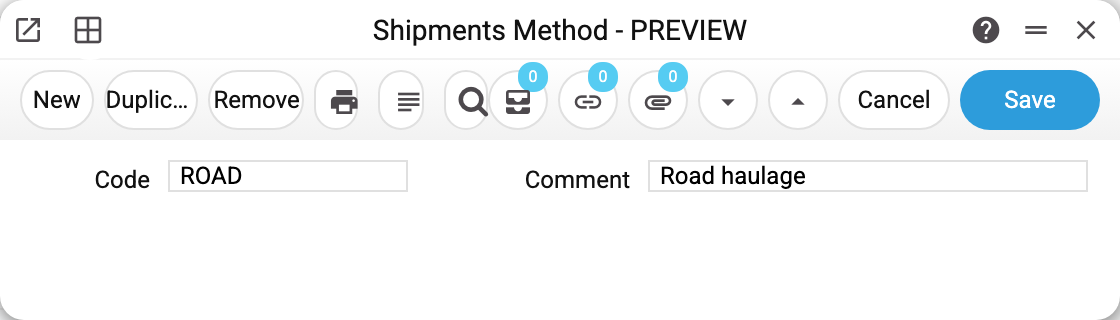
The card holds two fields — code and description; both are required and the code is unique.
Where it is used
The "Delivery Mode" field sits on the sales order, the invoice ("Shipment" tab) and the contract (on the contract it is labelled "Del. Mode"). On the order and the invoice it is filled from the customer card when the customer is picked or changed, and from there it is carried into documents raised from them, exactly like the delivery terms.
A delivery mode is a method, not a carrier. The actual company (Royal Mail, DPD) lives in the carriers register and is named on the consignment note. At order time it is enough to know that the goods go by parcel network — the particular operator is chosen at dispatch.
In the demo company the modes are set on the first three orders: No. 1 — ROAD, No. 2 — COLL, No. 3 — PARCEL.
Typical situations
The register gets confused with carriers. The test is simple: if the name is a company, it belongs in carriers; if it is a transport type or a delivery scheme, it belongs here.
The mode does not affect the delivery charge. Nor should it: the delivery amount is entered on the document separately, this register only names the method.
"Courier in town" and "courier out of town" need separating. Those are two codes — there is no limit on the number of entries.
A mode will not delete. While at least one sales order, contract, invoice or customer card names it (the card puts its mode into new orders), the system refuses and says where — for example «A record of «Shipments Mode» is used in: Sales Orders!». Old documents must keep naming their mode; to retire a mode, simply stop choosing it on new documents.
Where to look next
- Delivery terms — the neighbouring field on the document.
- Carriers — the haulage companies used on consignment notes.
- Shipments — the document by which goods leave the warehouse.
Print variables
Values available in this document's printed form templates. How to write a variable in a template — see Print Forms.
Header fields:
| Variable | What it holds |
|---|---|
| ShipM_No | Code |
| ShipM_Comm | Comment |