Telegram Bots for Connection
A reference table of bots that the system does not read today: a bot that actually runs is set up in the connected bots register, and the choice there does not depend on this table.
Where to find it: Modules → System → Settings → Telegram Bots for Connection
A worked example
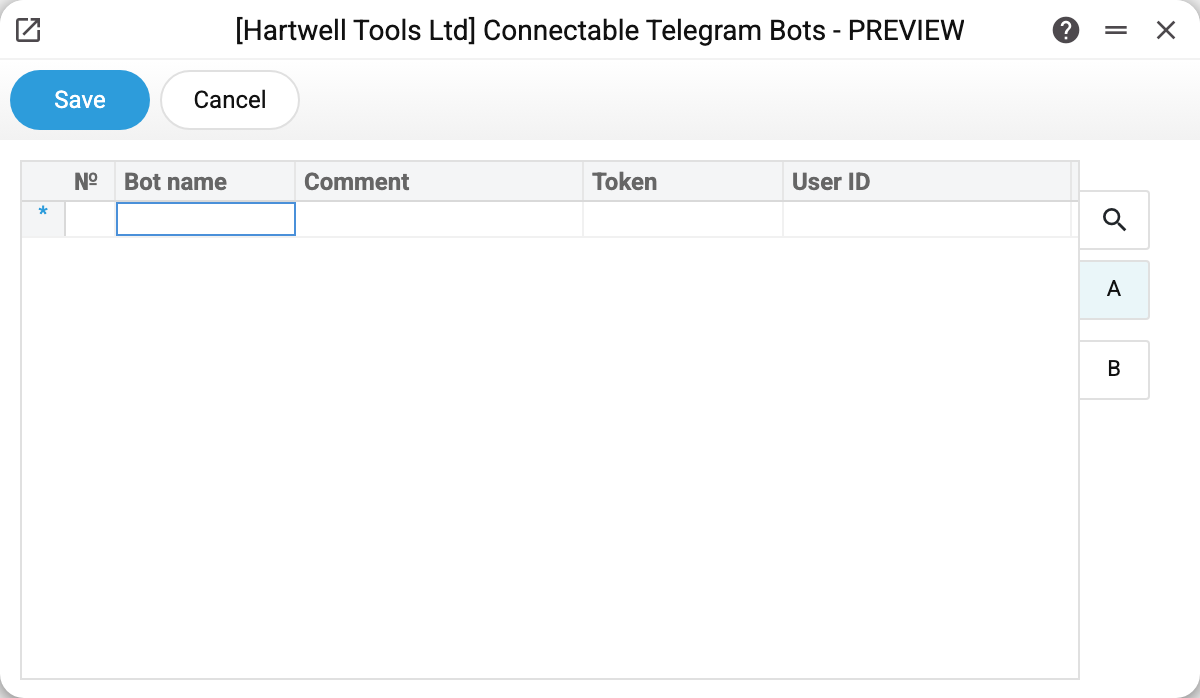
The point of the table is the bot's name and a description of what it does. It also has "Token", "User ID" and "Google api key" columns, but the system does not read them: a working bot takes its token and users from the register of connected bots. So these are reference notes for people, not a working configuration. The only thing saving this table does is restart the running bots of the connected register; if one fails to start, the error goes to the server log and the table is saved (before 21.10.2026 such an error made it unsavable too).
How this table differs from connecting a bot
A Telegram bot is a program with a fixed set of commands. Developers write it, and a company cannot invent new abilities for it with a checkbox. Which bots the program can run is shown in the «Bot name» field of the connected bots register: the order status bot works now, and the car-wash request bot is disabled in the program itself. Hence two lists:
- here — free-form notes: the choice list of the «Bot name» field offers only the car-wash request bot, any other name can be typed too, and these rows do not affect how bots run;
- in the connected register — which bots actually run in your company, under which tokens and for whom.
A bot written down only here stays silent not because of a fault but because it was not connected.
Typical situations
The bot you need is not listed. Which bots the system can run is shown in the «Bot name» field of the connected bots register: that list is set by the program, not by this table. A new bot is added by a developer.
The bot is listed but does nothing. This table does not start bots — set it up in the connected bots register. The car-wash request bot (wash_up) will not start there either: it is disabled in the program until its dialogs are reworked.
Where to look next
- Connected Telegram bots — the working bots with tokens and permissions.