Holidays
A holiday calendar is a list of non-working dates for a year. It exists not for reference but for arithmetic: the system uses it to decide whether a given day counts towards leave and towards working time.
Where to find it: Modules → Human Resource Management → Registers → Holidays
A worked example
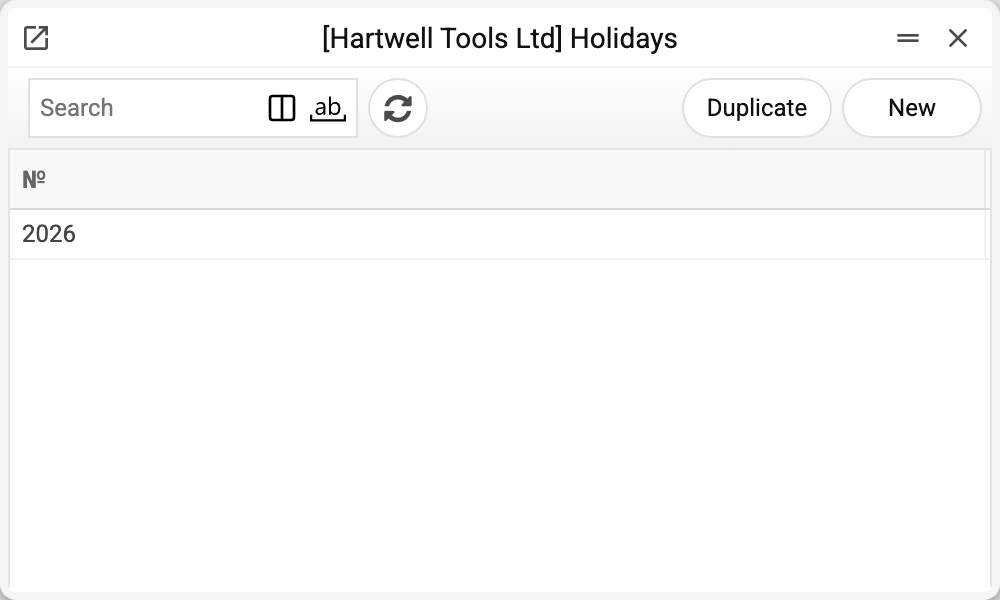
The journal holds one record per year; here there is only 2026, and that is the one we take.
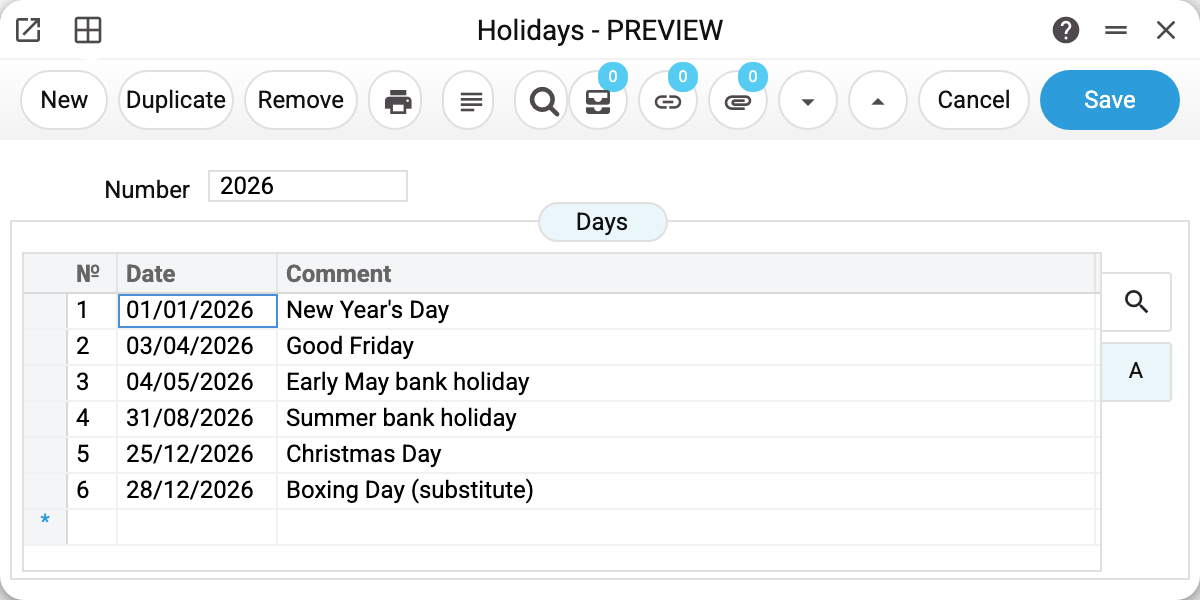
The record is numbered by year, and holds a table of dates:
| № | Date | Comment |
|---|---|---|
| 1 | 01/01/2026 | New Year's Day |
| 2 | 03/04/2026 | Good Friday |
| 3 | 04/05/2026 | Early May bank holiday |
| 4 | 31/08/2026 | Summer bank holiday |
| 5 | 25/12/2026 | Christmas Day |
| 6 | 28/12/2026 | Boxing Day (substitute) |
One record, one year. Next year gets a new one and the old stays as history: recalculating a past period has to use the holidays that applied then.
Where it takes effect
Four places read the calendar.
Leave — through a leave scheme row, via its "Include Holidays" field. "No" or an empty field: dates from this list are skipped and do not count as leave days. "Yes": a holiday counts as a leave day like any other, and the calendar has no effect on the number of days. That is deliberate: annual leave and time off in lieu may count differently, even though the company keeps one calendar.
Payroll calculation — "Working days in the period": the days that are working days under Work Days, minus the holidays from this list that fall on such days. Working days drive the advance by days (when the contract sets no advance amount) and the accrual for an employee whose contract covers only part of the period.
Resource Manager — holidays are highlighted in red in the calendar, with the holiday's comment in the tooltip.
Telegram timesheet reminder — every weekday at 20:00; no reminder is sent on a date from this list.
Typical situations
A holiday moves. Change the date on the row. Leave applications already saved are not recalculated by themselves, and approving again does not recount "Days" either: the application window counts the days only when the start date, end date, absence type or employee changes. If it matters, open the application (in an approved one first clear "OK" — otherwise the dates are locked) and change the start or end date.
Saving does not reject the same date on two rows, but it does no harm: payroll and leave count each holiday once.
The company works through the holidays. Set "Include Holidays" to "Yes" on the leave scheme row; holidays then count as leave days, like ordinary ones.
Regional or company days are needed. Add them to the same list: the system does not distinguish statutory from internal holidays.
Next year's calendar is missing. Create a record numbered by the year; duplicating last year's is the quickest route, but the dates in the copy stay last year's: change the year on every row. Payroll will not find a holiday dated in another year within its period.
Where to look next
- Leave scheme — where the calendar is wired in.
- Work Days — the second calendar, the one that defines weekends.
- Leave application — where all this shows up as a number of days.
Print variables
Values available in this document's printed form templates. How to write a variable in a template — see Print Forms.
Header fields:
| Variable | What it holds |
|---|---|
| Holidays_Number | Number |
Row fields:
| Variable | What it holds |
|---|---|
| MNo | Row position number |
| MDate | Date |
| MComment | Comment |