Action Types
A short register that brings the work to a shared vocabulary: «call», «visit», «under diagnostics», «agreed». Without it everyone would word things their own way and filtering by type would lose its meaning.
Where to find it: Modules → CRM → Registers → Action Types
A worked example
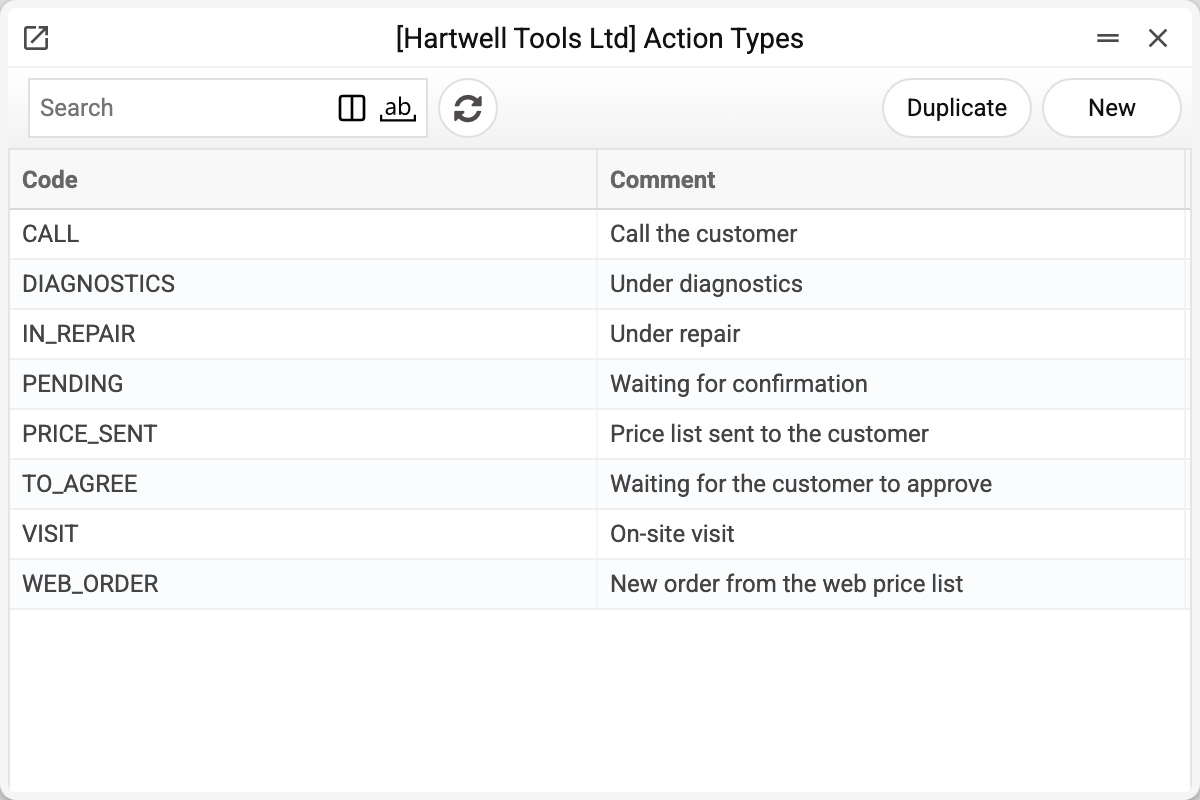
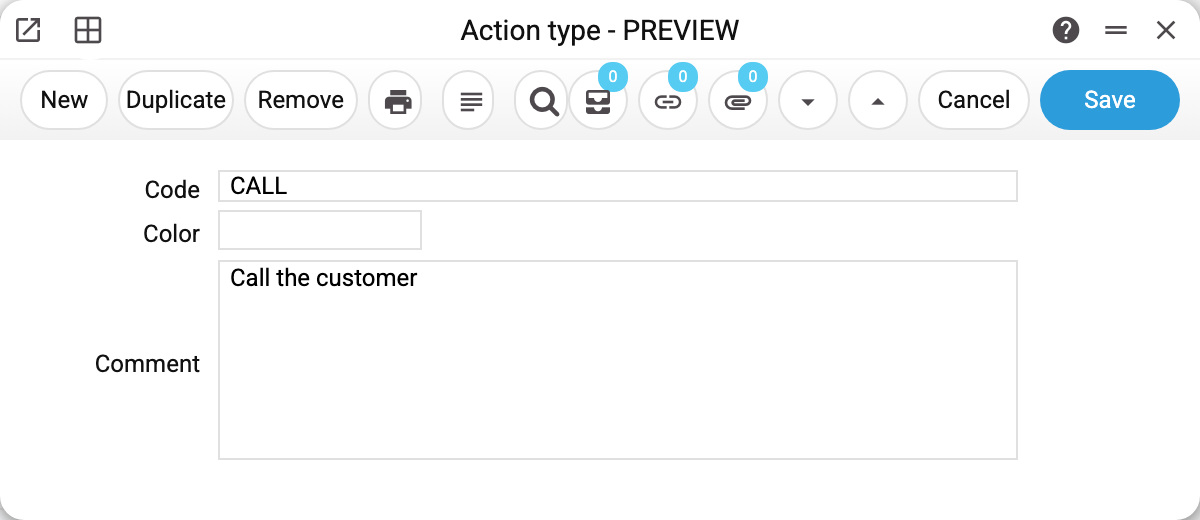
- Code — what is picked in the «Type» and «Result» fields of a task;
- Comment — the human-readable explanation;
- Color — the colour the Resource manager shows tasks of this type in;
- Does not occupy the resource — tasks of this type take no part in the resource availability check: they can be placed at the same time as the resource's other tasks and do not block them. For example, the system creates the planned maintenance type MAINT_PLANNED with this box already ticked.
Where it is used
| Place | The role of the type |
|---|---|
| Tasks, «Type» field | What the work is about |
| Tasks, «Result» field | How it ended |
| Automatic tasks | The type given to a task created from a service order state |
| Booking: service matrix; «Action type for SMS notification» field | The type of the task created for a customer booking; the type of tasks scheduled SMS reminders are sent about |
| Company Workflow | A column of the task board: dragging a card between columns changes its type |
| Action Consequences | The type and result after which the next task is created, and the next task's type |
| Approval Rules, Leave Scheme, Resource Accounting List | The type of the task they create or count |
| Binotel Call Actions, price list settings, SMS notification | The task type for a call, for an order from a price list, the type an SMS is sent about |
The type itself computes nothing — it groups the work for reports and filtering, while the workflow board and action consequences move work along by it. So codes are best set by meaning (CALL, VISIT, READY), not by executor or date.
A type in use will not delete. If at least one task or any place from the table above names the type, the system refuses and says where — for example "A record of «Action Types» is used in: Actions!". Otherwise a column of the workflow board would break and settings holding the type could no longer be saved. An unneeded type is best simply left out of new tasks.
Print variables
Values available in this document's printed form templates. How to write a variable in a template — see Print Forms.
Header fields:
| Variable | What it holds |
|---|---|
| ActTypeCode | Code |
| ActTypeColor | Color |
| ActTypeComment | Comment |