Fill Payments History
A housekeeping operation that rebuilds the payment history from the posted invoices, credit notes and payments.
Where to find it: Modules → Database Maintenance → Maintenances → Fill Payments History
A worked example
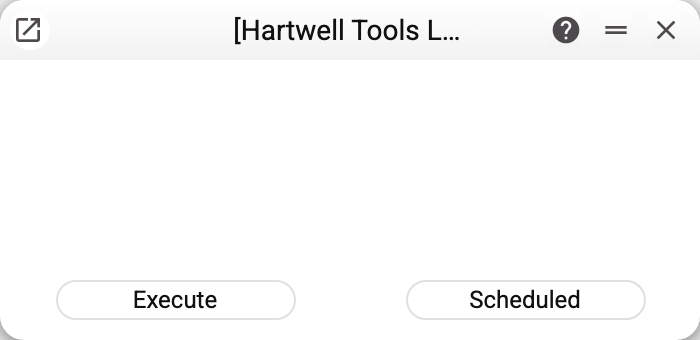
No parameters. The service clears the current company's history completely and builds it again from the posted invoices, credit notes and payments. Payment records already left by posting a payment are carried over as they are — not recalculated at today's rates; only the missing ones are calculated. The "Scheduled" button in the window is active: the service can also be put on an automatic run, and every such run erases and rewrites the history as a whole in the same way.
When it is needed
The history maintains itself: post a payment and rows appear, reverse it and they go. Rebuilding is needed when the rows are missing although the payments are not:
- data was migrated from another system;
- payments were created by import, bypassing normal posting;
- the history was damaged by direct intervention in the database.
Because it deletes everything first and rebuilds afterwards, repeat runs are safe — provided the payments really are posted: what is not in the documents will not appear in the history.
Typical situations
An empty payment history with live payments. Exactly this case.
Balances do not add up after an import. Rebuild the history first, then reconcile open invoices.
Where to look next
- Payment history — what the service builds.
- Open invoices — the balances it feeds.