Offline Sync Log
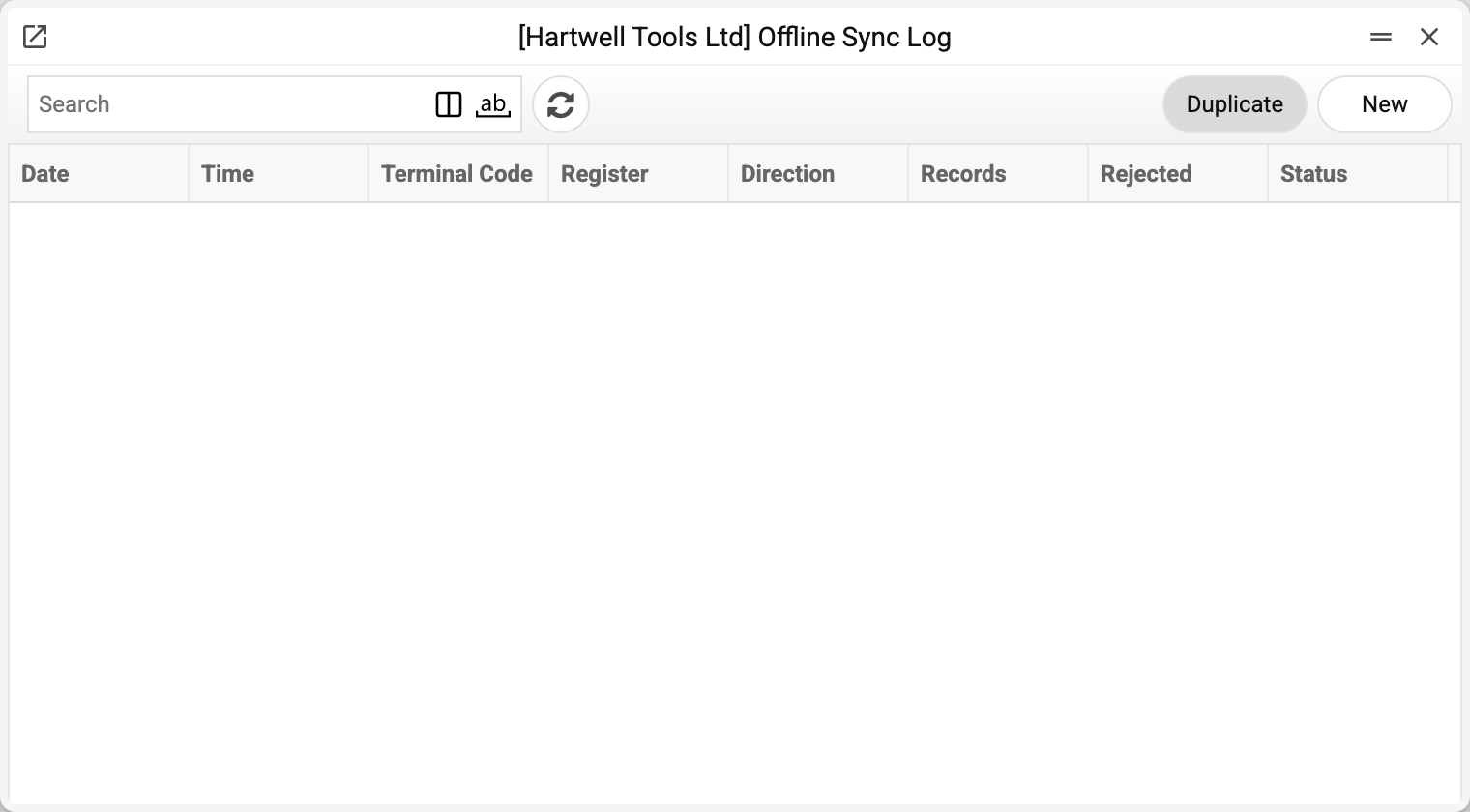
The record of exchanges between the server and the tills: when, which terminal, which register, which direction and how many records. The server writes it — nothing is entered here by hand.
Where to find it: Modules → Offline → Registers → Offline Sync Log
A worked example
| Column | What it shows |
|---|---|
| Date, Time | the moment of the round, in server time |
| Terminal Code | which till |
| Register | what was being exchanged |
| Direction | pull — the server sent data to the till; push — the till sent its own |
| Records | how many were sent or accepted |
| Rejected | how many were refused on push |
| Status | 0 — no errors, 1 — rejected records or errors occurred |
On the demo stand the log is empty: offline exchange is switched off at server level, so no round has ever happened.
Silence in the log is normal
A terminal calls the server every few dozen seconds, and when there is nothing new those idle rounds are not logged. Otherwise a single day would add thousands of empty lines and drown the real events. A line appears here only when something was actually transferred or an error occurred while processing records. A refusal of the whole request (the register is not allowed for this terminal, the register is not sync-enabled) does not get here — only the till sees it.
Second point: conflicts in receipt processing are not found here but on the offline sales themselves — in the status and error field of the individual receipt. The log answers "did an exchange happen"; the receipt card answers "what is wrong with it".
Typical situations
A till has gone quiet. An empty log by itself says nothing about the connection: a round with no data (the till polled the server and there was nothing new) is not logged. The connection shows on the terminal card — in Last Sync Date and Last Sync Time; if they have not moved for a long time, check the network and the terminal's status.
Exchange is running but no receipts arrive. Look for push rows: a "Rejected" count above zero means the server refused some receipts.
Working out when data went missing. The log shows the sequence of rounds per register, which is enough to rebuild the timeline.
Where to look next
- Offline terminals — which tills exist and what they exchange.
- Offline sales — the fate of each individual receipt.