Delete Last Depreciation
The service reverses the last depreciation charge on an asset. The last one specifically — not any charge you choose.
Where to find it: Modules → Fixed Assets → Maintenances → Delete Last Depreciation
A worked example
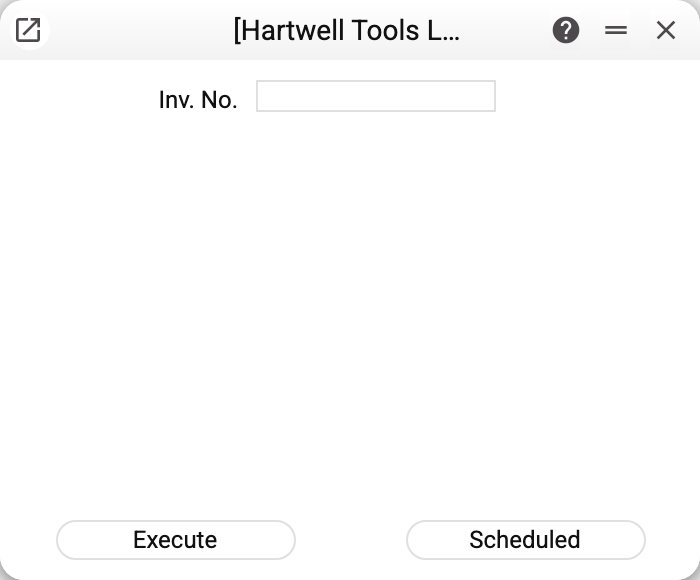
The field is the same as its neighbour's: the inventory number. Next to it is Model for Disposals: "Model 1" or "Model 2". The default comes from the Assets Setting; if no model is chosen at all, the service works with model 1.
The service gathers the depreciation entries for that asset under the chosen model, sorts them by date and removes the most recent. Each model has its own charges: "Assets Amort" for model 1, "Assets Amort 2" for model 2. Charges of the other model are left alone.
What changes after a run
- The charge disappears from Transactions the same way document postings are removed: the balances of the depreciation and expense accounts are restored (you can see it in the Nominal Ledger Report), and the posting's general ledger rows and correction history go with it.
- On the asset card the residual value of that model grows by the charge, and its depreciation date goes back to the date of the previous charge (empty if there is none). For model 2 these are "Residual value (model 2)" and "Depreciation date (model 2)".
- The Asset Histories rows of that very charge are removed.
Closed period. If the charge date falls into a period closed in "Closing changes" by the fixed-asset depreciation row (and when that row has no date — by the general "Close by date incl. for all documents" date), the service refuses with "Period closed!" and changes nothing — neither the postings nor the card. The closing does not apply to users entered in the same row in the "Always open for users" column — for them the charge is removed.
Why only the last one
Depreciation is a chain: each charge builds on the accumulated wear left by the one before. Pulling a charge out of the middle would leave the chain with a hole and every later figure wrong.
So corrections are made by unwinding: to remove a charge from three months ago, run the service three times, taking one off the end each time. The inconvenience is deliberate — it keeps the mistake visible.
For the same reason the "Scheduled" button in the window is inactive: on a schedule every run would take off one more charge. The operation is irreversible and is never handed to the scheduler — a scheduled run sent as a direct request is refused by the server too ("This operation is irreversible and cannot be scheduled!").
Typical situations
Depreciation was charged for the wrong month. Reverse the last charge and redo it with the right date.
Several months need reversing. Run the service once per charge you are removing.
There are charges under both models. Remove each model with its own run, marked "Model 1" or "Model 2": a run for one model does not touch the postings, residual value or date of the other.
"Depreciation not posted!". Under the selected model the asset with this inventory number has no charge at all: everything is already removed or the charges were made under the other model — switch "Model 1" / "Model 2".
A refusal about a register shared from another company. If your company uses the fixed asset cards, the transactions or the asset history shared from another company, the service refuses and names the register: only the company that owns the register may remove the charges.
The asset was commissioned by mistake. Remove all the charges first, then delete the commissioning. This rolls the mistake back: the depreciation history disappears and the residual value is restored.
An asset that was in use is being sold or written off. That is not a rollback but a disposal: it keeps the charge history and closes the asset with its own postings. There is no need to remove the charges.
You cannot see what will be deleted. The service deletes the latest charge of the asset under the chosen model, whatever date the report was built up to. For model 1, open the asset status with "To date" empty and find the row with the latest date in the depreciation block — that is the one that will go. With "To date" filled in (even with today) the report leaves out a charge posted with a later date — say, the end of the month — and that is exactly the one the service deletes. The asset status shows model 1 only; for model 2 charges look in Asset Histories — the "Assets Amort 2" rows.
Where to look next
- Asset status — the list of charges on the asset.
- Delete asset commissioning — the next step of a full rollback.