Customer Category
A group of customers with shared terms: their own price list, discount matrix and receivables account. A category is what you need when the same rules must be handed not to one customer but to dozens — wholesalers, retail, dealers.
Where to find it: Modules → Sales Ledger → Registers → Customer Category
Example walkthrough
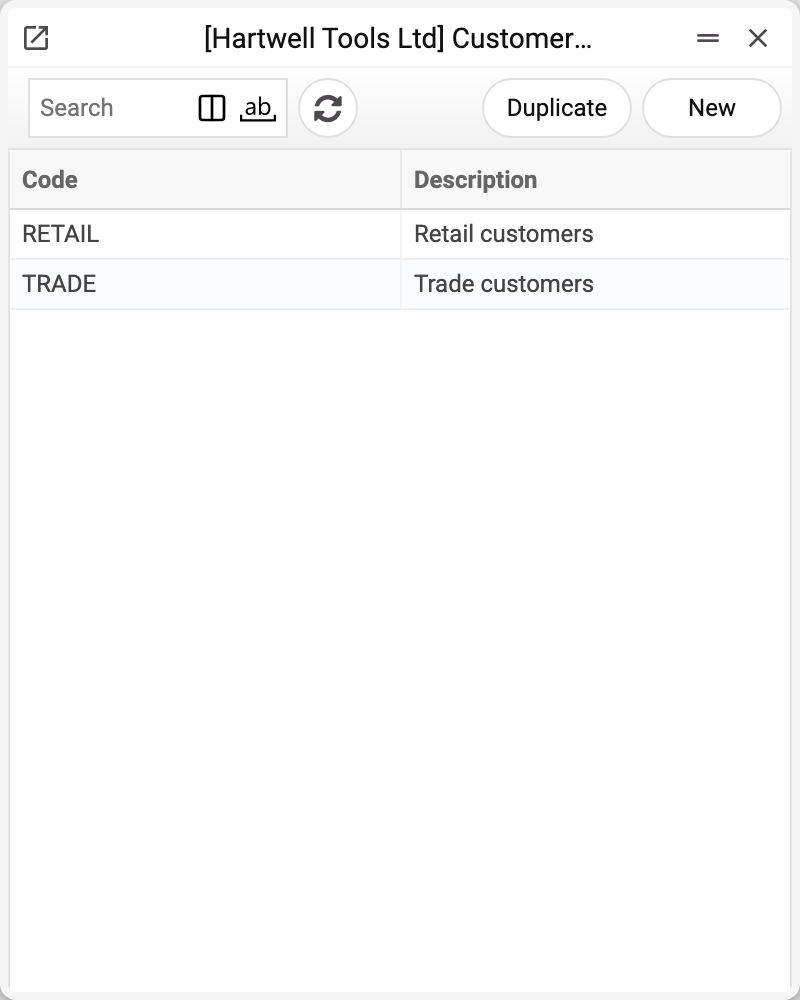
The demo company has two categories: TRADE — «Trade customers» and RETAIL — «Retail customers».
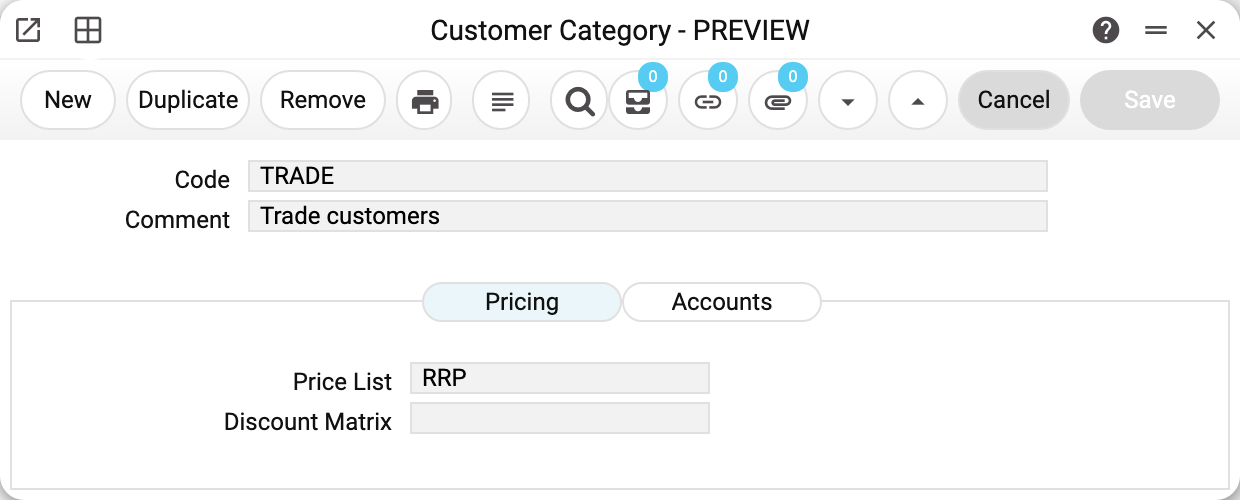
Category TRADE — «Trade customers», the «Pricing» tab holds price list RRP, and the «Discount Matrix» field is empty. Everything placed in this category will be priced at retail with no discount.
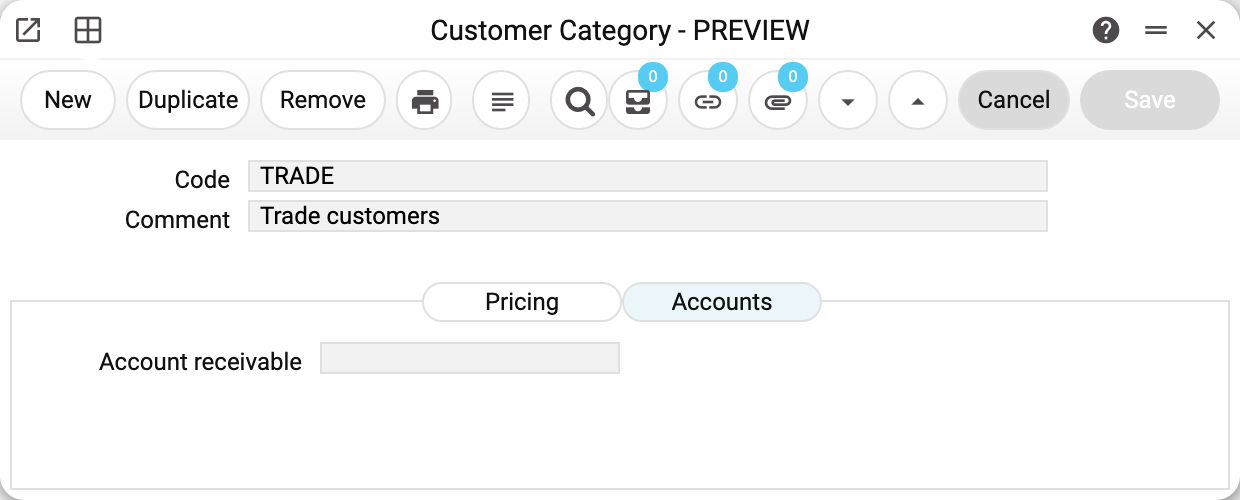
The «Accounts» tab holds the receivables account — the postings for the debt of this category's customers go there. Left empty, the system falls back to the account usage setting.
How a category works
The category is set on the contact card — the «Customer category» field. One contact belongs to one category.
The category's terms are a fallback, not an order. If the customer's own card carries a price list, that one wins; the category fills in only what the card leaves empty. Discounts follow the same rule — except contracts: like SERP, they take the discount matrix from the customer card only.
The category is used for selection. The contact list and the debt reports filter by it — aging, settlements statement, customer debt. The same filter exists in the contacts report, the customer prepayments history and the contact change history.
The category affects the code of a new contact: the number ranges may hold a dedicated series per category — wholesalers getting codes starting with W, for instance.
What is checked
Code and comment are mandatory, the code is unique, and the code of a saved category cannot be changed — «Can't change code». Price list, discount matrix and accounts are verified. A category cannot be deleted while at least one contact card holds it (even a contact without any documents) or a setting does — Prom Creation of New Customers or the number ranges; the refusal names the first place.
Typical situations
One customer needs special prices. Do not create a category for a single customer — put the price list on their card, it outranks the category.
Prices change for a whole group. Change the price list in the category and new documents for its customers follow the new prices — except customers with their own price list on the card: it outranks the category, and their prices stay. Documents already issued are not recalculated.
The category will not delete. A customer card or a setting holds it — the refusal says where: «A record of «Customer Category» is used in: Contacts!». Without the category such a card could no longer be saved, and the postings of these customers' invoices would silently go to the general receivables account. Move the customers to another category (and change it in the settings) — then the deletion goes through. Or leave the category as it is — it does no harm.
The category will not save: «Discount Matrix is not found». The «Discount Matrix» field names a matrix that is not in the Discount matrix register — it was deleted, or the code came with the initial data of a new SaaS database (category CUST with 0%). Clear the field or pick an existing matrix, then save. Clearing does not change prices: documents already treat a missing matrix as no discount. An existing matrix, though, takes effect: new documents of the category's customers without a matrix of their own get its discount.
Print variables
Values available in this document's printed form templates. How to write a variable in a template — see Print Forms.
Header fields:
| Variable | What it holds |
|---|---|
| ClientCat_No | Code |
| ClientCat_Comment | Comment (Code) |
| ClientCat_RecAcc_Name | Comment (Account receivable) |
| ClientCat_PayAcc_Name | Comment (Accounts payable account) |
| ClientCat_CostAcc_Name | Comment (Account of the cost of goods) |
| PrList_Code | Price List (code) |
| PrList_Comment | Price List (name) |
| DiscTable_Code | Discount Matrix (code) |
| DiscTable_Comment | Discount Matrix (name) |
| ClientCat_RecAcc_No | Account receivable |
| ClientCat_PayAcc_No | Accounts payable account |
| ClientCat_CostAcc_No | Account of the cost of goods |
The records the document refers to through its form fields (location, customer, currency…) also expose the rest of their variables — code and name are already listed in the tables above, the rest is described in the register's article:
- Price List — Price Lists
- Discount Matrix — Discount matrix (
DiscTable_*)