Budget Classes
A catalog of budgeting scenarios: code and description. A class is a "shelf" holding a set of budgets, and a report picks the shelf via its "Budget Class" field. Several classes mean several parallel plans for the same year: base and optimistic, annual and quarterly-revised — any number of scenarios without period conflicts.
Where to find it: Modules → Nominal Ledger → Registers → Budget Classes
Walkthrough
The demo database has one class — ANNUAL — with the revenue and cost budgets underneath:
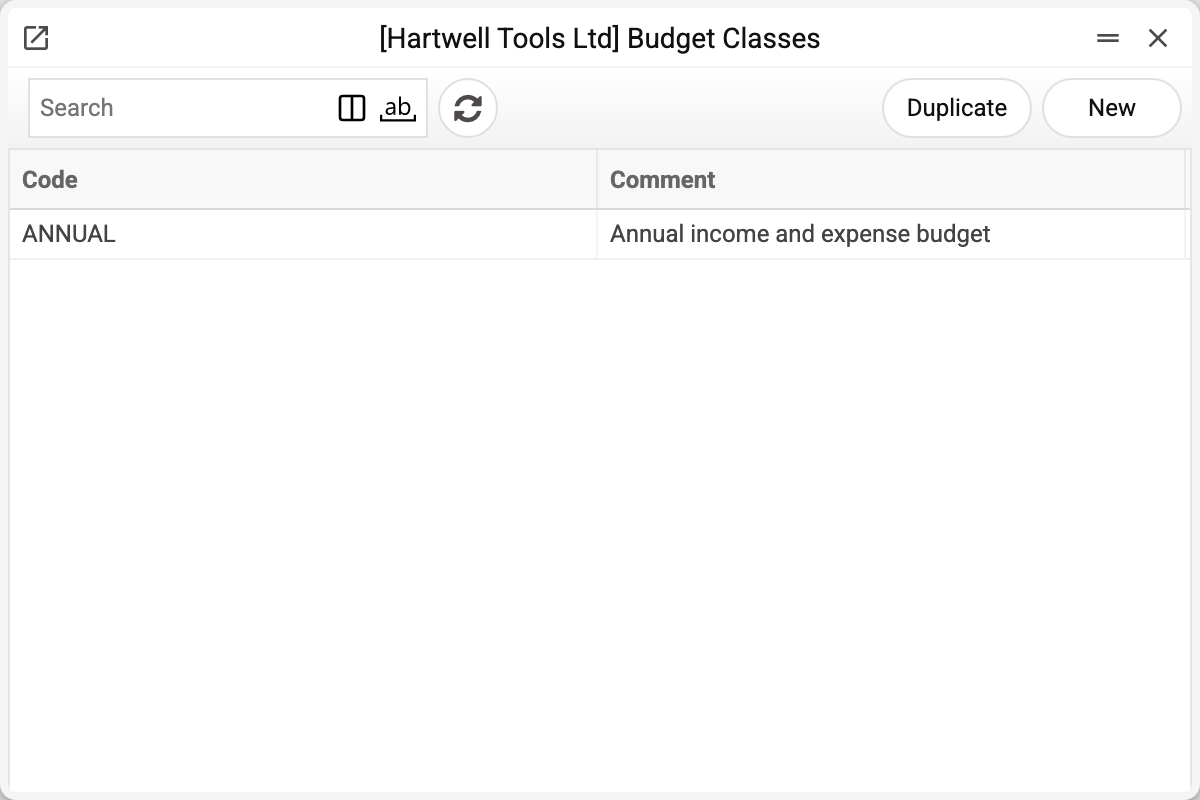
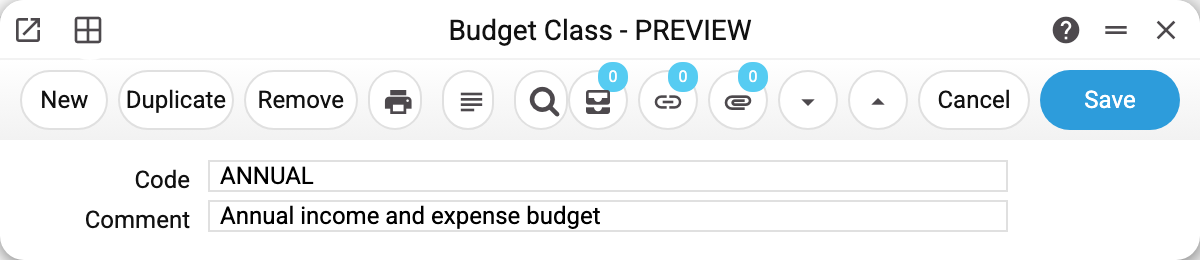
The whole card is a code and a comment (the class description). The code does the work: it sits in the "Class" field of budgets and in the report's "Budget Class" field, and the report only takes budgets whose class matches literally.
Why several classes
- Scenarios. BASE / OPTIMIST / PESSIMIST for the same year and account — impossible without classes: the system will not approve a budget whose period overlaps an already approved budget for the same account, class and object. Different classes — no overlap. The check runs at approval (the OK flag); the window locks an approved budget, so no overlap can come in through it, but an approved budget edited through the API is not checked again.
- Horizons. ANNUAL is approved once a year, QUARTERLY is operational. A report switches between them with a single field.
- The empty class is a class too. Budgets with no class are only picked up by a report with an empty "Budget Class" field. The discipline is simple: classes everywhere, or nowhere.
Common situations
Created a budget with a class — the report shows zeros. The report's "Budget Class" field is empty, and empty means "budgets with no class", not "any". Fill in the class code.
A typo in the code. ANNUAL and ANUAL are different classes: matching is literal. The report's "Budget Class" field and the "Class" field of the budget card both turn whatever you type into uppercase, but the budget's class is not checked against the catalog: a class typed in the budget with a typo will never be found by the report. Through the API the class is also stored exactly as passed — lowercase included. Pick the class in the budget from the list, and keep codes short.
"Can't change code". The code of a saved class does not change — budgets hold it literally. Need another name — edit the comment; need another code — create a new class.
The class cannot be deleted: "A record of «Budget Classes» is used in: Budgets!" A budget or a revised budget holds the class — the refusal names the first place. Saving a budget does not check the class, so without this refusal budgets would keep the code of a class that no longer exists, and the report would have nowhere to pick it from. Leave a class that budgets use as it is; do not reuse codes with a new meaning.