Classification Types
Classifications are labels: "promotion", "new arrival", "spare part". Once there are many of them they start to clash: promotion and new arrival are two different states of the same item, while "spare part" is a different property altogether.
Where to find it: Modules → Stock (also in modules: Project Management) → Registers → Classification Types
A classification type is exactly that "column": a set of labels from which an item may carry at most one.
A worked example
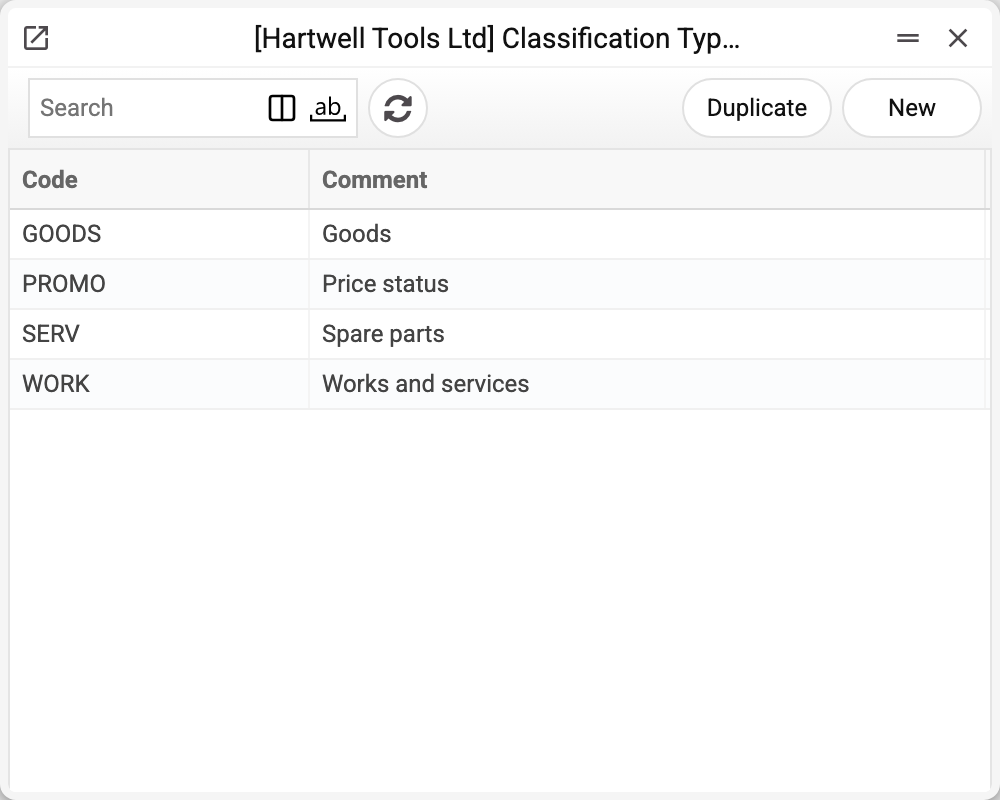
The demo company has four types:
| Code | Name | Labels it holds |
|---|---|---|
| GOODS | Goods | GOODS |
| SERV | Spare parts | SERV |
| WORK | Works and services | WORK |
| PROMO | Price status | SALE, NEW |
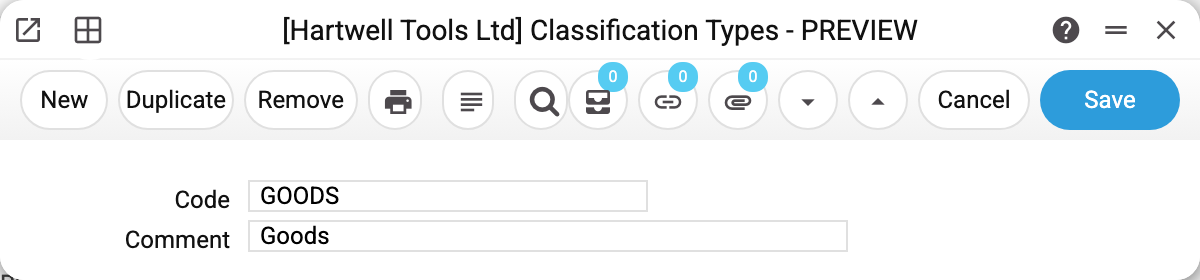
The card holds just two fields — code and name. All the work happens in the other registers that refer to it.
What the type buys you
In item classifications — the "one label per type" rule. Item 100005 carries GOODS,SALE: one label of type GOODS and one of type PROMO. Adding NEW (also PROMO) is rejected.
In quotation price lists — the type selects and groups items. "Classification filter type" lets into the price list only items with at least one label of that type: set PROMO and only the sale and new positions remain. Grouping "Classification Type" with "Classification filter type 1–3" splits the price list into sections by the item's labels of that type — SALE apart, NEW apart.
In projects — project classes and project classifications point at this very register. Types are therefore shared system-wide, not stock-specific: creating a type creates it for items and for projects alike.
Typical situations
An item label, project class or project classification will not save: "Classification type '…' is not found!". The record names a type code that does not exist here. Create the type or fix the code.
Two labels of the same meaning will not coexist in the classification picker. That is intended: they share a type. If both are needed, split them across different types.
There are no types at all. Labels then behave as plain values without restrictions, but the type filter in quotation price lists will be empty.
A type will not delete. While at least one label, project class, project classification or quotation price list filter points to it, the system refuses and says where — for example «A record of «Classification Types» is used in: Item Classifications!». Otherwise the records would keep a type that no longer exists, and labels, project classes and project classifications would no longer save (see the first situation). Move the labels to another type first.
Where to look next
- Item classifications — the labels this register groups.
- Quotation price lists — where the type selects items.
Print variables
Values available in this document's printed form templates. How to write a variable in a template — see Print Forms.
Header fields:
| Variable | What it holds |
|---|---|
| ClassTyp_No | Code |
| ClassTyp_Comment | Comment |