Advance Reports
The document an employee uses to account for money spent: a business trip, fuel, stationery. The lines say what the money went on and which expense account it belongs to.
Where to find it: Modules → Expenses → Registers → Advance Reports
The whole of the expense side rests on account 372 "Settlements with accountable persons". It works as the employee's personal account with the company:
- cash advanced to the employee — a cash payment under the PETTYCASH item increased their debt (Dr 372);
- the employee accounted for it — the expense claim reduced that debt (Cr 372);
- the unspent balance came back — a cash receipt cleared the rest (Cr 372);
- the employee spent more than was advanced — the company owes them, and the difference is settled by a personnel payment.
Video walkthrough: Employee expenses in ERPJS step by step — cash advance, expense claim, change, zero balance.
A worked example
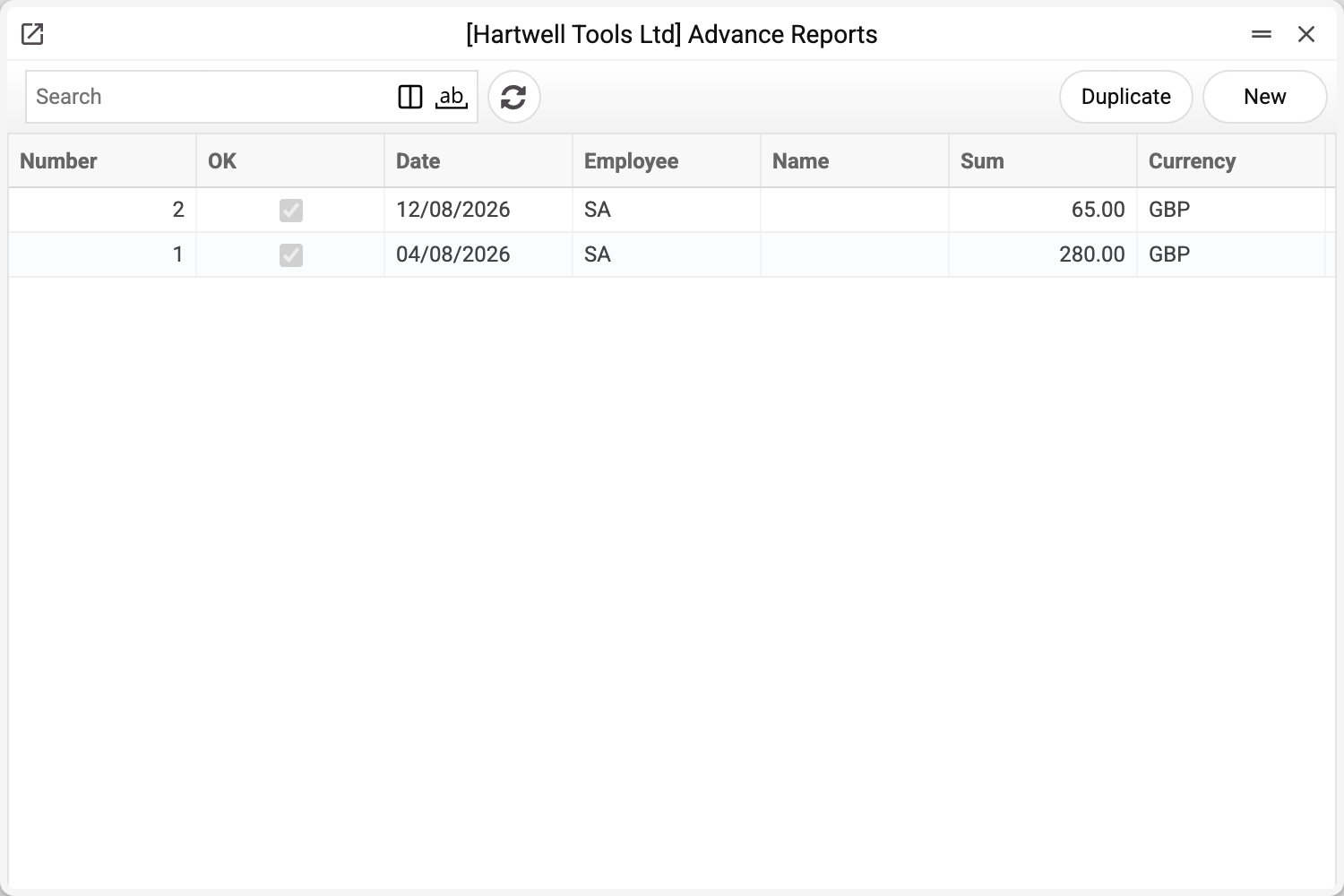
The list shows the number, the OK flag, the date, the employee, the amount and the currency. Let us open claim No. 1 of 04/08/2026:
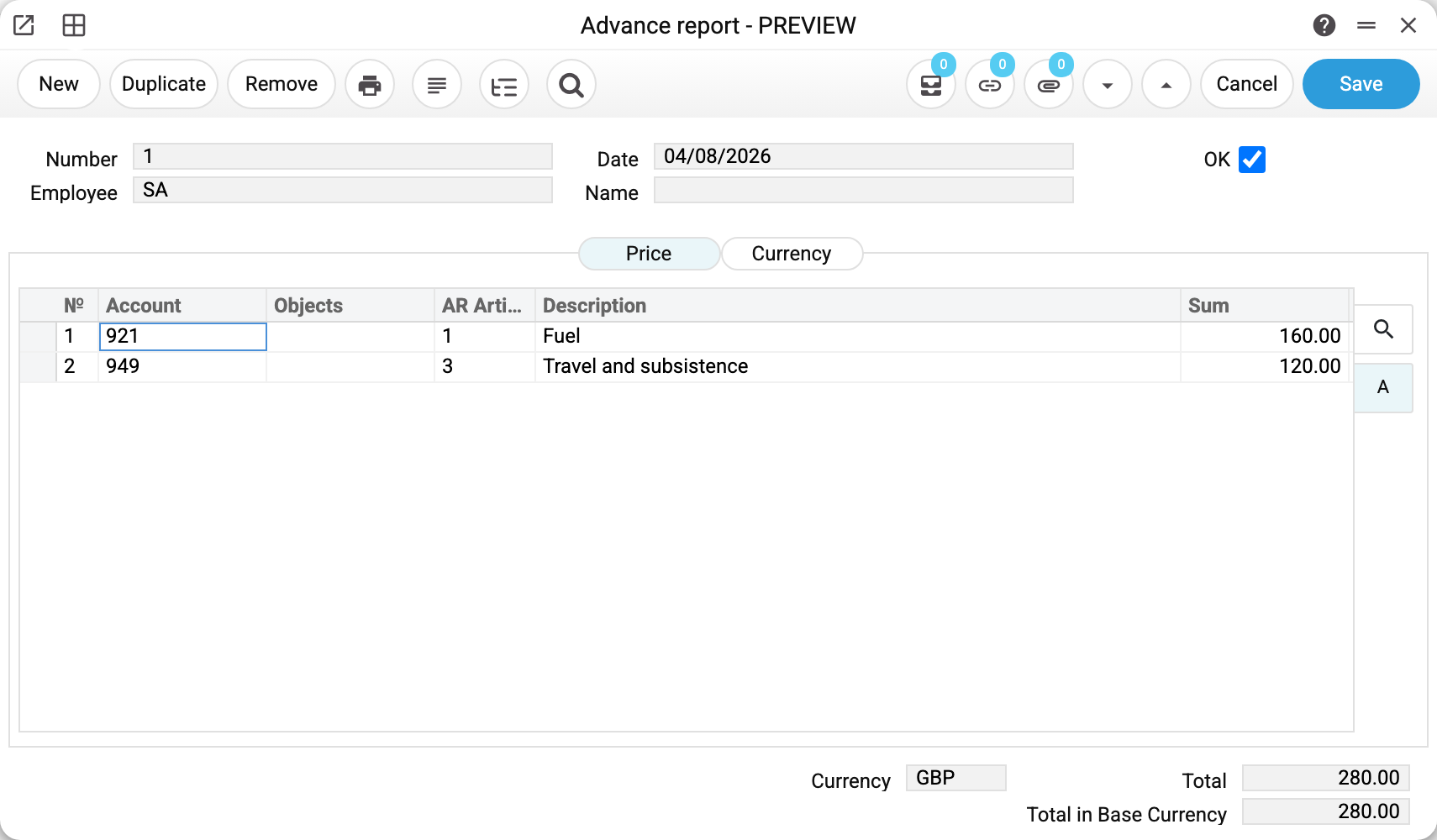
The employee is back from a sales trip and claims GBP 280.00.
The header holds four fields and the OK flag: number, date, employee (a login from users) and name — the employee's name, filled in automatically. The blank of a new claim already carries today's date, the base currency and the current user as the employee.
The table holds the expense lines (the «Expenses» tab):
| Account | Expense article | Description | Sum |
|---|---|---|---|
| 921 | 1 | Fuel | 160.00 |
| 949 | 3 | Travel and subsistence | 120.00 |
Every line is one reason for spending. You pick an expense article and the system fills in its expense account: fuel to 921 "Administrative expenses", travel to 949 "Other operating expenses". Besides the account, article, description and amount, a line carries an analytics object — the window has no other columns.
At the bottom, below the table, are the comment (free text, the only field that can be edited in an approved claim), the currency, the total and the total in base currency. The "Currency" tab beside the table holds the rates — needed when the employee spent in another currency.
The other case: spending your own money
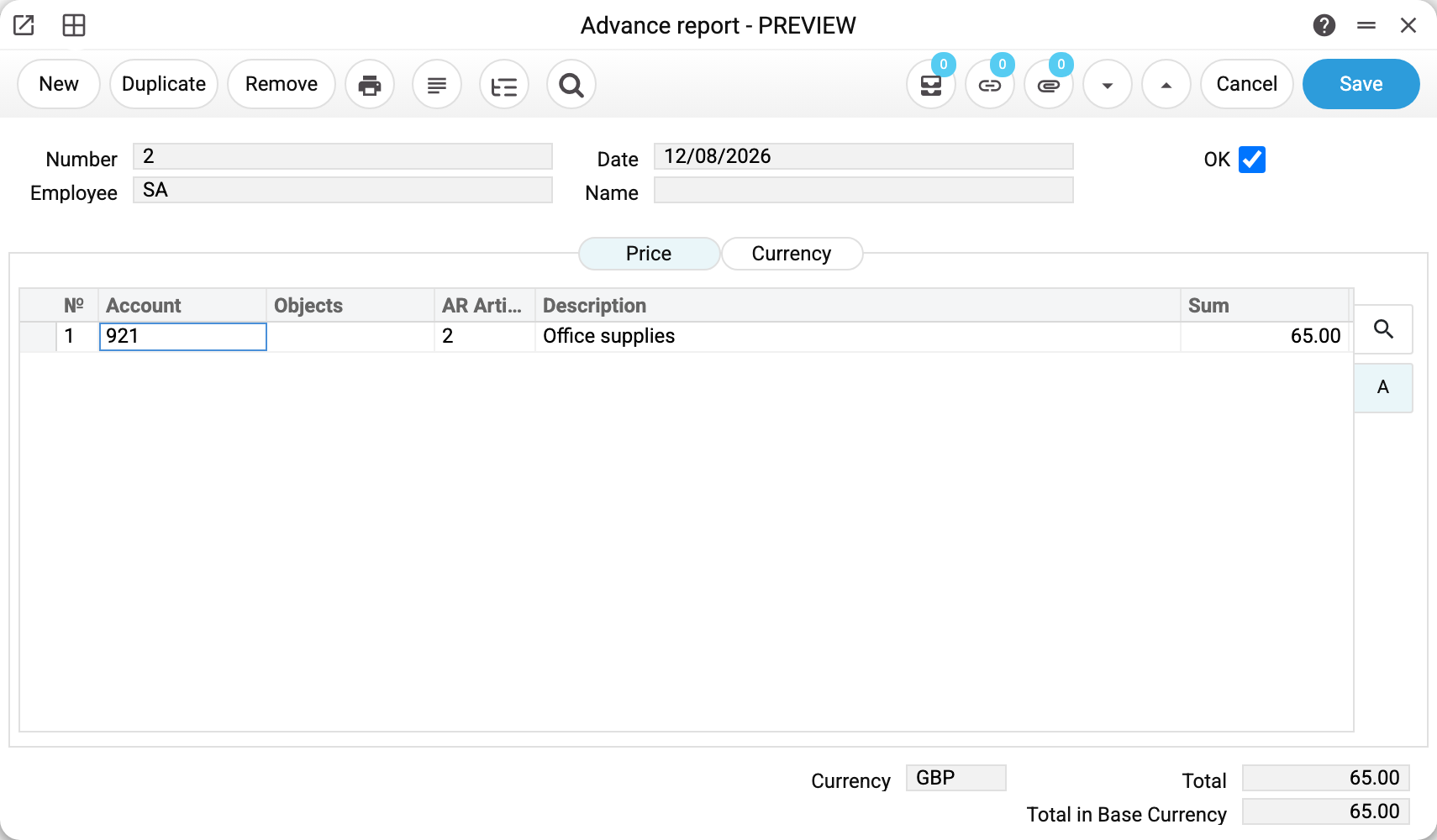
Claim No. 2 for GBP 65.00 — the employee bought stationery out of their own pocket. The document is exactly the same: there was no advance, so once it is approved the company owes the employee those 65.00. That debt is settled by a personnel payment.
What approval does
Ticking OK creates a ledger transaction if the «Advance reports» box is ticked on the «Cash and Other» tab of the «Records from Subsystems» setting; without it the claim is approved with no transaction and no warning. For the trip claim:
| Account | Dr | Cr |
|---|---|---|
| 921 Administrative expenses | 160.00 | |
| 372 Settlements with accountable persons | 160.00 | |
| 949 Other operating expenses | 120.00 | |
| 372 Settlements with accountable persons | 120.00 |
The rule is simple: debit the line's account (the expense article fills it in), credit 372: it is set by the «Settlements with reporting persons» field of the «Account Usage» setting («Salary and expenses» tab). Every line produces its own pair, with 372 repeated in each. If the employee has a personal «Financial account» in the user settings, that account is credited instead of 372: it is the same account a personnel payment debits. If neither is filled in, the claim is not approved and the system asks you to fill in the account in the setting.
Clearing the OK flag reverses the postings. In an approved claim only the "Comment" field stays open, the other fields and the rows are locked: to change an amount, a row or the date — clear OK, fix, tick OK again. The server holds the same rule: a change to an approved claim through the API or an AI agent, other than the comment, is refused with "Only the comment can be edited in a posted document!". Only a user with the role right "Can remove OK" may clear OK; in a period closed by the Closing changes setting a claim can be neither approved nor un-approved.
The chain end to end
On the stand the sequence runs like this:
- the employee received an advance for the trip;
- on 04/08 they filed an expense claim, which reduced their debt by the claimed amount;
- on 05/08 the unspent balance came back as a cash receipt under the PETTYCASH item;
- account 372 for that employee closed at zero.
Use the trial balance on account 372 to check it: a non-zero balance after all the documents means the employee either has not accounted for the money or has not returned it.
Print variables
Values available in this document's printed form templates. How to write a variable in a template — see Print Forms.
Header fields:
| Variable | What it holds |
|---|---|
| AdvRep_OK | OK |
| AdvRep_Number | Number |
| AdvRep_Date | Date |
| AdvRep_Employee | Employee |
| AdvRep_Name | Name |
| AdvRep_Currency | Currency |
| AdvRep_Total | Total |
| AdvRep_Total_Base | Total in Base Currency |
Row fields:
| Variable | What it holds |
|---|---|
| AdvRep_MNo | Row position number |
| AdvRep_MAccount_No | Account |
| AdvRep_MObjects | Objects |
| AdvRep_MACShort | Expense article |
| AdvRep_MComment | Description |
| AdvRep_MSum | Sum |
The records the document refers to through its form fields (location, customer, currency…) also expose the rest of their variables — code and name are already listed in the tables above, the rest is described in the register's article:
- Exchange Rates (
System_rate) - Company details — name, addresses, bank accounts, officers, the printing user: Main Company
Common situations
The "Create Personnel Payments" command in the document menu creates a payment for the whole claim amount and links the two documents; if the employee was given an advance, reduce the payment to the difference. It only works on an approved claim; otherwise the system asks you to confirm the document first.
The claim total does not match the lines. Not after saving: the system recalculates «Total» and «Total in Base Currency» from the lines on every save, and a value typed into these fields is not kept. A mismatch before saving is just the window not recalculated yet; a claim with a zero total is not saved at all.
Analytics by project or department is needed. Fill in objects on the lines — they are carried into the postings and let you collect expenses per project.
The employee is not found. The "Employee" field refers to a user login, not to a contact card.
Where to look next
- Expense claim articles — where the expense accounts come from;
- Personnel payments — reimbursing the employee;
- Cash Out and Cash In — advancing the money and taking the balance back;
- Trial balance — the state of account 372 per employee;
- Advance Reports Journal — all reports for a period, with rows and an object filter.