Phones Settings
The phone register is a notebook of "number → person". When a customer is chosen in a sales order, the system takes the phones from the customer card and fills in the contact person's first name, surname and patronymic from this register.
Where to find it: Modules → Service Orders → Registers → Phones Settings
You do not have to maintain the register separately: the system fills it as you work.
A worked example
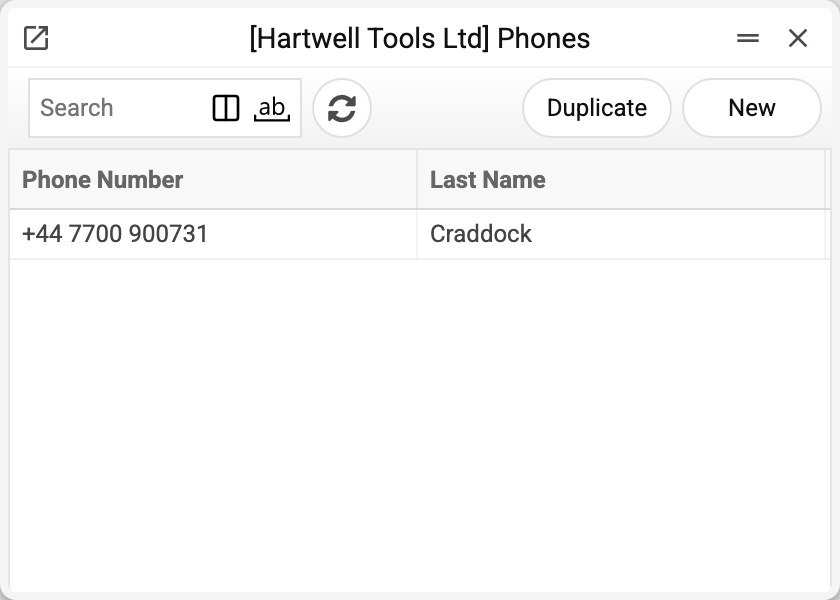
The list is short: number and surname. An empty surname is normal — the number belongs to a company rather than a person, or nobody filled it in.
Everything else lives in the card:
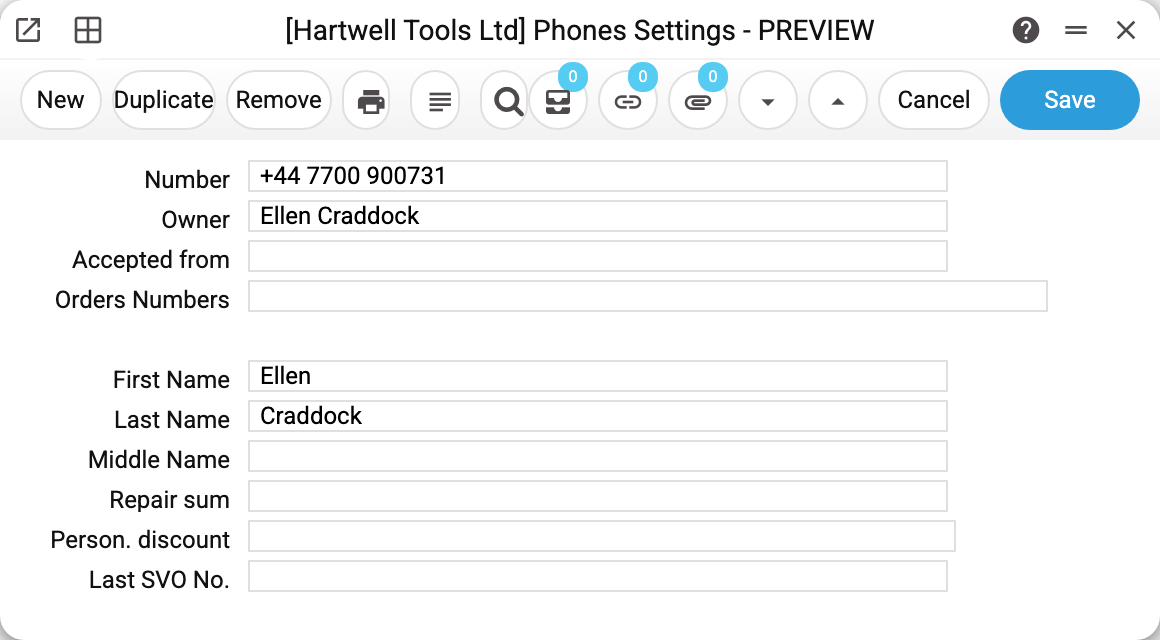
Number +44 7700 900731: owner Ellen Craddock, and the same name split into separate fields. No orders yet, so the order fields are empty.
What the system fills in, and what a person does
The split matters, because it decides what in the card you can trust.
The system fills in by itself: the number and the three name fields. When a sales order is saved, the system looks at the contact person's phone numbers; if the number is not in the register yet, it creates a row and copies the first name, surname and patronymic from the order.
The system reads when a customer is chosen in an order: by the first phone of the contact card, failing that by the second, it fills in the contact person's name. The recipient's name for the waybill ("Full name") comes from the register only when the customer has no name. You cannot type a number into the order and find the customer by it: the order window has no contact-person phone fields.
A person fills in by hand: owner, accepted from, order numbers, repair sum, personal discount, last order number. These are notes: the system neither calculates them nor uses them. "Person. discount" is a number typed by hand; it is never carried into a document and does not affect the price in an order.
Typical situations
A number appeared in the register on its own. That is by design: a saved order created it. Do not delete such rows — the customer's next order takes the contact person's name from them.
One number for several people. Common in families and small firms. The name in the card is whoever comes in most often; the rest are told apart by their orders.
The number changed. The new number appears in the register by itself with the first saved order that has it among the contact person's phones; you can also add the row by hand. The old row is not tied to any orders: an order keeps the number itself, not a link to a register record.
The wrong name went into an order. Then the register holds a different person under that number — fix the name in the card, and the next order will pick up the right one.
The discount did not apply. The personal discount in this card affects nothing — it is a note field. Discounts live in price lists and in the customer category.
Where to look next
- Service order — it looks the customer up by phone in contacts, not in this register.
- Sales order — the document that fills the register.
- Contacts — the card of the customer, not of a single number.
- SMS text — the service order's SMS texts; they go to the phone on the order itself, not to a number from this register.