Prom: download statuses
The filler of the "Prom Statuses" directory. The maintenance asks the marketplace for your shop's order status list and rewrites the directory with it — so the "Status code" field on the "Prom" tab of a sales order offers the same list Prom keeps.
Where to find it: Modules → Prom → Maintenances → Prom: download statuses
Walkthrough
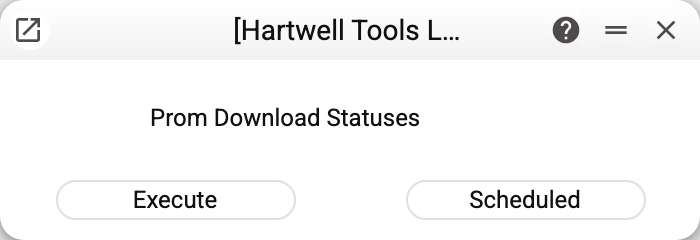
No parameters — "Execute" or "Scheduled". Run it right after connecting and when new statuses appear in the Prom cabinet; running it again duplicates nothing.
How it works
- Pulls the order status list from Prom (identifier, title, system name, type).
- Rewrites the "Prom Statuses" matrix with the fresh list. Whatever was typed into the "Comment" column stays on its status (even when Prom returns the statuses in another order); a status Prom no longer has disappears together with its comment. Other manual edits of the rows are gone after a run.
- Writes into the current company's record of the directory; if the company has never saved the directory, the maintenance creates its record. In a database with several companies each company has its own list.
- Everything is written at once: if the maintenance stops midway, the directory stays as it was.
Common situations
"Prom options are empty". "Token" or "Host" is empty in "Prom Options" (or the options were never saved).
"Statuses list is empty". Prom responded without a list or with an empty one — for example, it refused authorisation because of a wrong or expired token. The directory is left untouched in that case. Check the token and the shop in the Prom cabinet and run the maintenance again.
"MAINTENANCE ERROR!" with no reason. Prom did not answer at all: check "Host" and "Port" in the options and the connection to Prom. The directory is left untouched.
"The register Prom Statuses is shared from another company: only that company runs this maintenance". The "Prom Statuses" directory is opened to you from another company through register sharing — that company refreshes the list.
A new status cannot be picked in the sales order. Refresh the directory with this maintenance first — the "Status code" field offers only what the directory holds.