Vendor Invoice Report
A plain list: which supplier invoices we approved during the period. Not debt, not payment — a register of the documents issued to us.
Where to find it: Modules → Purchase Ledger → Reports → Vendor Invoice Report
A worked example
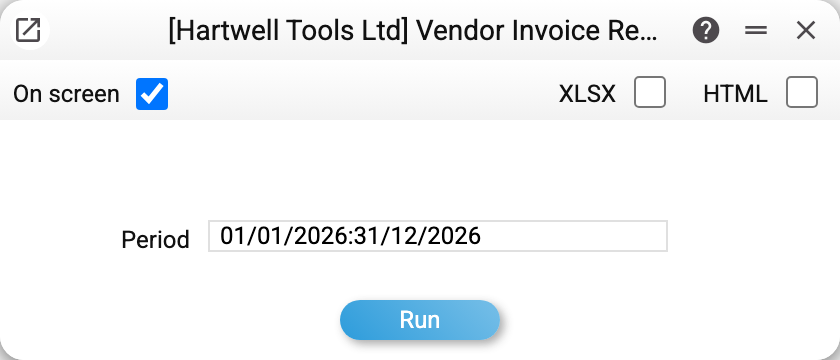
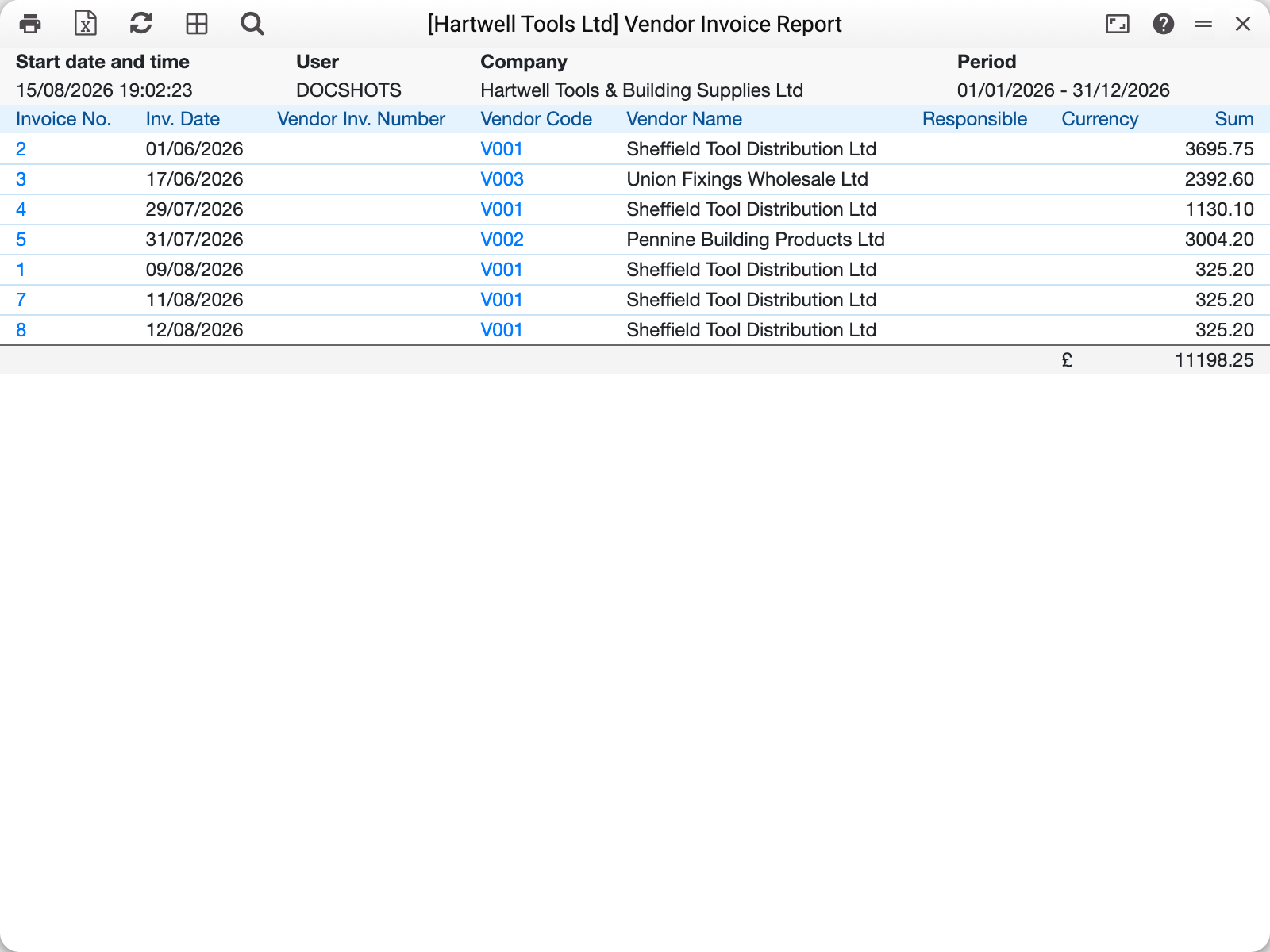
One line is one vendor invoice, sorted by date. The line carries our internal number, the date, the supplier's own invoice number, the supplier code and name, the person responsible, the currency and the amount. Supplier credit notes are in the list too — marked "Credit note" in the "Kind" column. At the bottom each currency gets three lines: "Invoices (received)", "Credit notes" with a minus sign, and "Expenses" — their sum.
The report answers "how much was invoiced to us in August" or "did we enter the document from that supplier": checking here is quicker than scrolling the register.
What it shows and what it does not
Approved invoices only. A draft saved without OK does not appear.
The period is by document date, not by payment date or goods receipt.
It is not debt. A paid invoice stays on the list: the report shows the fact of invoicing, not the state of settlements. How much of it is unpaid is a question for the vendor cred report or the aging report.
Totals are calculated per currency — base-currency and foreign-currency invoices are never merged into one figure.
Common situations
An invoice is missing from the list. Either it is not approved, or its date falls outside the period. Both are visible in the vendor invoices register itself.
You need to know what happened to the invoice next. Open the vendor invoice status: it shows payments, applied prepayments and credit notes for that single document.
A list with outstanding balances is needed. That is a different report — the vendor cred report, with amounts and overdue days.