Project Phases
A phase answers the question "where is the project now": preparation, main works, handover. Unlike the class it moves as work goes on — and it is the natural way to see what is done and what is still ahead.
Where to find it: Modules → Project Management → Registers → Project Phases
A worked example
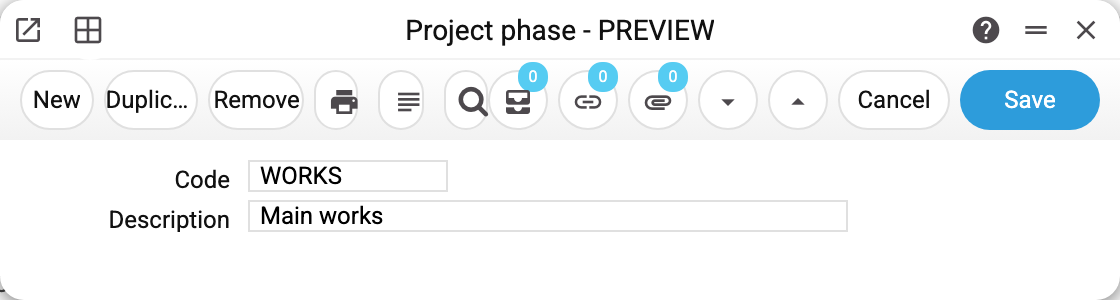
Phase WORKS "Main works". The card is minimal: a code and a description are all the register needs.
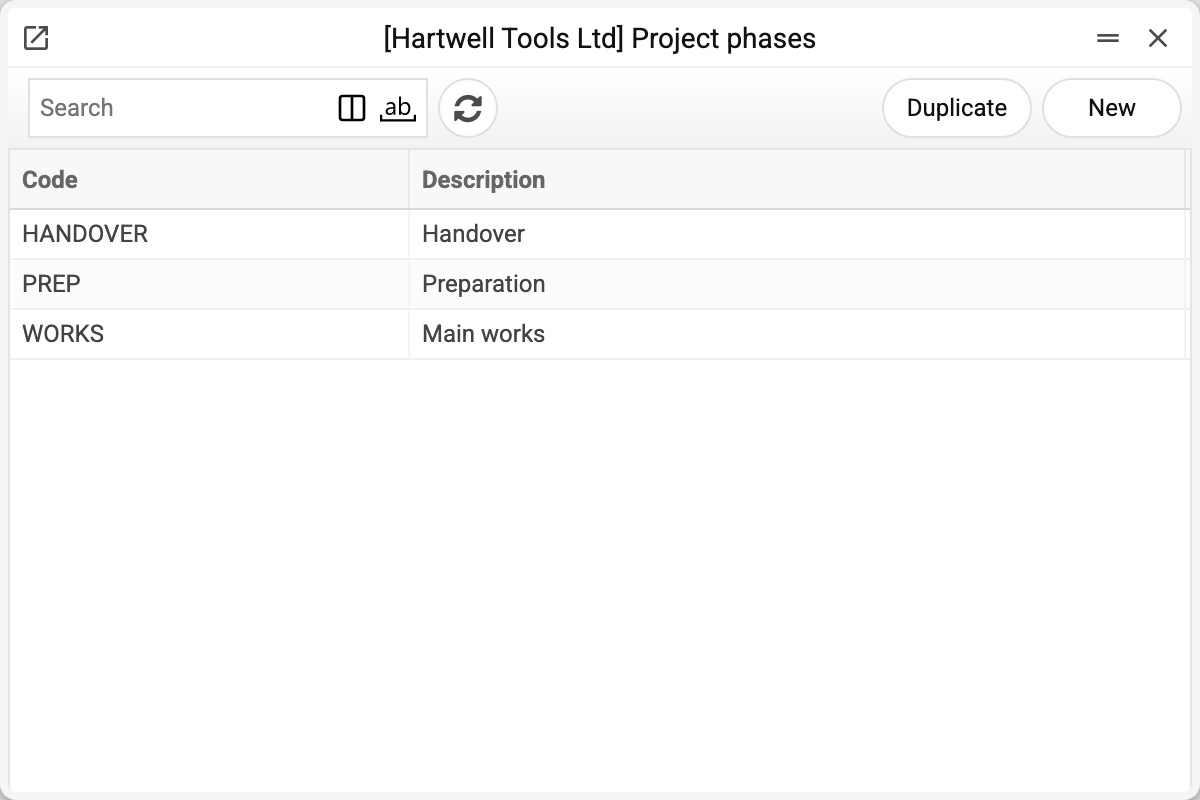
The demo company keeps three: preparation, main works, handover.
Where a phase is used
In two places, and the second matters more:
- on the project card — the stage the work is at;
- on budget lines — which phase a cost belongs to.
The second marks which stage each budget row belongs to: preparation, works, handover — the «Stage» column of the rows. The system itself calculates no totals by stage — neither in the budget nor in the «Project Information Report»: it shows only the stage of the project card. Sum the rows with the same stage to see what each stage costs.
Typical situations
The project moves to the next stage. Change the phase on the card; leave the budget lines alone — they describe the plan, not the current state.
More than three stages are needed. Create as many as you like; there is no limit.
The phase cannot be deleted: "A record of «Project Phases» is used in: Projects!" A project holds the phase — with a phase that is no longer in the register the project card would not save («Phase '' is not found!»). A line on the project's Advances tab, a project budget line and a quotation line (the phase moves from it into the budget) hold it as well — the refusal names the first place. Leave a phase that projects or budgets use as it is.
Where to look next
- Project — where the phase shows the current state.
- Project budget — where the phase breaks costs down.