Employee class
The class answers an accounting question: which account carries the cost of this employee. Office staff go to administrative expenses, workshop staff into the cost of goods. The register is tiny, but without it payroll lands in the ledger as one undifferentiated lump.
Where to find it: Modules → Human Resource Management → Registers → Employee class
A worked example
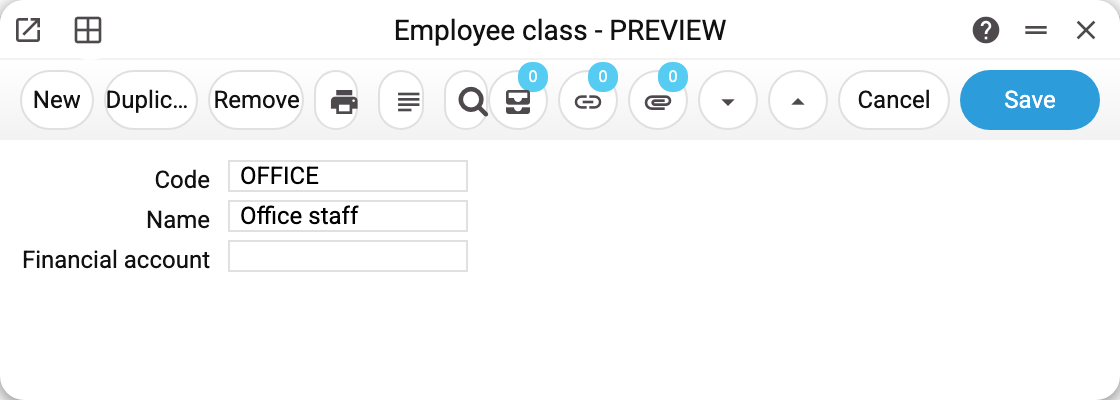
Three fields, all self-explanatory:
- Code — OFFICE;
- Name — "Office staff";
- Financial account — the expense account wages for this class are posted to.
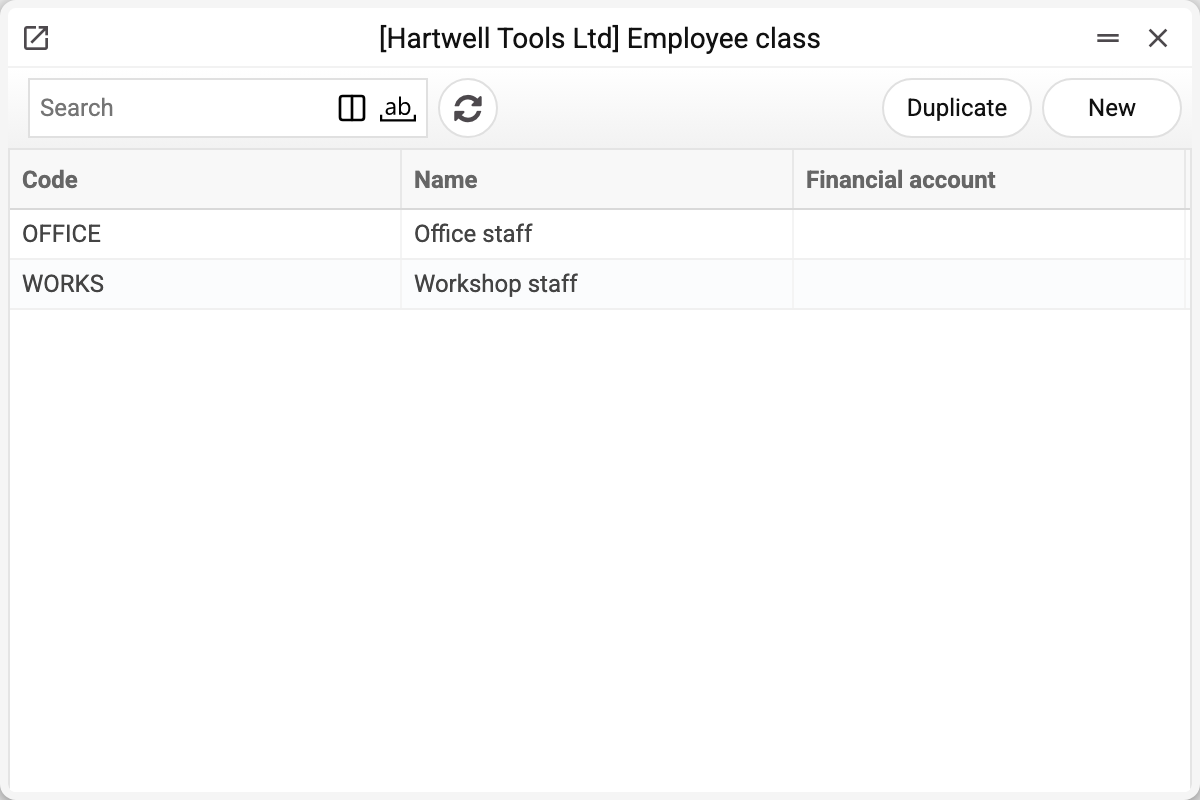
The demo company defines two classes: office staff and workshop staff.
Where it takes effect
The class goes on the employee's contract — and on an "Employee Contract Changes" document if someone moves between them. Payroll then reads the account off the class and posts accordingly.
With no class (none set, the employee has no contract in force, or the contract carries a class code that is no longer in the register — this happens with old data) or a class without a "Financial account", the salary and social contribution entries go to the account shared by everybody — "Account of labor costs" on the "Salary and expenses" tab of the "Account Usage" setting.
If "Account of labor costs" is empty as well, payroll refuses and names the employee: "The labour cost account for employee «SMITH» is not specified!". Fill in the "Financial account" of the class on their contract, or the shared account in the setting.
Typical situations
Splitting by department rather than staff type. Classes serve that just as well: create as many as you have expense accounts to tell apart.
Someone moves from the workshop to the office. Leave the old contract alone — enter an "Employee Contract Changes" document with the new class. The account of the salary and social-contribution entries comes from the class of the change in force at the end of the payroll period (the latest approved one dated no later than that); a change without a class falls back to the class of the contract in force during the period (approved, with a start date no later than the period end and an end date no earlier than its start; a draft contract does not count). Payroll already posted stays as it is.
The class cannot be deleted: "A record of «Employee class» is used in: Employees Contracts!" A contract or an "Employee Contract Changes" document holds the class — old ones too: without it the contract would no longer save, and these employees' payroll would silently go to the common labour cost account. The refusal names the first place found. Keep a class that has ever been put into a contract — it does no harm; create another one for new assignments.
Where to look next
- Employee contract — where the class is assigned.
- Payroll calculation — where the account takes effect.
- Employee — the person's card.
Print variables
Values available in this document's printed form templates. How to write a variable in a template — see Print Forms.
Header fields:
| Variable | What it holds |
|---|---|
| EmployeeClass_Code | Code |
| EmployeeClass_Name | Name |
| EmployeeClass_FinancialAccount | Financial account |
| EmployeeClass_FinancialAccountComment | Name of the class's financial account |