Send Telegram log
An administrator's housekeeping operation: push the log of customer order reservations into Telegram, so it can be read where it is convenient — on a phone.
Where to find it: Modules → Database Maintenance → Maintenances → Send Telegram log
A worked example
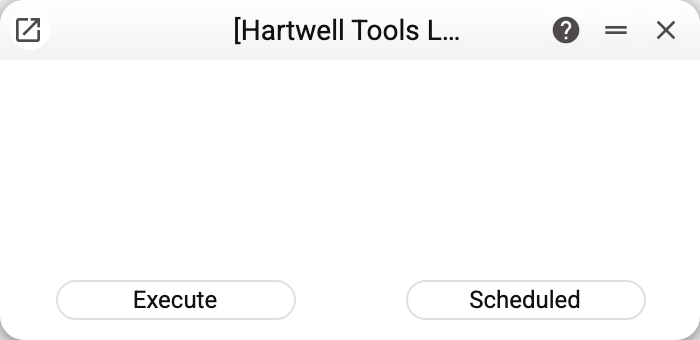
No parameters — just the "Execute" and "Scheduled" buttons. The service takes the log files the system writes when it reserves stock for a customer order or releases the reservation (the order number and all its rows — items, quantities, prices, amounts), and sends them to the recipients in the "Telegram ID" column of the Telegram Settings of the company it is run in. An empty list means nobody gets them. Other contacts of the Telegram register, including customers who wrote to the company's bot, receive no files.
There is one log for the whole server, not one per company: the files hold the order reservations of every company. A log file covers one day. Before sending, the service deletes the files of past days — always, even when there is no bot or no recipient. So today's file is sent, with all of the day's entries: running the service again the same day sends it again.
Who needs it
Neither the accountant nor the manager. This is a support tool: when something goes wrong out of hours, the duty administrator would rather glance at Telegram than connect to the server.
The service can also be put on a schedule — the "Scheduled" button is active here — so that the log arrives by itself. Every run sends today's file in full, so with a frequent schedule the same entries arrive more than once.
Typical situations
No logs arrive. Check the Telegram Settings: they need the bot token and at least one "Telegram ID". The connected Telegram bots are not used by this service. And there has to be a log: it appears only when stock was reserved for orders, and the service deletes the files of past days. With no bot or no recipients the window says "Operation completed successfully!" — the service only removed old files. If a file could not be sent, the window shows "MAINTENANCE ERROR!" — look for the cause in the server log.
Too many messages. The log file goes to every recipient on the list, and every run sends today's file again — shorten the list and run the service less often.
Where to look next
- Telegram Settings — the bot and the list of recipients.
- Clear telegram — the neighbouring service.