Service Currency
This setting fixes the currency the service department opens work sheets from orders in and takes order payments in. It is one per company.
Where to find it: Modules → Service Orders → Settings → Service Currency
A worked example
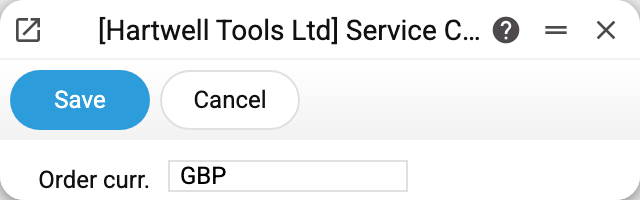
The window has one field — "Order curr.", the service's base currency: it is what the system puts on a new work sheet (work table) created from an order, and what the labour amounts are kept in; the order's payments (the "Pay" button) are calculated and recorded in it too. The service order itself has no currency. The second-currency and standard-base fields are switched off in the window.
Why this is separate from the company currency
The company already has a base currency for accounting. But a service department often lives its own life: the labour price list in one currency, spare-part purchasing in another. This setting gives the module its own reference point without disturbing general accounting.
The work sheet's currency is checked against the currencies register: a currency missing from it is refused, but it does not have to match the service's base currency.
Typical situations
The wrong currency on a work sheet. Check the base currency here — it is filled into a work sheet created from an order ("Create work table"). A work sheet entered without a currency any other way (by hand, by import) gets the company's base currency.
Service report totals do not add up. Reports do not read this setting: they show the currency recorded on the work sheets and payments themselves. Changing the currency here affects only new work sheets and payments — older ones stay in theirs.
Where to look next
- Service orders — where the currency is applied.
- Base currency — the company currency accounting works from.