Document integrity check
The report answers an uncomfortable question: are there documents pointing at things that no longer exist — a deleted item, a vanished customer, someone else's location.
Where to find it: Modules → Database Maintenance → Reports → Document integrity check
A worked example
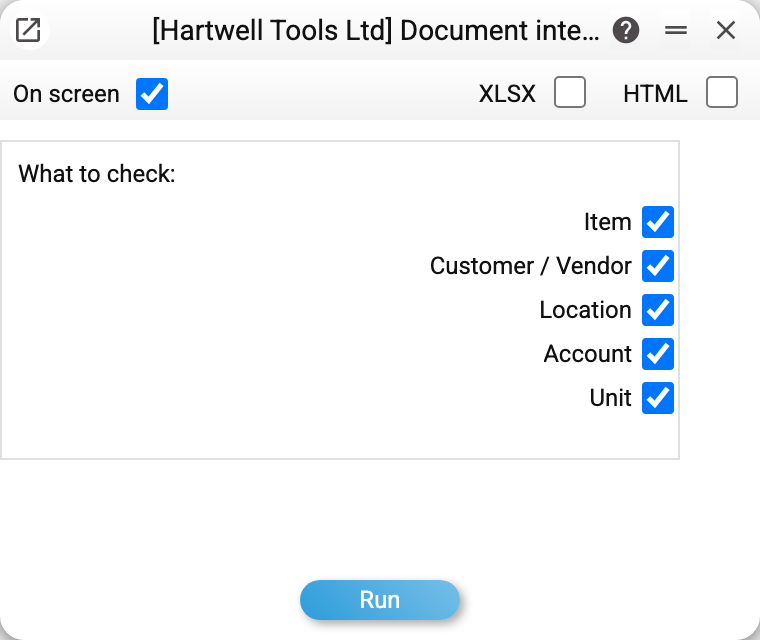
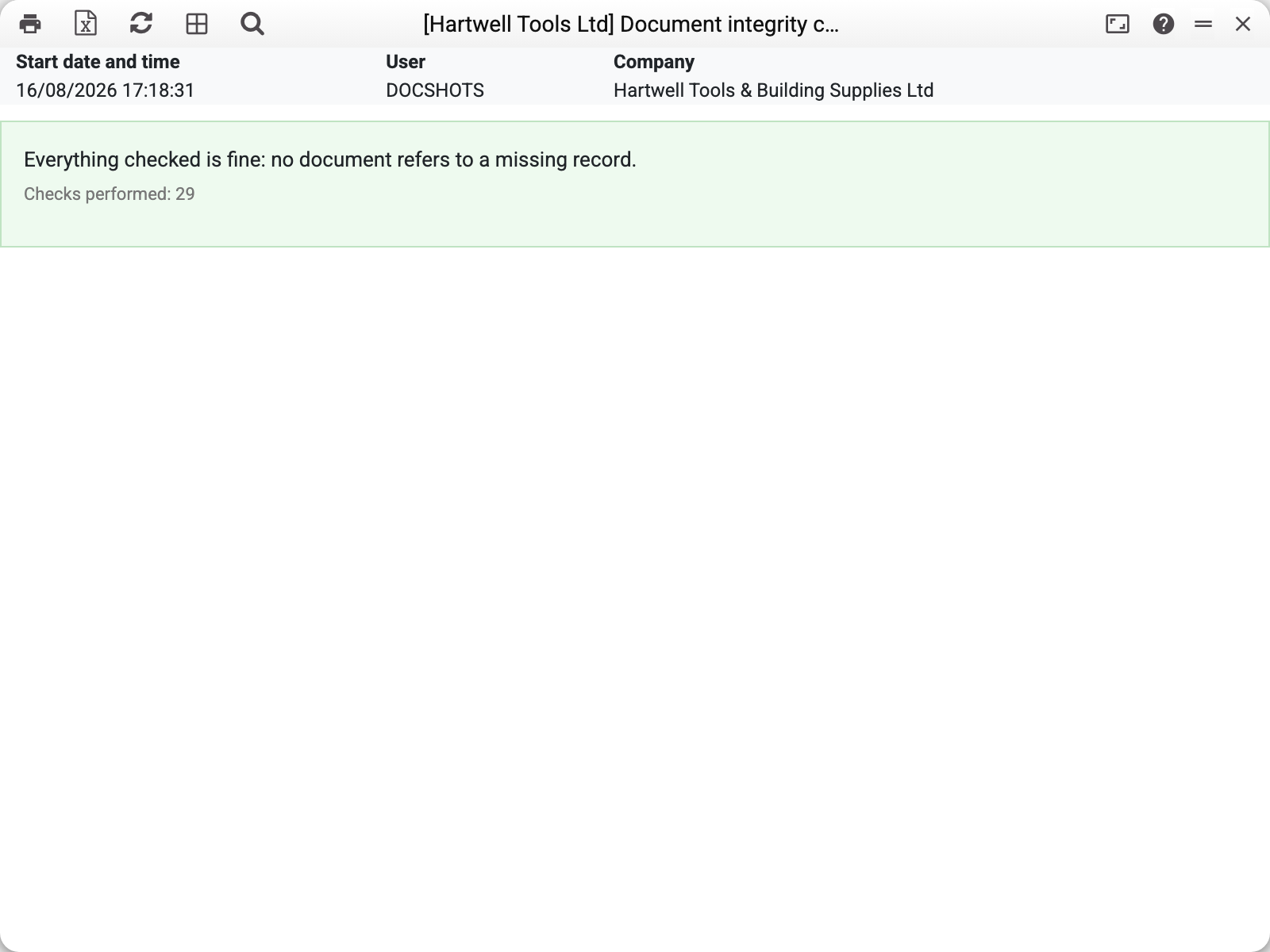
The parameters choose what to check: items, customers, locations, accounts, units. The result is either a green "Everything checked is fine" or a list of broken references.
In the example 29 checks ran and nothing was broken — the answer a healthy database should give.
Where broken links come from
A document stores not the item itself but its code. If the card was deleted or renamed outside the system, the document keeps a code that points at nothing. Everything looks fine until someone opens the document or runs a report.
The usual causes are data imports, manual edits in the database and migrations from another system.
When to run it
- after an import — before starting work on the migrated data;
- before closing a period — so reports do not trip over an empty reference;
- when a document fails to open — to gauge the scale rather than treat a single case.
Typical situations
Broken links found. The report names the document and the missing code: either restore the record or correct the document.
Many checks, little time. Narrow the set in the parameters — each check can be run on its own. With no box ticked the report checks everything. Each check shows up to 200 rows; when there are more, the report says so.