Asset Departments
Where an object "lives": a workshop, an office, a branch. In the asset card the department is a reference attribute, but one with practical force: batch services take a department as a filter — you can commission or depreciate a whole department at once, and the asset history remembers which department the object was in at the moment of every operation.
Where to find it: Modules → Fixed Assets → Registers → Asset Departments
Walkthrough
The ADMIN "Administration" department in the demo:
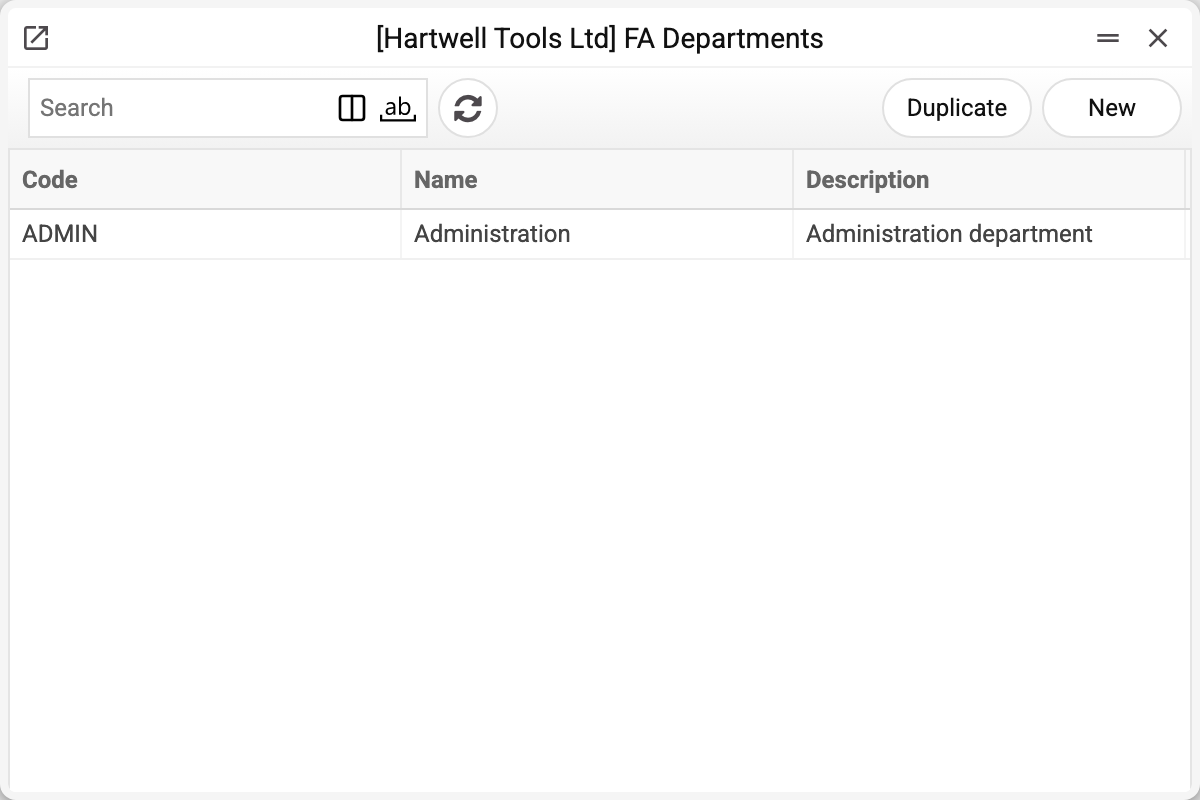
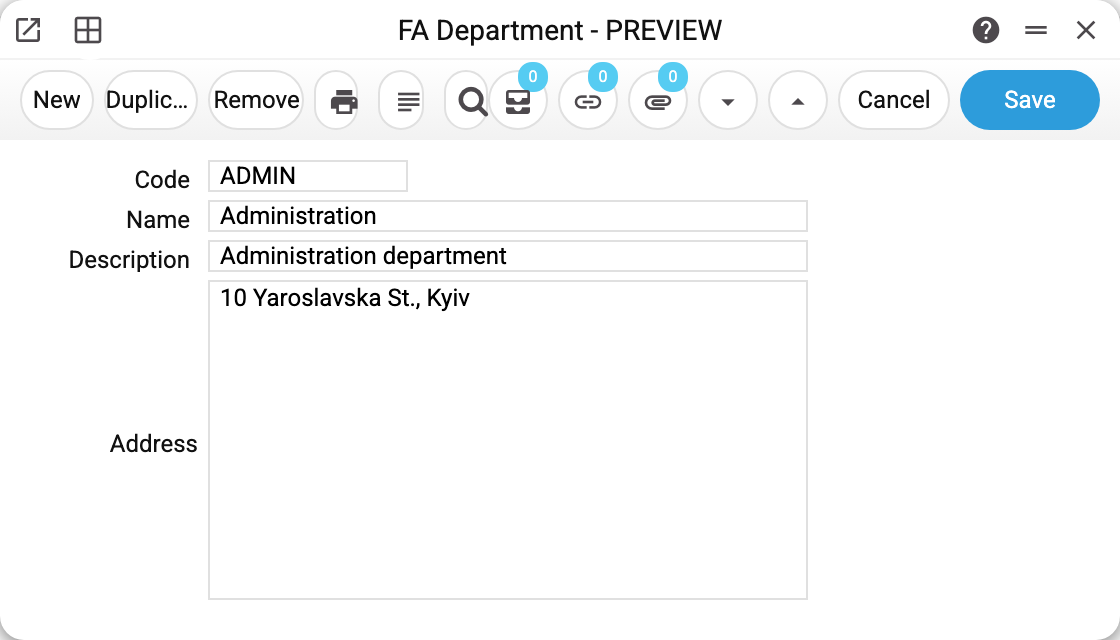
Four fields: code and name are mandatory, description and address are informational. The demo vehicle 20_1 is assigned to this department.
Where the department works
- The asset card: the "Department" field — enter the code, the name fills in by itself.
- Batch service runs: in the commissioning or depreciation window the "Department" field means "all cards of this department at once" (combinable with a category).
- Single commissioning with a department: if the service window has both an inventory number and a department, and the card's department is empty — the service writes it into the card along the way. If that department is not in the register, the service silently skips the field and commissions the card without a department. A batch run in the same situation refuses instead: "Asset Department 'STORE' is not set!"
- Reports Asset Inventory, Information on depreciation of fixed assets and List of Fixed Assets: the "Department" field selects cards with exactly this department code — neither the name nor part of the code works.
- Asset history: every entry stores the department at the moment of the operation — the history shows where the object used to be, even after it moved.
Print variables
Values available in this document's printed form templates. How to write a variable in a template — see Print Forms.
Header fields:
| Variable | What it holds |
|---|---|
| Depart_No | Code |
| Depart_Name | Name |
| Depart_Desc | Description |
| Depart_Address | Address |
Common situations
A batch run "by department" processed nothing. The cards have no department set: the filter matches the exact code in the card's "Department" field, not an address or a name.
Renamed the department — cards show the old name. The name is copied into the card at the moment the department is picked. After a rename, old cards keep showing the old name until the department is re-picked in the card.
An object moved to another department. Just change the department in the card: past history entries keep the old department, new operations are recorded with the new one.
The department cannot be deleted: «A record of «Asset Departments» is used in: Fixed Assets!» A fixed asset card names the department — without it the card will not save. Asset history records hold it too: a department an asset has moved out of stays in its past history entries, so it can no longer be deleted — the refusal names the asset history. Move the cards to another department; keep a department that only the history holds.