Why a record will not delete
You created a card just to try it out, it is no longer needed — and it will not delete: the system answers «A record of «Item» is used in: Technological maps!» and the record stays where it was. This is neither a failure nor a lack of rights. It is a guard doing its job: a reference record that something already points to is not given up.
What is protected, and why
The code of a card does not live inside the card. It is written into every document where that card was picked: a line of an invoice, a goods receipt, a price list, a technological map. Deleting the card would leave all those records pointing at nothing: the document keeps a code with nothing behind it, a report shows an empty name, and there is nothing left to recalculate cost and stock from.
So before deleting, the system walks the places where the card could be mentioned and refuses at the very first hit. That check is in place for dozens of reference books and documents — items, contacts, locations, units of measure, invoices, objects, employees, goods receipts and so on.
Two different messages
There are two kinds of refusal, and they do not mean the same thing:
| Message | What stands behind it | Can it be worked around |
|---|---|---|
| «Item used in documents!» | the card has stock movement or a stock balance | no |
| «A record of «Item» is used in: Prices!» | a record named after the colon points to the card | yes — remove that reference |
The movement history is checked first, before the references; the stock status (balance, reservation, ordered quantity) is checked after them, so the first refusal can come even when every reference has already been removed. Stock movement is an accounting fact that already happened: a receipt, a shipment, a stocktake. Deleting the card cannot undo it under any circumstances — such an item stays in the system forever.
The second one is an ordinary reference: a line in a price list, a position in a technological map, a barcode. It can be removed, and then the card is free.
A worked example
Item CUTTING «Cutting work» is a work, so it never moves through the warehouse at all. An attempt to delete it answers:
A record of «Item» is used in: Technological maps!
So the item stands as a line in a technological map — remove the line from the map (or delete the map itself, if it was a trial one).
The other message looks the same but points elsewhere — «A record of «Item» is used in: Prices!» means the item has a selling price in the price register: open it, find the line with this item, delete it, and the card will delete afterwards.
The system names only the first reason
The check stops at the first hit. If the card is mentioned in three places, you will see only one name — remove the reference, try again, and get the next one. That is not a bug: the list of places is long, and it has to be walked one at a time.
Hence a practical rule: if the message changed after you removed one reference, you are moving in the right direction. If it did not change, a reference is still there (for example, the line was deleted in one price list while the same line exists in another).
If the references cannot be removed — close the card
An item that has been sold will never delete: it has a movement history, and that history is needed for reports on past periods. But it can be taken out of daily work — the card has a «Closed» checkbox for that — in the header, next to the «Set» checkbox.
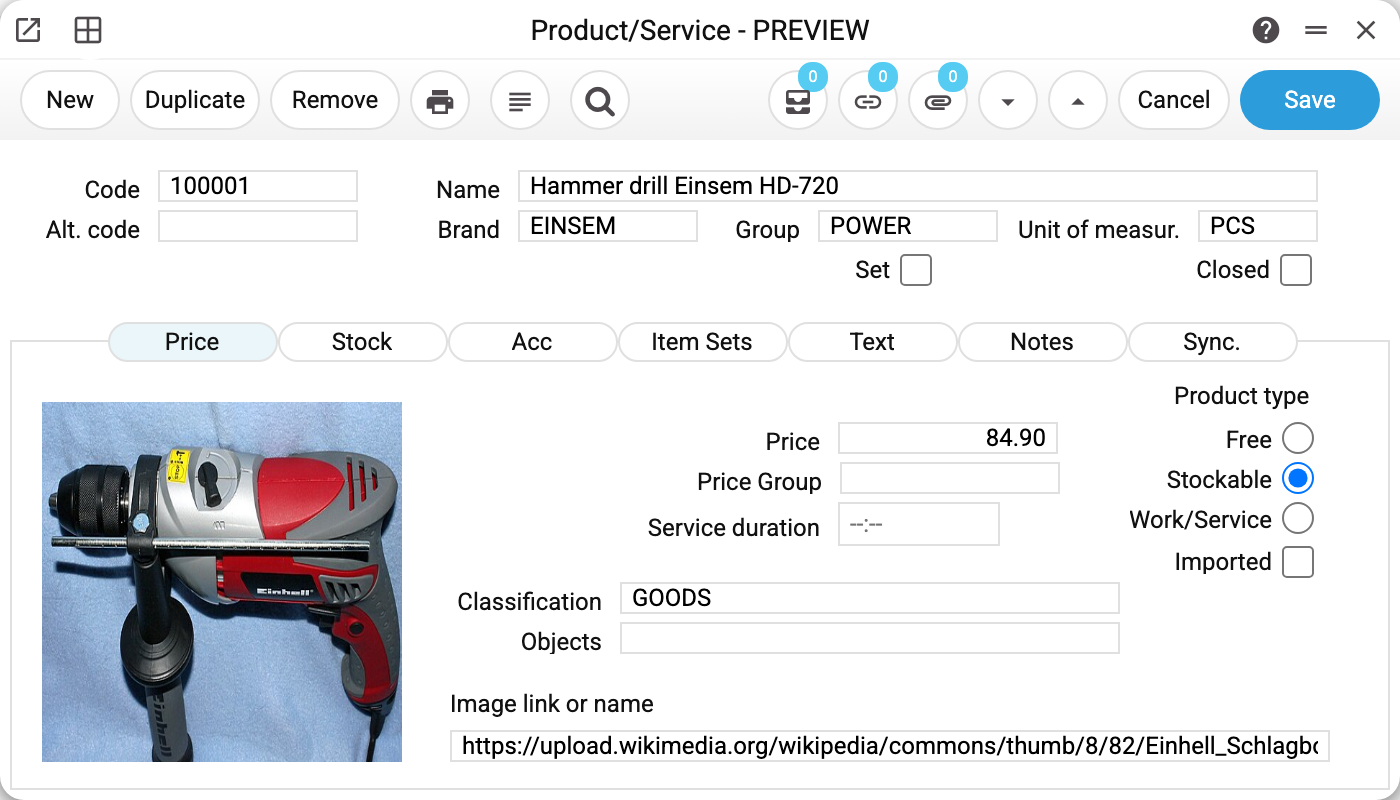
What changes for a closed card:
- it is not offered when picking an item into documents — in an invoice, a shipment, a technological map or a work sheet it simply does not appear in the selection list;
- a document with it cannot be approved: on approving an invoice the system answers «Item … closed». The exception is a purchase order: a row whose goods have already been received or invoiced is not blocked by closing the card;
- it is no longer uploaded to Prom: the «Prom: update stock» and «Prom: update prices» services skip closed cards, and Prom keeps the last price and stock that were uploaded. Closing has no effect on Rozetka: the Rozetka price and stock update ignores it and keeps sending the price and stock of such an item.
The card itself stays in place: old documents, reports and balances read exactly as before. For «created by mistake but cannot be deleted» this is the right way out.
How it looks in other reference books
The wording depends on the reference book, the idea is the same:
- contact — «Contact code used in documents: Goods Receipts, Purchase Orders, Returns To Vendor, Vendor Invoices, Fixed Assets, VAT invoices received!». Here the system lists all the places at once, not just the first one;
- unit of measure — «A record of «Unit of measure» is used in: Invoices!»;
- user — «A record of «User» is used in: Actions!», with a second line advising to close the user with the «Closed» flag. The login is searched in the documents and settings of all companies in the database: a user is one for all companies;
- in other reference books the reference message follows the same pattern: after the words «A record of» comes the reference book's name in quotes, after the colon — the first place where the record was found.
Typical situations
I deleted the price and the item still will not delete. The next reference showed up — read the new message, it names a different place now.
The item never moved, yet the system says it is used in documents. Besides the movement history, the stock status is checked — the balance line per location. Any non-zero value in it blocks the deletion: stock on hand, a reserve or an ordered quantity (a draft customer order sets that too). A purely zero line with no movement history does not get in the way — deleting the card removes it. So look for the document that holds a reserve or an ordered quantity. The exception is an item shared by a group of companies: a status line in another company of the group blocks deletion even at zero, and the system names the company — «The item has stock status rows in another company of the group (…): a shared item cannot be deleted while they exist».
The card is needed for history but clutters the lists. Close it with the «Closed» checkbox — it disappears from selection lists, not from reports.
A wrong code in an already created card. The code is the key documents refer to; changing it on a card that has been in use is not allowed. Create a new card and close the old one.
I need to remove a wrong line from an approved document, not the card. That is a different operation: first remove the «OK» mark from the document, see How to return a document to editing.