Returns To Supplier Report
The question this report answers: what was returned to suppliers during a period, how much of it, and at what cost it left stock. It lists returns to suppliers row by row — with the quantity and cost of each item.
Where to find it: Modules → Stock → Reports → Returns To Supplier Report
!!! note "The amounts are cost, not the purchase price" The report shows the value at which the goods were written off stock by FIFO — in the base currency and only to users with the «Show cost price» right. The money the supplier owes back is in the supplier credit note, not here.
Worked example
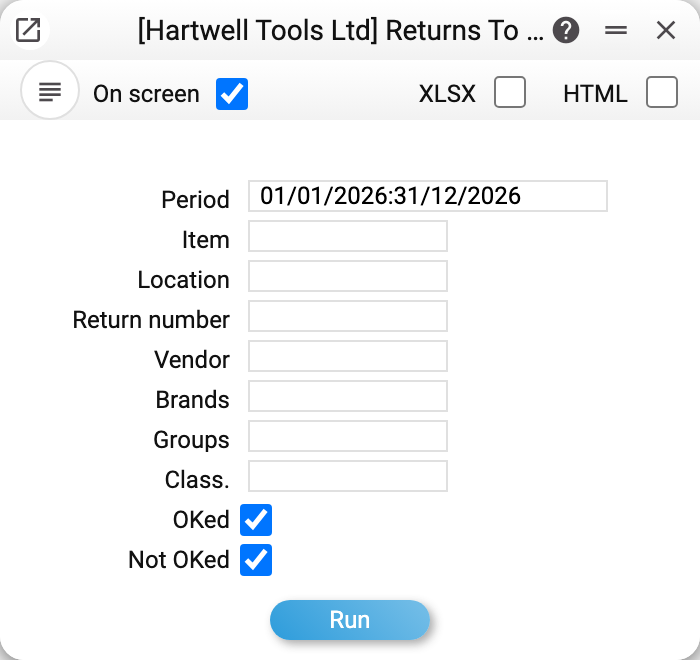
The report selects returns by period — by the return date. The other fields narrow the selection: item, location, return number, vendor, brands, groups and classification; the OKed and Not OKed ticks choose which returns to take: approved, not approved or all (both are ticked by default).
In the demo company there are six returns to suppliers in 2026, Nos. 1–6; No. 6 is not approved yet. All of them are in one table, document after document: a header row (number, date, location, vendor, its name and the goods receipt the return was made from), and under it the document rows: item code, name, quantity, unit cost and row cost. The number, location, vendor, goods receipt and item code are links that open the corresponding card. The layout is the same as in the goods receipts report and the returns report, and the report can be exported to Excel the same way.
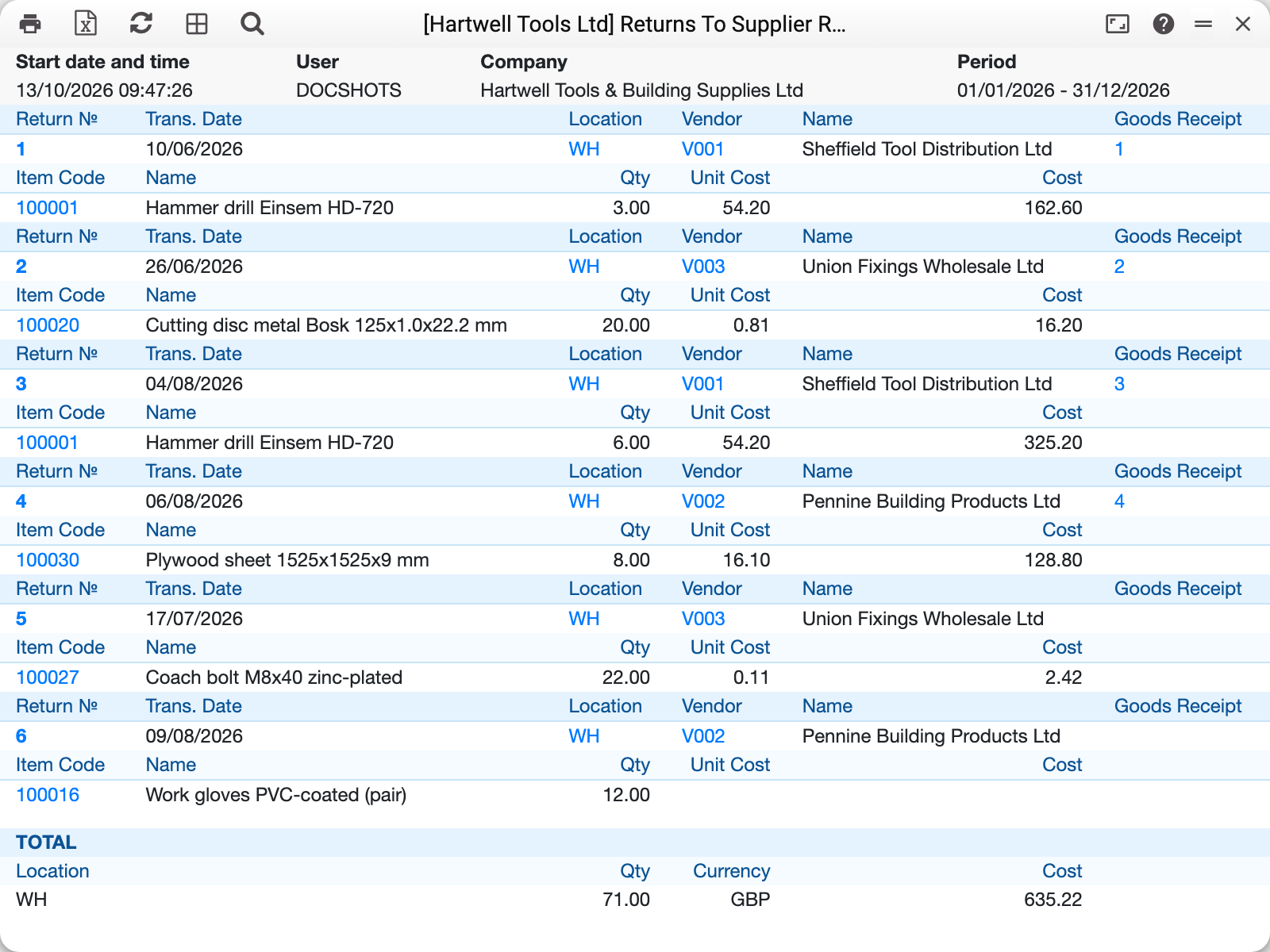
Documents are ordered by number. At the end there is a «TOTAL» block: a row per location with the returned quantity and cost in the base currency.
Where the cost comes from
The row cost is the FIFO value at which the goods left stock: «Unit Cost» is the FIFO per unit, «Cost» is the FIFO of the whole row. The return posting takes the same amount. A row gets it on approval, so a return that is not approved yet (No. 6 in the example) usually still has empty cost cells.
How the filters work
- Location, return number, vendor — exact match with the header fields;
- Brands, groups, classification — accept several values separated by commas; an item matches if it has at least one of them;
- Item, brands, groups, classification apply to ROWS: a return is listed if at least one of its rows matches, and only those rows are shown — the «TOTAL» counts only them too.
Typical situations
There are no cost columns. Your role lacks the «Show cost price» right — the report shows only quantities. In the Excel file these columns are still there, but empty.
The cost cells are empty. The return is not approved: a row gets its FIFO value on approval. Untick Not OKed to see only what has already left stock.
The cost differs from the receipt price. That happens: FIFO writes off batches in the order they arrived, and the returned goods may leave at the price of another, older batch.
Where to look next
- Returns to Supplier — the document itself.
- Returns Report — the same for returns from customers.
- Items Receipts Report — what came in from suppliers.