Item status recalculation in sales orders
A repair maintenance for a single figure: "Qty in orders" in item statuses. The number answers the question "how many units are already promised to customers" — the sum of unshipped balances across open orders. The system maintains it by itself: every time an order is created, edited, shipped or closed, the figure is recalculated on the fly.
Where to find it: Modules → Sales Orders → Maintenances → Item status recalculation in sales orders
But "on the fly" means "through a document". When data reaches the database bypassing documents — an import, an integration, a direct change in the database — the figure drifts away from the facts. This maintenance rebuilds it from scratch.
Do not confuse it with the reserve. A reserve is stock put aside for a specific order with the "Reserved" checkbox, and it reduces the available balance. Qty in orders counts every open order regardless of reservation and does not affect availability — it is a shipping plan, not a hold.
A worked example
The maintenance window holds the explanation and two buttons; there are no parameters:
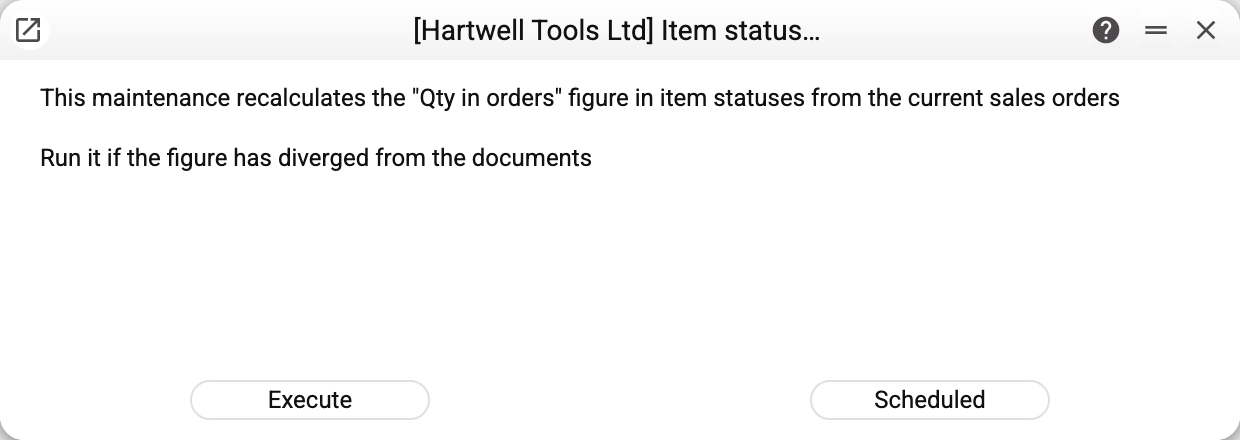
What happens after "Execute" is pressed:
- the "Qty in orders" figure is zeroed for every item and warehouse of the company;
- the system walks through every open sales order and adds the unshipped balance of each row (ordered minus shipped) to the warehouse of that row;
- closed orders are not counted — closing a document releases its plan just as shipping does.
So after the run the number equals what the documents actually say. If it was different before the run, that difference is exactly what this maintenance exists for.
The warehouse is taken in this order: the row's warehouse → the warehouse in the order header. If neither is filled in, the quantity goes to a separate status row with an empty warehouse — the item status report labels it "No location": no real warehouse gets someone else's quantity, and the item total stays right. A row whose item is not in the item register (a supplier code without a card, say), or was not there when the order was last saved, is not counted.
Parameters
There are no parameters; the maintenance processes the whole company. The buttons:
| Button | What it does |
|---|---|
| Execute | A single recalculation right now |
| Scheduled | Puts the recalculation on a schedule |
Scheduling makes sense only where data arrives from the outside on a regular basis (marketplace integrations, imports). In everyday work the system maintains the figure itself, and a daily recalculation changes nothing.
Common situations
"Qty in orders" does not match the documents. That is the reason to run this maintenance. After the run the number will be exactly what the open orders say.
The figure did not change after the run. Then there was no discrepancy: the documents produce the same number. Look at the orders themselves — the one you are looking for may be closed or fully shipped, in which case it genuinely does not belong there.
An item from an order does not show at its warehouse. Check the warehouse: if the order row has no warehouse and the document header is empty as well, the quantity lands in the "No location" row instead. Fill the warehouse in the order — saving it moves the figure by itself. If the item is neither at the warehouse nor under "No location", check that the item register has a card with that code: a row without a card is counted neither on save nor during the recalculation. If the card was created after the order was saved, save the order once more: it is the save that marks a row as having no card, and the maintenance does not clear that mark.
A refusal about a register shared from another company. If your company uses item statuses or sales orders shared from another company, the service refuses and names the register: the figure is recalculated only by the company that owns the register.
Running it on a large database. The maintenance walks through every item status and every open order of the company, so on a database with tens of thousands of documents it takes noticeable time. Prefer off-hours.