Payments
The answer to a simple question: how much has already been paid on this service order, and by what means.
Where to find it: Modules → Service Orders → Reports → Payments
A worked example
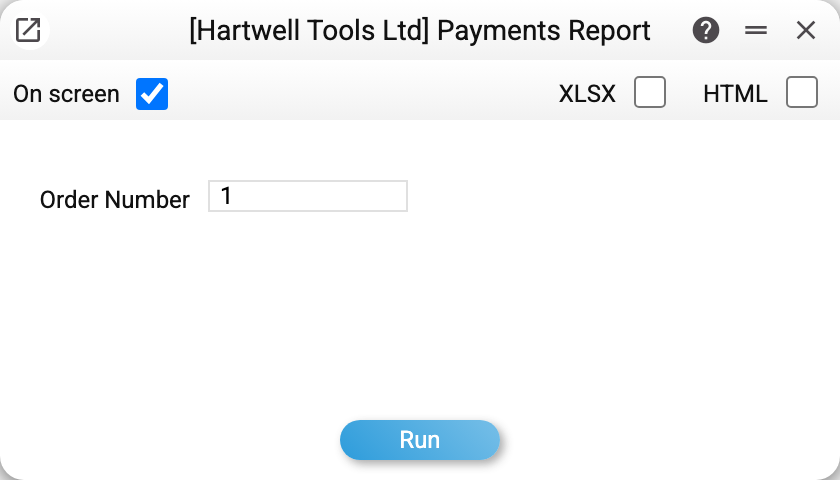
One parameter: the order number. Without a number the report lists the payments of all orders in one list, but there is no order number column in it — whose payment it is shows only in the document itself.
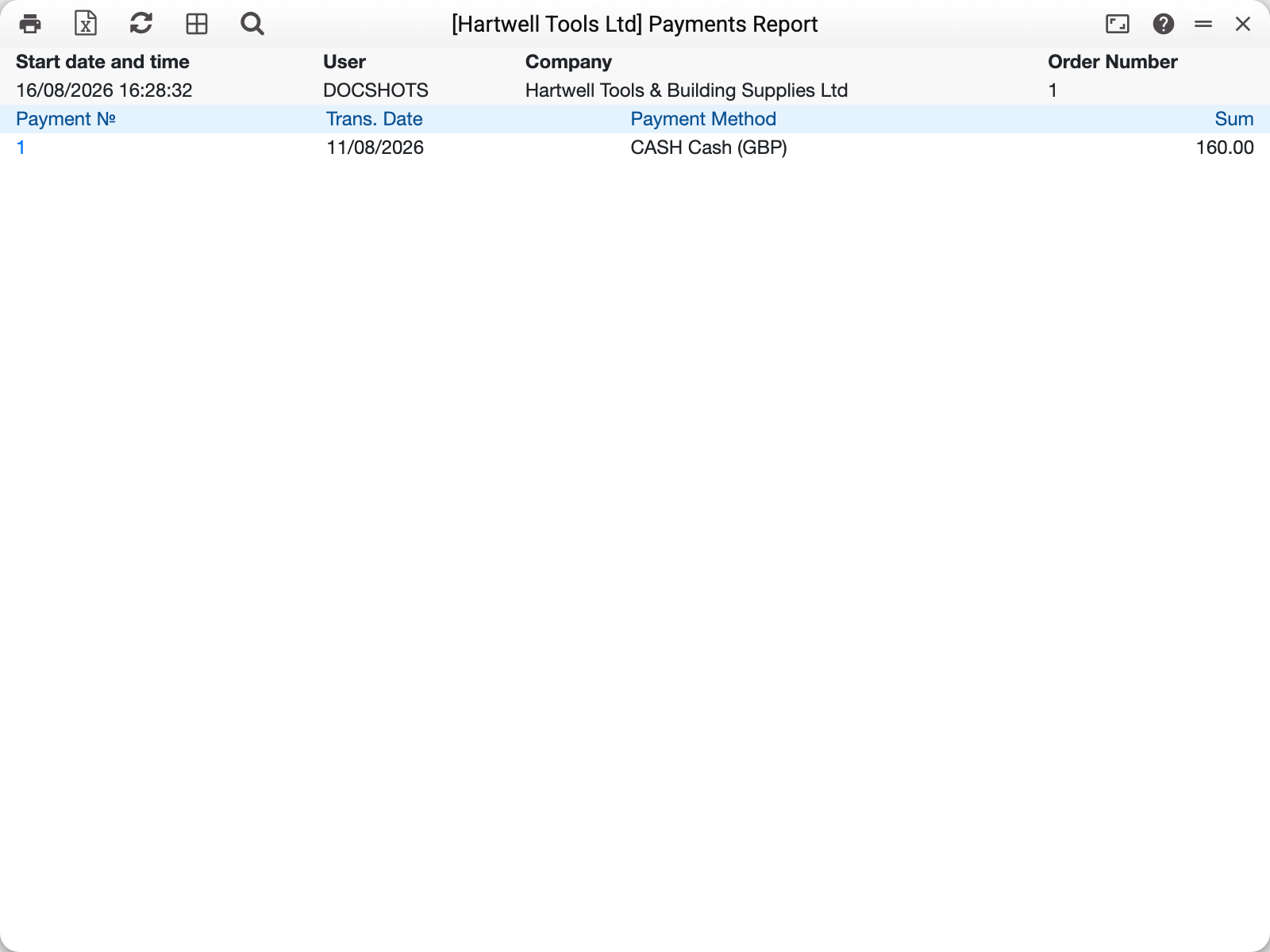
In the example that is order no. 1, with a single payment against it: 11 August, in cash (GBP), for 160.00.
The columns read left to right as a history: payment number, transaction date, payment method (code and name) and amount — in the payment's currency; there is no separate currency column. The payment number is a link: the document itself — Service Payments — opens from it.
When you need it
- The customer is collecting their device. You can see how much has been paid and by what; what is left to pay is the "Rest to pay" field on the order card.
- A payment dispute. Date, method and amount are usually all it takes.
- Several partial payments. An order may have been paid in instalments — they are gathered into one list here.
How it differs from the payments journal
The general journal shows every payment in the company over a period. This report is a vertical slice through one order: not "what went through the till in March" but "what happened with this repair".
Typical situations
The report is empty. There have been no payments against the order yet. A number the company does not have is refused: "Service Order not found".
The total does not match the invoice. The report shows every service payment of the order as it is — they carry no "posted" mark, so no payment is ever left out here. Compare with "Total repair cost" and "Rest to pay" on the order card.
Where to look next
- Service orders — the order itself.
- SMS text — the message telling the customer what is due.