Forward Balances
Opening balances: the document that brings account balances "as of a date" into the system — when accounting starts in ERPJS or when balances are carried forward to a new date. To the reports its rows are as much history as postings are: the trial balance and the balance reports add them to the opening figures.
Where to find it: Modules → Nominal Ledger → Registers → Forward Balances
Worked example
Document #1 — balances carried forward to January 1, 2027 (a year-end closing draft):
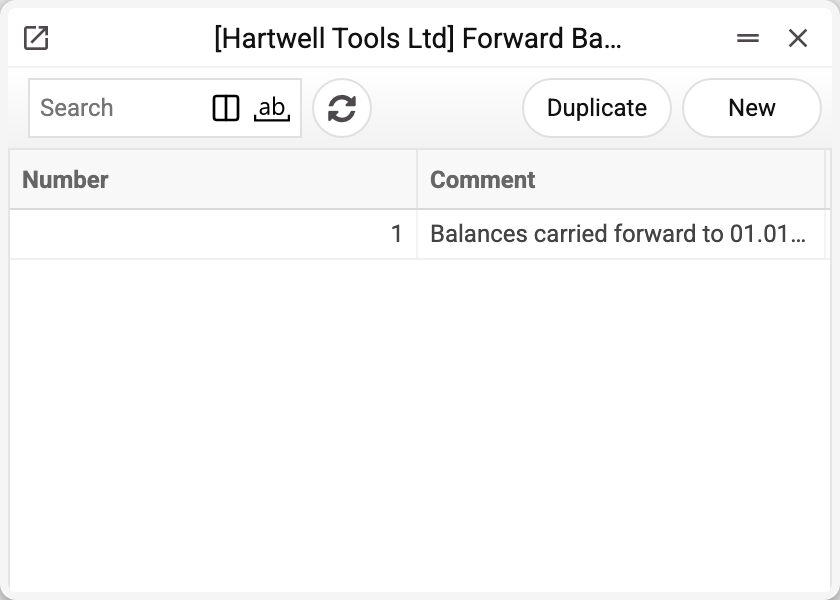
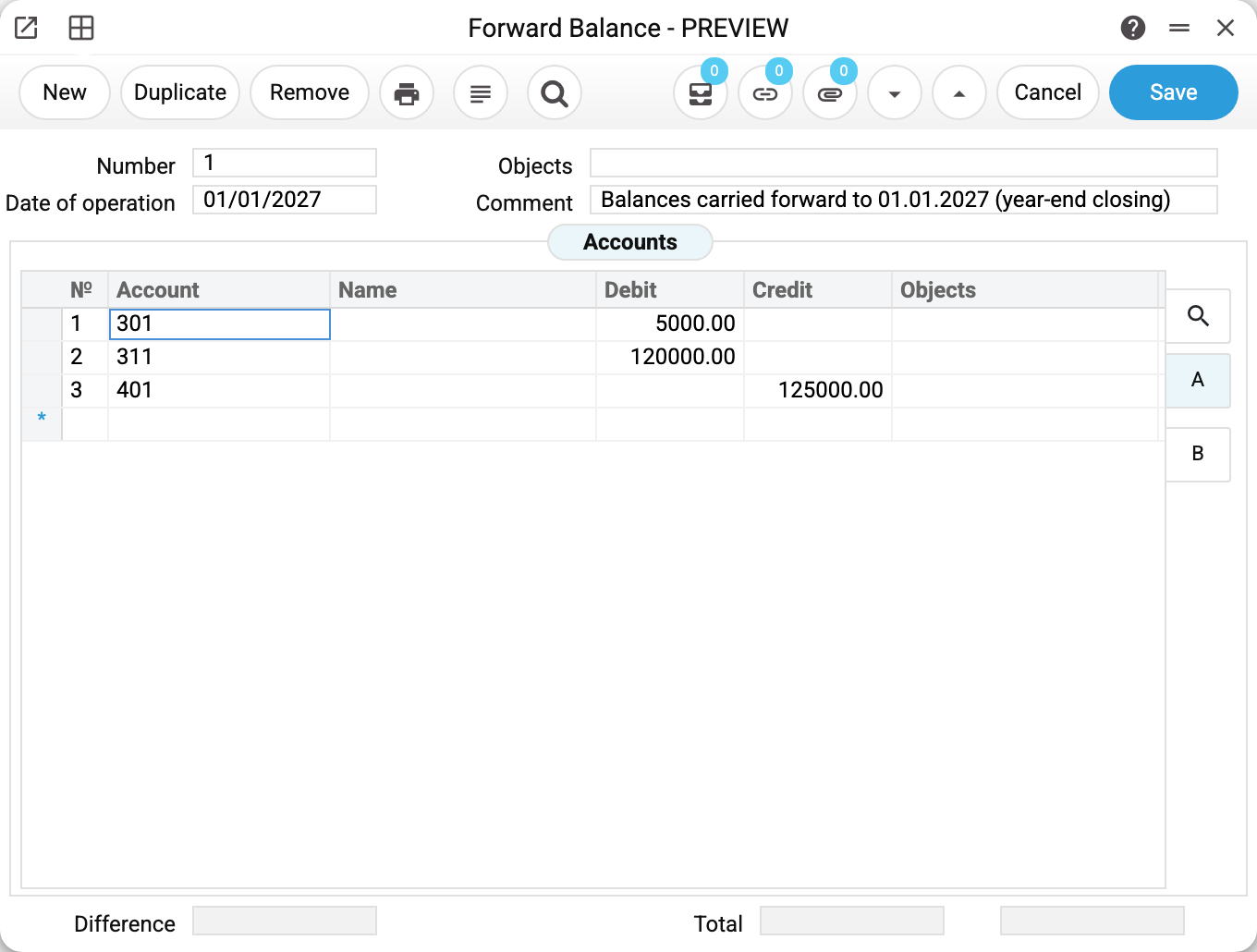
- The operation date — 01/01/2027: the balances count from this day on.
- The rows: 301 Dt 5,000 (cash), 311 Dt 120,000 (bank), 401 Ct 125,000 (capital) — debit and credit totals are equal, the "Difference" is zero.
- From January 1, 2027 the trial balance shows these amounts in its opening column.
Where it comes from and how it acts
- Entered by hand: a date plus rows of "account → debit or credit" (with objects when needed).
- It takes effect immediately on save: the amounts land in the fast-balance store and in report balances regardless of the OK flag. So date a "future" draft with a future date — as the demo does.
- Form 2 (Financial Result) and the P&L read forward balances together with postings — no double counting, because these are separate records, not posting copies.
Fields
| Field | Purpose |
|---|---|
| Number, Comment | Document number and a human description |
| Date of operation | The day the balances start counting |
| Rows: Account, Debit/Credit | The balance on its side |
| Rows: Objects | The balance's analytics (optional) |
| Total (two fields: debit and credit), Difference | The balancing check: the difference must be zero — the system shows it but does not stop you saving an unbalanced document |
Common situations
You entered balances — and all past-period reports shifted. The operation date puts the amounts into history from that day. When carrying balances to a new date, make sure the old history does not duplicate them (the classic: 01.01 balances plus a full previous-year history = doubling).
Debit ≠ credit. The document must balance: the bottom totals equal, the "Difference" zero — otherwise the whole base's balances skew. Saving does not check this: watch the "Difference" yourself until it is zero.
Balances of currency accounts. Enter them in the account's currency (the row's currency page) — otherwise currency reports only show the base-currency equivalent.