Resource Accounting List
A set of resources shown by the resource manager — the window with the workload of technicians and workplaces. One list = one picture: «workshop», «vehicles», «halls».
Where to find it: Modules → CRM → Registers → Resource Accounting List
A worked example
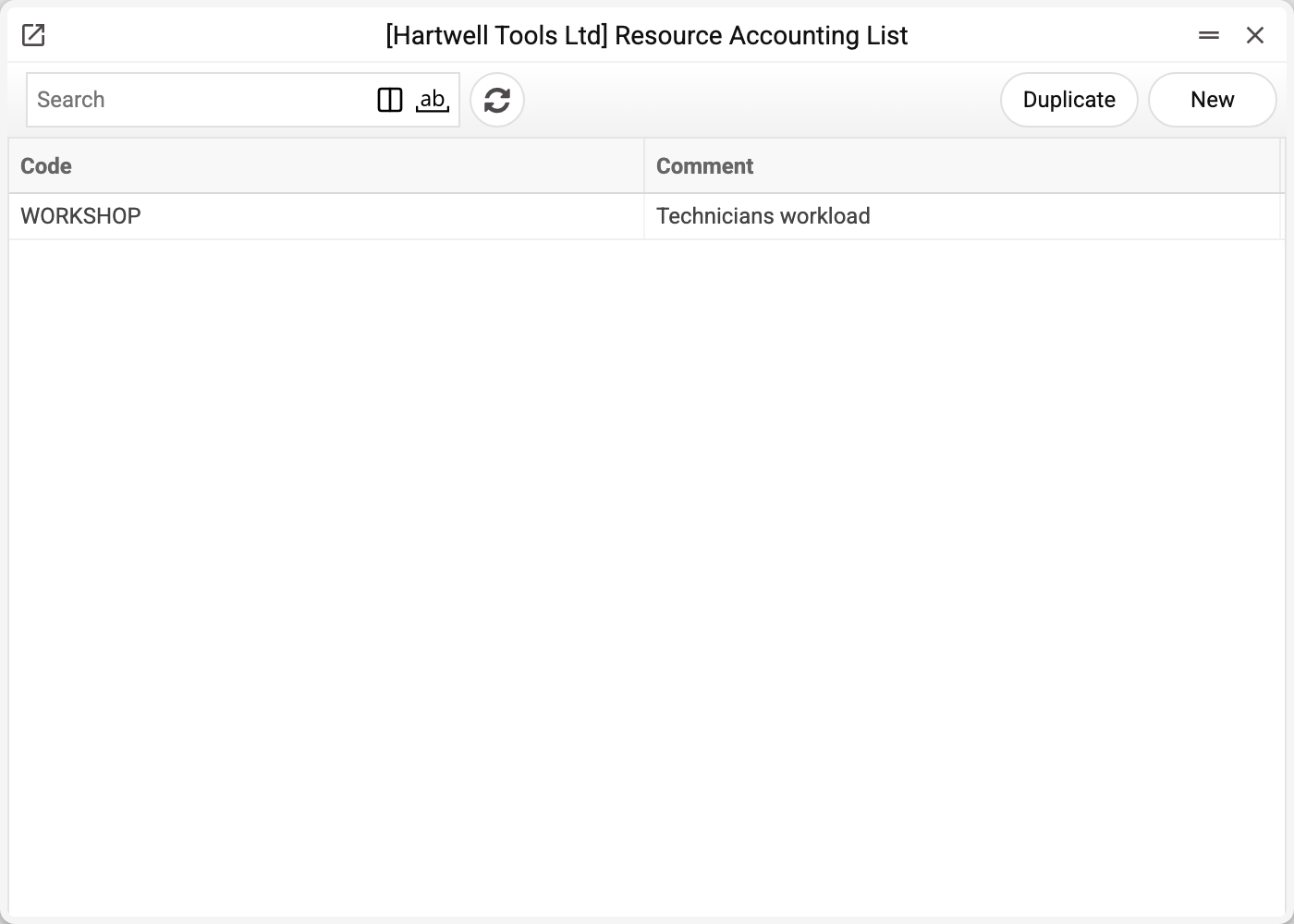
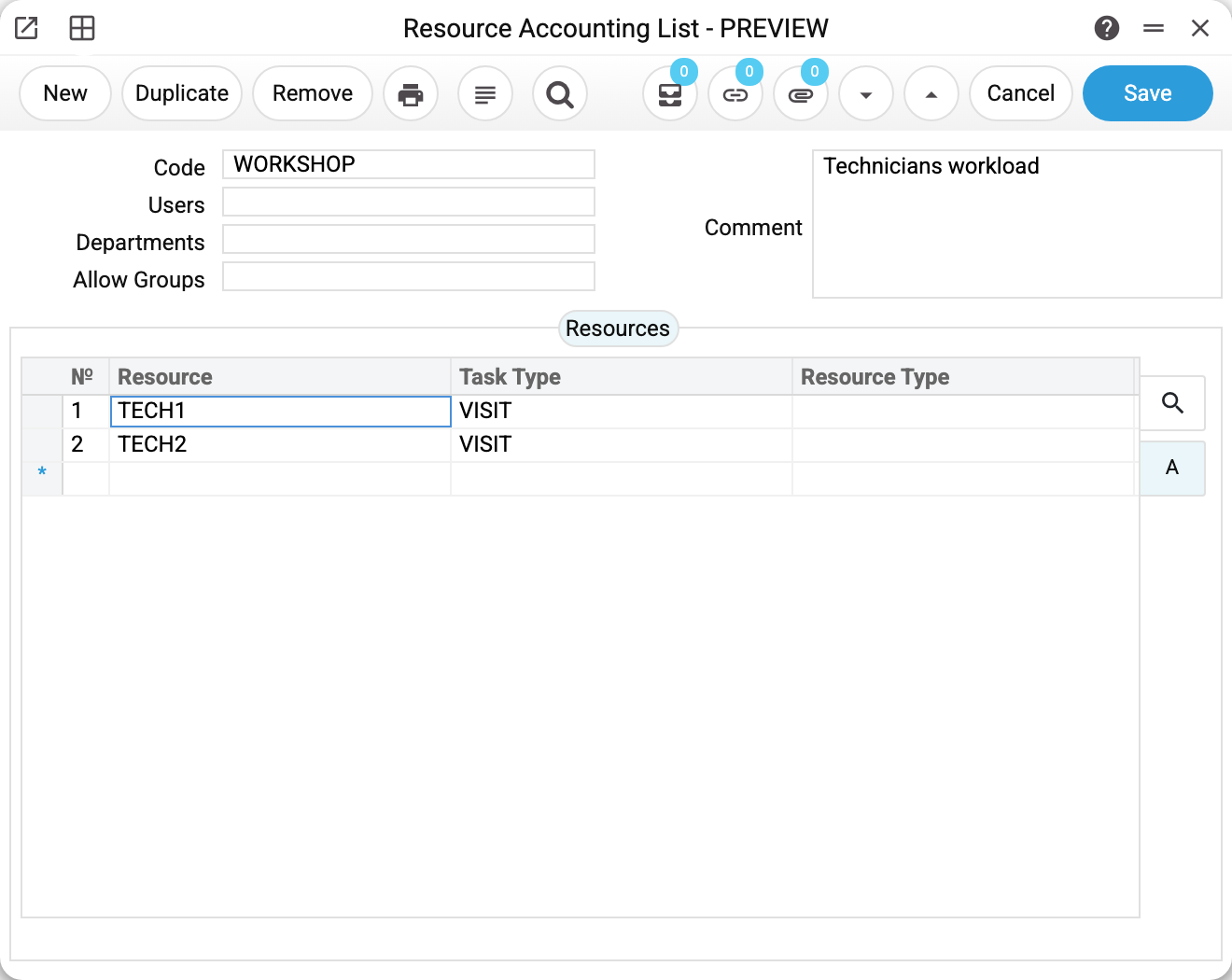
The header holds the set code and three selection fields. Only the first one — «Users» — narrows the picture; the system checks the other two for existence on saving, but the resource manager does not read them:
| Field | What it does |
|---|---|
| Users | Show only the tasks of these executors — comma-separated logins |
| Departments | Department codes — for reference only: they do not affect what the resource manager shows |
| Allow Groups | Role codes — for reference only: the set is visible to everyone who opens the resource manager, a role does not restrict access here |
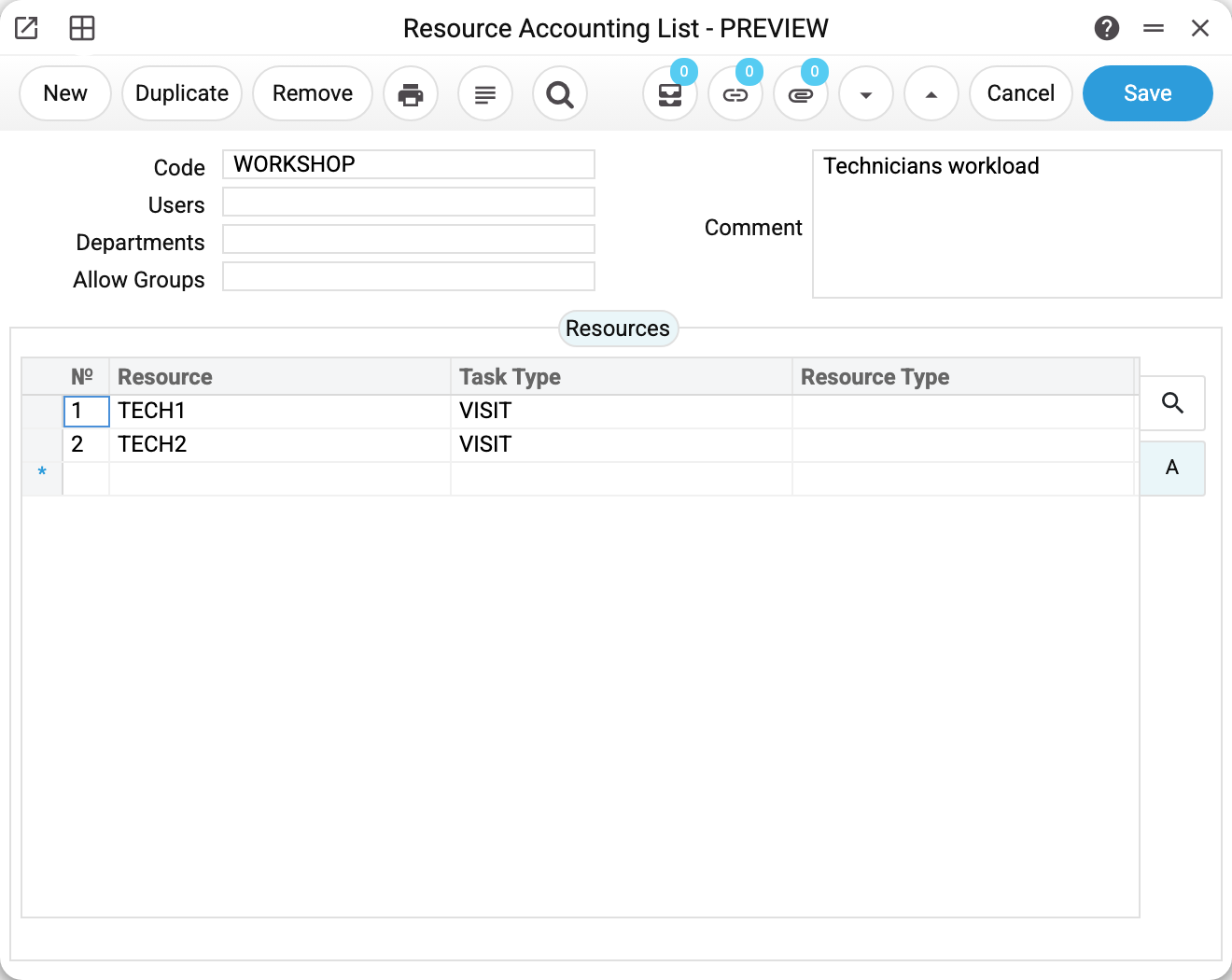
The «Resources» tab holds the rows themselves, at least one. Only the resource is mandatory («Matrix field 'Resource' must be filled»); the task type may stay empty, but a filled one must exist in «Action Types» — otherwise «This type does not exist». «Resource Type» is filled in from the resource card as soon as the resource is chosen.
The resource manager does not read the row's task type: a cell holds every task of the resource, whatever its type. To see only part of the tasks, narrow the picture with «Users».
What it gives you
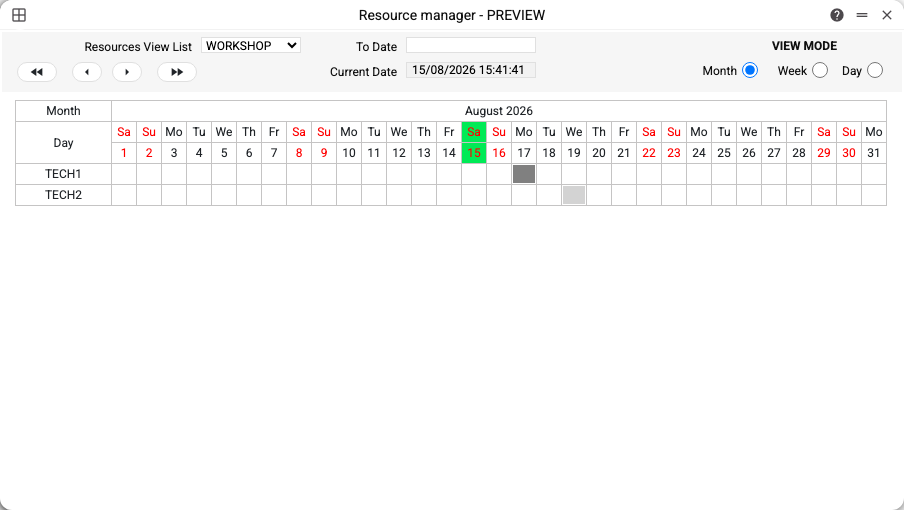
The window shows a calendar by month, week or day: a row is a resource, a cell is a day, the fill is time booked by tasks. In the example TECH1 is busy on 17 August (a website booking) and TECH2 on 19 August (an on-site visit).
The colours of the cells come from the task types: every type has its own «Color» field. That way it is clear at a glance what exactly the technician is doing.
The set is also maintained by rental: the synchronisation service builds a set of the rented units so their workload shows up in the same window.
Print variables
Values available in this document's printed form templates. How to write a variable in a template — see Print Forms.
Header fields:
| Variable | What it holds |
|---|---|
| ResMappingList_Code | Code |
| ResMappingList_Users | Users |
| ResMappingList_SalesGroups | Departments |
| ResMappingList_AllowGroups | Allow Groups |
| ResMappingList_Comment | Comment |
Row fields:
| Variable | What it holds |
|---|---|
| MNo | Row position number |
| MResources | Resource |
| MTaskType | Task Type |
| MResourceType | Resource Type |